It is important to read this note before you register.
ETC’s registration software by WHOVA added a new feature for 2025. Unfortunately, it has caused some confusion during the registration process for some delegates.
At the bottom of the last page of your registration form, WHOVA gives you the option to “Set Up” a WHOVA account. You do not need to set up a WHOVA account to register for ETC 2025.
The WHOVA offer to create an account reads as:
If you do register, you can unlock more benefits with a Whova account!
Manage your order: Track orders or purchase more tickets and add-ons.
RSVP for sessions: Save your seats for popular sessions early on.
Get event app access: Stay tuned for event information in the Whova app.
Setting up a WHOVA account allows you to go back into your registration form at a later date to add (not delete) choices to your registration form.
Following the option to set up a WHOVA account you are given a choice to click one of two buttons to proceed:
REGISTER Button – Only select this button if you already have a WHOVA account. Do not click REGISTER if you have not created an account yet.
CONTINUE AS GUEST Button – Select this button if you have not created an account so you can finish your registration.
Welcome to the Educational Travel Consortium’s Conference (ETC 2025) Registration page!
Please read this message carefully before you begin your registration.
ITEMS REQUIRED FOR REGISTRATION 1) ETC’s annual conference is a member-only event. An ETC Membership valid through March 2025 is required to attend the ETC 2025 Conference. You can now sign up for membership AND register for ETC 2025 at the same time through WHOVA. Be sure to check off the membership option on your Conference registration form before submitting and paying for both membership and Conference registration. If your membership is current and paid through March 2025 do not check the membership option box. If you are uncertain as to your membership status or expiration date please contact Lisa Douma for verification before registering.
2) Published registration fees are valid only with a minimum of 3 nights booked in official conference hotel block at the published Conference rate – third party, OTA and industry rates do not qualify for the published registration fees. You will be asked for your confirmation number on the registration form, so please have it available. Make hotel reservations.
REGISTRATION INCLUDES Three-day educational program, access to 1-to-1 meeting scheduling, the International Bazaar, and any non-paid receptions and events. DOS registration also includes basic display space in the International Bazaar.
PAYMENTS We encourage everyone to use the convenient online system to register and pay by credit card. If you need to pay by check, please contact Lisa Douma, ETC Registrar, to make arrangements.
Additional fees as noted on Order Summary are levied entirely by Whova and their credit card processer, Stripe. ETC is not in receipt of these fees.
CANCELLATIONS For cancellations made prior to January 10, 2025 you will receive a full refund (less U.S. $75.00 administrative fee and Whova and Stripe fees if payment was made online). Fees are not refundable for cancellations after January 10, 2025. Name substitutions from the same organization are accepted up to February 10, 2025; thereafter, a $50.00 charge will apply.
TO REGISTER MORE THAN ONE PERSON FROM YOUR ORGANIZATION/UNIVERSITY/COMPANY Each person needs their own membership and conference registration. Please join or renew your membership and then decide who will register for 1st person. The first person from an organization should select “First Person Registration”. Subsequent people should choose “Second + Person Registration”. Non-Sponsoring DOS are limited to 2 attendees per company. If you would like to bring more people from your organization, consider a sponsorship.
If registering someone else, input information for confirmation first and then put the actual attendee’s information under Ticket Information. This is a convenience feature for those individuals who wish to have someone else handle registration details for them.
Thank you for registering for ETC 2025. We look forward to welcoming you to Mobile, Alabama in March!
DOS defined: Destinations like country, regional and city government tourist offices, convention and visitors associations, city and community-based tourism promotion offices; Operators like foreign-based tour operators, destination management companies,receptive agents and USA-based tour operators; Suppliers providing travel or travel-related services.
Discounted registration fees valid only with a minimum 3-night stay within the official ETC Conference block, at the published rate.
First Person & Organization Membership 3-day Educational Program, Int’l Bazaar Space (table, tablecloth, chairs, signage), meals as noted
$475 $1125
$475 $1325
$475 $1525
Second Person Membership 3-day Educational Program, meals as noted
$475 $500
$475 $560
$475 $660
Cancellation Policy: For cancellations made prior to <Date> you will receive a full refund (less U.S. $75.00 administrative fee and 3.0% convenience fee, if payment was online). Fees are not refundable for cancellations after <Date>. Name substitutions from the same organization are accepted up to <Date>; thereafter, a $50.00 charge will apply.
The Educational Travel Consortium’s Annual Conference assembles an international group of top-level decision makers from both nonprofit institutions and for-profit companies who focus specifically on special-interest and lifelong-learning group travel. The following three distinct groups attend the conference:
1) Nonprofit Travel Program Managers and Planners
2) U.S. Tour Operators and Suppliers
3) Domestic and International Destination Representatives
This is the most content-laden conference in the travel industry. Jim Sano, Vice President of Travel, Tourism, and Conservation, World Wildlife Fund
1) Nonprofit Travel Program Managers and Planners Large and small travel programs are represented from alumni associations and continuing and international education departments; art, science, and natural history museums; cultural and preservation organizations; zoos, aquariums, and conservation groups; and from national and regional nonprofit organizations and affinity associations.
Approximately 100+ nonprofit travel planners from across the USA and Canada participate each year. In attendance are key decision makers such as executive directors and program managers, as well as program support staff.
Some of the participants are: Dartmouth College, Stanford Alumni Association, Arizona Alumni Association, Washington & Lee University, Philadelphia Zoo, California Alumni Association–Berkeley, Harvard Alumni Association, Santa Barbara Museum of Art, Metropolitan Museum of Art, The Smithsonian Institution, The Nature Conservancy, National Trust for Historic Preservation, The Sierra Club, UCLA Alumni Travel, Alumni Association of the University of Michigan
Excellent source of tour selection and management of information and best single resource for educational travel networking. Robert Fure (retired), Lifelong Learning, Washington & Lee University
2) Leading U.S. Tour Operators and Suppliers In addition to forging connections between travel planners from similar institutions, ETC brings together key special-interest group travel operators, destinations, and suppliers from all corners of the world. No other meeting assembles so many experts dedicated to serving this educational, alumni, and nonprofit travel market niche.110+ special-interest tour operators and 50+ specialty suppliers, from several international destinations, attend and exhibit. Companies and businesses represented include: Academic Arrangements Abroad, Distant Horizons, Odysseys Unlimited, Lindblad Expeditions, MIR, Alaska Wildland Tours, USI Travel Insurance Services, Alumni Holidays, and Gohagan & Co.
Best educational experience in the industry. Marilyn Downing Staff, Founder and Past President, Asia Transpacific Journeys
3) Special Interest Domestic and International Destinations and DMCs ETC has representatives from around the globe— Asia, Africa, Canada, Europe, Latin America, the Middle East, the South Pacific and Australia, and the United States. State and foreign national government tourist offices, destination marketing organization specialists and city tourist bureaus participate, as well as in country receptive operators. A sampling of these attendees from past conferences include: China National Tourist Office, Japan National Tourism Organization, India Tourism, Korea Tourism Organization, Tourist Office of Spain, Tourism Malaysia, Travel Manitoba, Tourism Ireland, ProColombia, Visit Flanders.
We use cookies to optimize our website and our service.
Functional
Always active
The technical storage or access is strictly necessary for the legitimate purpose of enabling the use of a specific service explicitly requested by the subscriber or user, or for the sole purpose of carrying out the transmission of a communication over an electronic communications network.
Preferences
The technical storage or access is necessary for the legitimate purpose of storing preferences that are not requested by the subscriber or user.
Statistics
The technical storage or access that is used exclusively for statistical purposes.The technical storage or access that is used exclusively for anonymous statistical purposes. Without a subpoena, voluntary compliance on the part of your Internet Service Provider, or additional records from a third party, information stored or retrieved for this purpose alone cannot usually be used to identify you.
Marketing
The technical storage or access is required to create user profiles to send advertising, or to track the user on a website or across several websites for similar marketing purposes.
Travel Planners Only day for sharing best practices and collegial networking, February 16th.
Save $100 on registration for a second or third + person if registered before Oct. 31!
Earn and Learn – Secure Travel Planner Certification.
Fastrack new team members in hybrid Jumpstart program for basic skills training.
What Can You Learn at ETC?
Embrace the future of lifelong learning and travel and get ahead of dynamic changes fast approaching with actionable insights delivered in a slate of 30+ well-curated conference sessions across seven relevant tracks:
Brand Loyalty and Building Affinity
Technology, AI and Travel Trends
Donors and Development
Customer Service and Program Management
Legal Competency, Risk and Liability
Marketing and Data Analysis
Sustainability, Conservation and Responsible Travel
Spark innovation, broaden your knowledge base and explore a wealth of differing perspectives delivered by industry practitioners and inspiring BOLD talks. Hone in on global safety and security, data and analytics, mobility and accessibility, AI and marketing, demographics, destinations and sustainability in hot topic sessions. Enhance your knowledge base from a facilitated cross fertilization of ideas, perspectives and best practices shared by colleagues spanning silos and institutional affiliations. Strengthen your customer service, program differentiation, brand loyalty and building affinity in deep dive intensives.
Challenging in Content… Sharing in Sessions…Passionate in purpose
What is the Educational Travel Conference (ETC)?
A convivial professional development platform delivering a well curated learning and networking agenda for nonprofit travel planners, tour operators, industry suppliers and destinations in educational, experiential and affinity travel. Attendees will gain the knowledge they need to adapt to disruptive changes, challenge their assumptions, differentiate their program offerings, strengthen critical travel industry skills, streamline operational and marketing strategies to maintain a competitive edge in a shifting landscape.
Many factors are reshaping how travelers are deciding where to go, what to spend, and why they travel with which travel purveyors. ETC2026 addresses the evolving dynamics of educational and affinity travel – no longer in recovery mode from the pandemic but now facing explosive growth not only within the ETC niche but within mainstream travel in direct competition for travelers as well.
Benefits of attending include:
Four day ambitious agenda with 30+ sessions across timely core tracks.
Quality networking, meaningful connections, collaborative conversations, small group meet ups & lively social events and free flowing dining venues.
Full day In field experiential Learning Labs with a deep dive into transformational travel.
1-on-1 meetings for networking with established and new travel partners.
2024 Winnipeg, Manitoba, Canada
2023 Reno, Nevada
Lisa (Hill) Benshea
Lisa (Hill) Benshea is the Travel and Special Programs Manager at the Santa Barbara Museum of Art, where she has worked since 2007. With the help of Julie Blair and HeeSoo Lee, Lisa’s program puts on 16-18 international and domestic tours per year, around 8 classical music concerts, and a handful of “armchair travel” lectures. Prior to joining SBMA, Lisa worked at various museums and galleries in Hawaii and Los Angeles, planned fundraising events at an autism organization, and of course, cultivated her love for travel whenever possible. She was born and raised in Honolulu, came to California to attend Occidental College, where she earned her B.A. in Art History, and later met her husband, who grew up in Santa Barbara, while on a work trip in Nashville. They have two wonderful sons (5 and 2.) Lisa joined the EAC in 2023 representing Travel Planner colleagues from museums, cultural and art institutions. www.sbma.net/travel
Exciting News at Stanford Travel/Study Program
Brett Thompson has retired after 34 years as the Director of Stanford Trave/Study Program and Elizabeth Player Jones has been chosen as his replacement. From Stanford’s announcement:
“Elizabeth brings 30 years of experience as an educational travel professional, along with a deep passion for and understanding of the Stanford Alumni experience. For the past 17 years, she has served as Deputy Director for the Travel/Study program – through both good as well as challenging and complex times. She is well-connected within the travel industry, having built strong relationships with both providers and partners that are essential to the department’s success. And she is well-known and respected across the Stanford University community.
Most importantly, Elizabeth has the support of her team who have been some of the strongest promoters of her candidacy. While our Travel/Study team will have an easier transition with Elizabeth’s promotion, it was her vision, ability, competence AND experience which earned her this opportunity.”
Please join us in wishing Brett well and congratulating Elizabeth!
Dispatch from the Field - Earthquake Relief in Turkey & Syria
We received this update from ETC member Yasar Karadag about earthquake relief in Turkey and Syria:
Indeed, it is the most devastating and destructive earthquake since 800 AD destroying the biblical Antioch located on the Turkish-Syrian border and almost seven other cities around. I am afraid that what we hear and see is only the tip of an iceberg. There is a state of emergency in the region and more than 20 thousand rescue workers are there, but nothing is enough. Each and every one of us try to help and touch any lives to be saved or survived. Prayers are with them. It is so painful and so heartbreaking as the temperature in the area is -8-10 and it happened while all people were asleep. Two consecutive earthquakes with a magnitude of 7.8 and 7.5 with countless aftershocks.
There are too many places has not even been reached nor heard of and yes, it is historically one of the most destructive, one will ever remember, and history will ever write for Anatolia. It is just not a simple earthquake but shifting of the continents and as far as I have heard, southeast Turkey moved 10 meters southward. If you would like to donate and help, I suggest that you do it through https://ahbap.org/disasters-turkey which I believe is a very transparent organization and non-political.
Stay well, stay with good health, and be always blessed.
Christa LeeVan is the Travel Director for the Notre Dame Alumni Association. She believes that it is a privilege to learn from other cultures, and has had the opportunity to lead many Notre Dame trips. Some of her favorites include: Tanzania, Australia & New Zealand and the Greek Islands & Turkey. Seeing the Notre Dame travelers experience these incredible trips first-hand and the camaraderie that is developed among the groups continues to be a real highlight for her. Christa and her husband, Steve, live in Granger, Indiana. They, along with their two children, share an interest in other cultures. Christa looks forward to continuing to link Notre Dame alumni and friends to the world through travel. She is new to the Council and represents alumni travel planners at Independent schools. travelingirish.nd.ed
Ian Kynor
Ian Kynor is the Director of Affinity & Charter Sales at National Geographic-Lindblad Expeditions. As a college student in Albuquerque, NM, Ian earned the “Work in Britain” Student Visa and Internship. With a work visa in hand, his career began in 2000 with a leading student travel agency headquartered in London, igniting a passion for the transformative power of travel. Now representing National Geographic-Lindblad Expeditions, Ian has spent over two decades in travel and tourism. Whether curating life enhancing trips and experiences, leading sales teams, or developing new opportunities and partnerships, Ian’s passion is focused on playing that small part in sharing the same transformative power of travel he experienced with other travelers. Born and raised in Albuquerque, NM, Ian has lived in London, Eastern Long Island, North Texas, Phoenix, AZ, and he now calls Orange County, CA home. Ian has a passion for conservation and exploration and sharing new experiences and adventures, both near and far, with his wife and teenage sons. Ian joined the EAC in 2022, representing U.S. Tour Operators and is a contributor to the ETC DEI Initiative. https://www.expeditions.com/
Lisa Clapp
Lisa Clapp is the Assistant Director of Educational Sales for The National WWII Museum since October 2018. In her role, she is responsible for the outside sales and Affinity partner account management for the Museum’s educational travel programs. During her tenure, Affinity sales have increased over 60%. Sales and WWII tours have taken her to over 15 countries and 26 states. Before her time at the Museum, Lisa lived in Vietnam for 7 years discovering Southeast Asia as an expat. She logged over 1,000,000 miles absorbing the cultures of Vietnam, China, Japan, Thailand, Sri Lanka, Cambodia, Laos, Malaysia, Singapore, India, Myanmar, and Bhutan. In 2016, she opened her own small group luxury Asian tour company. Born in New Orleans and raised in Venezuela, Lisa is a passionate Mamacita to her 4 children and 4.8 grandchildren. In addition to being fluent in Spanish and “survival” Vietnamese, she is an avid backgammon player and former synchronized swimmer. Lisa joined ETC in 2022 representing suppliers. https://www.nationalww2museum.org/events-programs/educational-travel
Executive Advisory Council heads to Northern Ireland for Meetings this May
After two years of online meetings, the Executive Advisory Council (EAC) will return to an in-person mid-year meeting in 2022.
The EAC represents the diverse constituent bases within our community – global travel professionals and innovative leaders within universities, tour companies, museums and destinations.
They will participate in strategically-focused sessions to help plan the annual conference and initiatives that support the community year-round. EAC members will also experience an in-the-field learning program developed by our hosts and benefit from professional development segments lead by industry experts.
Module 1 – State of the Industry (most current trends, challenges and opportunities that exist across all the stakeholder groups)
Module 2 – Program Design (how the state of the industry should be reflected in conference 2022 programming)
Module 3 – Community Outreach (how ETC can advocate for and support our colleagues beyond the conference, DEI, Sustainability)
Module 4 – Professional Development (presentations from guest experts in security, insurance, DEI, destination issues)
Module 5 – Organizational Presentations (a chance for each EAC member to present about their program and to tell the host and other orgs present how they can best be supported)
ETC Member Update - Fred Ackerman
ETC Members and Black Sheep Adventures CEO, Fred Ackerman, worked with Stanford Travel/Study on a “Yellowstone in Winter” tour for a small group of Stanford alumni.
Highlights included sightings of bison, pronghorn antelope, elk, moose, bighorn sheep, bald eagles and a pack of wolves; hiking, snowshoeing and cross-country skiing.
Educational content was spearheaded by a Stanford biology Professor who worked in Yellowstone as a research scientist for the National Park Service and augmented by local experts.
Job Opportunity - Coordinator at SBMA
The Santa Barbara Museum of Art’s Travel & Special Programs Department is seeking a full-time Coordinator to work in the office (not remote).
Along with Lisa Benshea, the Coordinator will work on the 16-22 trips offered per year, as well as chamber music concerts, lectures, and other special programs. The position is mostly administrative when not traveling.
The position involves traveling as the museum staff representative/host on 2-5+ trips per year, depending on the programs and based on proven customer service shown by the Coordinator. $23/hour plus bump in pay with each tour.
Cultural Heritage Tourism 2.0 New Research and Updated Market Profiles (LISTEN RECORDED AUDIO)
TUESDAY, NOVEMBER 9, 2021
Official Welcome and Opening Focus Session: From Curious to Courageous: Stepping into Contemporary Challenges and Expectations in Inclusive Authentic Cultural Heritage Tourism (WATCH RECORDED LIVE STREAM)
Offer: One complimentary whipped feta appetizer for every 2 guests with purchase of entrée (large plates and pastas). There is a maximum of 8 people or 4 complimentary whipped feta orders for the offer.
Reservations are recommended by phone or Open Table but not required
Must mention Educational Travel Consortium at table to receive offer
Joe Lambert founded the Center for Digital Storytelling (now StoryCenter) in 1994. He and his colleagues developed a computer training and arts program known as The Digital Storytelling Workshop. Joe’s and his staff have traveled the world to spread the practice of digital storytelling, to all 50 US States and some 79 countries. Lambert is author of Digital Storytelling: Capturing Lives, Creating Community (6th Edition, Digital Diner Press) and his more recent Seven Stages: Story and the Human Experience(Digital Diner Press). In 2021, Lambert celebrates his 38th year as a non-profit Executive Director, having evolved his work from his the 1980s and early 1990s in the performing arts.
Concurrent Conversations 9:45-10:45a
Seismic Shifts: A Mythology of Security in Travel Speaker TBA
Creative Interpretation Strategies: For Destinations, Museums and Attractions
Patrick Gallagher, President & Founder, Gallagher & Associates
Over the past 30 years, Patrick has built a strong reputation globally as a leader in the field of Museum Planning and Design. He has worked with every kind of collection from microscopic stardust, to hundreds of vintage military tanks and aircraft, in institutions ranging from cultural history and natural science to sports, music and the arts. A graduate of Northern Illinois University, Patrick is a past president of the SEGD and has served on the board of numerous professional design organizations. www.gallagherdesign.com
Affinity Roundtables 5-6p
DEI 101: Initiatives in Affinity Travel
Speaker TBA
Cultural Heritage Tourism 2.0: New Research & Updated Market Profiles
Berkeley Young, President, Young Strategies
As president of Young Strategies, Inc., Berkeley excels at all types of market research and strategic planning for tourism destinations large and small.
With 20+ years of experience, Berkeley has worked with more than 100 destinations in 26 states and is a frequent speaker at national conferences. Young Strategies and HTC Partners recently collaborated on a project for Natchez, Mississippi with research demonstrating the potential for this historic city to grow its heritage tourism. Previous collaborations for Cheryl Hargrove and Berkeley Young include work in Oxford, Mississippi and Henry County, Illinois.
Affinity Roundtables 3:30-4:45p
Marketing Models to Increase Traveler Engagement: Practical and to the Point
Lauren Cleland, Director of Data Intelligence and Digital Marketing, Visit Savannah
Previously named one of the Top Women in Travel by WITTI and one of Destination International’s 30 Under 30, Lauren Cleland has been a proud member of the tourism marketing world since 2012. After starting her career with the Georgia Tourism Division, Lauren has spent the past 6 years helping to build, refine and innovate Visit Savannah’s content marketing and digital media strategies. After growing and leading Visit Savannah and Visit Tybee’s robust content strategy and team for 4+ years, Lauren succeeded Zeek Coleman in the role of Director of Data Intelligence & Digital Marketing where she currently oversees the DMO’s use of data as a marketing and media planning tool as well as all paid digital media campaign creation and subsequent analysis. She’s a proud Girl Mama plus a huge fan of all things Dolly Parton and Walt Disney World.
What Operators Need From DMOs for Valued Experience Speaker TBA
Trends, Challenges and Opportunities for Growing 21st Century Cultural Heritage Tourism
Sherry L. Rupert, CEO, American Indian Alaska Native Tourism Association (AIANTA)
Olga Ramudo is President & CEO of Express Travel which has grown from what began as a startup business in 1989 that was started with her sister and a best friend, to today being one of the leading travel management companies in the United States. Its great reputation and long-term client retention are Express Travel’s greatest source of accomplishment. The commitment made to the Hispanic luxury market, corporate travel, as well as community involvement, has earned Express Travel numerous awards and recognitions throughout the years, including national travel agency of the year from ASTA , top ten women led business and fastest growing company in the State of Florida.
Olga Ramudo has conspicuously pioneered and led the charge to not only advocate on behalf of the tourism industry but has also provided an outstanding public role model as a successful woman owned business who has always found the time to serve her community and her industry through leadership appointments on numerous local, state, national and international organizations. The South Florida Business Journal has recognized Olga as one of their Ultimate CEO’s as well as one of the top influential business leaders in South Florida. Miami Today has also recognized her with the “Best of Miami” designation. WITII (Women in Travel and Tourism) honored Olga with its Lifetime Achievement Award.
The U.S. Secretary of Commerce has appointed Olga to a third term on the U.S. Travel and Tourism Advisory Board. She also sits on the national board of ASTA (American Society of Travel Advisors), the World Trade Center Miami, the Greater Miami Chamber of Commerce and the executive Board of the Beacon Council were she also serves as Treasurer of the organization. The Miami Dade County Board of County Commissioners has appointed Olga to serve on their Tourism Development Council Board and Miami’s Mayor appointed her as her representative to the International Trade Consortium (ITC).Express Travel is comprised of corporate, leisure, groups and meetings, cruise, and study abroad departments. Olga studied in Puerto Rico and has two sons and two granddaughters. www.expresstravelus.com
Kristin Kitchen, is a historian and successful business woman. With a background in real-estate development, having owned and managed over 20 residential and commercial properties, Kristin has taken that knowledge along with her passion for entrepreneurship to the next level. By integrating a model that not only transforms blighted or underutilized historic structures in urban communities into viable hotel lodging spaces but in doing so, helps to restore the community by creating or enhancing existing business from within the community to operate as vendors for the hotel. “We create jobs and entrepreneurs with in each community because our mission is to make our communities better and to empower the people that live there.”
For the last 15 years, Kristin has been the owner and operator of the Six Acres Bed & Breakfast in Cincinnati, Ohio. Restoring this historic 6000-sq. ft. home that was once part of the Underground Railroad and turning it in to a successful business led to a partnership with Cincinnati public schools to provide field trips to the historic inn and teach children about the Underground Railroad. This project also inspired Kristin to launch a new brand of boutique hotels in 2014. The Sojourn Heritage Hotel Brand focuses on African American History and Culture in urban areas, to share local history while uplifting the community.
Kristin holds a Bachelor’s Degree in Business Administration and a Masters in African American Studies. Kristin lives in Miami Florida with her adorable, 8 year old daughter Zahri Jean.
Sherry L. Rupert (Paiute/Washoe) has nearly two decades of executive-level experience managing and promoting Native American tourism. Since joining AIANTA as CEO in 2019, she has spearheaded several initiatives, including the organization’s groundbreaking new Tribal Agritourism program and overseeing AIANTA’s first-ever virtual American Indian Tourism Conference, which drew a record number of registrants in 2020.
As CEO of the only national association dedicated to indigenous tourism, she is the leading voice when it comes to advocating for travel and tourism as a significant economic driver in tribal nations. Among her responsibilities, she curates a robust educational program for tribes and indigenous-owned hospitality enterprises around the country. Prior to assuming the role of CEO< she was President of AIANTA’s Board of Directors since 2010. During that time, she was instrumental in working with Congress to pass the Native American Tourism and Improving Visitor Experience (NATIVE) Act.
Rupert was formerly the Executive Director of the State of Nevada Indian Commission, where she reported directly to the Governor of Nevada to serve as a liaison to the state’s 27 tribes, bands, and colonies. During her tenure, she developed the Nevada Indian Territory initiative and won awards and accolades for her work in preserving the site of the Stewart Indian School as a museum and cultural center.
September 14 Update from Hotel
Power is on as of a week ago. We are housing several large groups now, and several more in coming month, with no issues. A large 160 person meeting slated for October 19-20 is coming back for their conference this year and already have 2/3 of their attendees committed.
Guests are required by Mayoral edict to either be vaccinated or show proof of test before participating in a group meeting or eating at a restaurant. We’ve been handling this very successfully for the groups we are hosting, so see no difficulties with the Symposium either!
If you watch the Mayo Clinic website on “hot spots” we have followed the same path as the original epidemic – in that we surged early, but all other parts of the country rapidly caught up. It is the same now, and in fact, is the general path of an epidemic, even back in 1918. The city itself is more than 75% vaccinated, far more than other parts of the country, as we have a strict mayor who is concerned about the well being of our guests.
We often hear requests from guests about how they can help those affected by hurricane Ida, and there are many ways to do so through Hilton.
Guests can donate Hilton Honors points to a Hurricane IDA charity of their choice, which will be matched up to 87,000,000 points, the equivalent of $250,000.
Morning Focus: The Importance of Story and Context to Lifelong Learning Through Travel
Joe Lambert, Founder, StoryCenter
Joe Lambert founded the Center for Digital Storytelling (now StoryCenter) in 1994. He and his colleagues developed a computer training and arts program known as The Digital Storytelling Workshop. Joe’s and his staff have traveled the world to spread the practice of digital storytelling, to all 50 US States and some 79 countries. Lambert is author of Digital Storytelling: Capturing Lives, Creating Community (6th Edition, Digital Diner Press) and his more recent Seven Stages: Story and the Human Experience(Digital Diner Press). In 2021, Lambert celebrates his 38th year as a non-profit Executive Director, having evolved his work from his the 1980s and early 1990s in the performing arts.
Welcome and Opening Focus: The Quest for Authentic and Inclusive Learning Experiences
Dr. Tonya M. Matthews is a thought-leader in institutionalized equity and inclusion frameworks, social entrepreneurship, and the intersectionality of formal and informal education. Her background as both poet and engineer have made her a highly sought-after visioning partner on boards and community building projects, as well as a frequent public speaker and presenter for communities across all ages and venues.
A non-profit executive leadership veteran, Dr. Matthews is currently Chief Executive Officer of the International African American Museum (IAAM) located in Charleston, SC at the historically sacred site of Gadsden’s Wharf. IAAM is a champion of authentic, empathetic storytelling of American history and thus, one of the nation’s newest platforms for the disruption of institutionalized racism as America continues the walk toward “a more perfect union.”
Dr. Matthews has storied career in leadership. Most recently, she served as Associate Provost for Inclusive Workforce Development & Director of the STEM Innovation Learning Center for Wayne State University and, prior to that, as the President & CEO of the Michigan Science Center – flexing her science and tech educational equity chops in both roles.
She is a member of the National Academy of Sciences Board on Science Education and was appointed by both Democratic and Republican administrations to the National Assessment Governing Board. Dr. Matthews is a published poet, included in 100 Best African-American Poems (2010) edited by Nikki Giovanni, and has written several articles and book chapters on inclusive governance, non-profit management, and fundraising.
Dr. Matthews received her Ph.D. in biomedical engineering from Johns Hopkins University and her B.S.E. in biomedical and electrical engineering from Duke University, alongside a certificate in African/African-American Studies.
2021 Symposium Learning Labs
Learning Lab Concept
Moving outside the hotel’s four walls, Learning Lab programs incorporate diverse experiences, interpretation models, new learning methods, and a reflection segment to provide a new lens on experiential learning through travel. Learning labs are a passkey into local culture, neighborhoods and personal narratives that bring you inside the destination to discover new and surprising connections through experiential learning.
Redefining travel experiences, Learning Labs walk you through every stage of the design and delivery process of experiential learning to orchestrate immersive, local, interactive and compelling travel experiences for your travelers, wherever the destination. Each Learning Lab delivers carefully crafted hands-on activities that create interaction and make learning active and memorable.
The tourism experiential models in all these learning labs provide you with frameworks for asking questions; prompt you to think deeply about the whole process; and show you how to become a reflective practitioner in selecting and designing your travel offerings. However, the process of reflection in these models always remains personal – only you can decide what works for your own institution.
The True Meaning of Experiential Learning
Changing interest in travel and learning styles means that educational travel has become an exciting and ever-expanding field.
How can you address the different needs of the growing educational travel market?
What does it take for Planners and Operators to develop and promote “hands on” destination experiences that result in enjoyable, enriching and informal learning?
How will you design a program to allow for organic connection to place and people and facilitate serendipitous moments for reflection and discussion?
ETC’s Learning Labs will consist of well-designed and carefully organized pod-learning experiences that will include opportunities for reflective harvesting of learning through story-work. Each of these carefully crafted hands-on experiences draw on the best of the destination and lead to rich discussions and insights. Activities will be structured so participants are fully immersed with time for reflection on the experience, the learning they extract, and where they can apply ideas in their own programs.
Objectives
We have constructed these labs to demonstrate how to infuse the experiential learning components into affinity travel/tours. As such, this is not a FAM trip or tour but rather a new key learning platform through which to attendees will expand their understanding and:
Learn how to create unique, mission-focused tours and experiences by working with local people and resources.
Learn the true meaning of experiential learning.
As an essential part of the Learning Lab module, time is allocated for personal reflection and group discussion on what fosters and cultivates effective learning through travel.
What kinds of experiences are most important to design for our own travel programs?
How might your travelers benefit from a more engaged/reflective and inquiry based approach to educational tourism?
Based on this learning lab experience, what will you design differently in your travel programs going forward?
Deliverables
As a participant you will be able to:
Identify what it takes to design and organize experiential educational travel programs.
Describe the personal and collective impact and value of full immersion in a specific educational travel/tour experience.
Use insights and learning from full travel/tour immersion experience to extend personal and organizational competence in the professional practice areas of educational tour and travel development.
Join one of these wonderful learning labs and ensure that your educational travel offerings will be informative and great fun. Expand your current definition of experiential educational travel. Learn what it takes to craft activities and experiential programming that lead to rich discussions and insights by asking the right questions – and encounter collaborative learning at its best!
The 2021 Teaching Through Tourism Symposium features a two Learning Labs on Thursday, November 11, 8:30 am – 3:00 pm
1) The Great River Road Plantations – New Perspectives
Louisiana’s Great River Road is well known for its sugar plantations. Stretching approximately 70 miles on each side of the river between Baton Rouge and New Orleans, this learning lab shows the evolution of agriculture, architecture, and commerce. At the peak of sugar cane production, approximately 350 estates – from modest to majestic – dotted both sides of the river. To better understand the history of the land and its people, plantations are redefining their interpretation to be more inclusive and more instructive focusing on the slave owner and the enslaved. Today, you’ll see a collection of opulent mansion houses and farms, fields of sugar cane, and petroleum refineries along this nationally-designated All American Road. During this learning lab, you’ll tour three sites along the Great River Road presenting their history through new lenses and perspectives – and meet the interpretive specialists charting a new course for more diverse educational experiences.
2) Louisiana and New Orleans – Making Rights Real
This learning lab focuses on New Orleans’s role in the modern civil rights movement of the 1950s and 1960s. As one of the South’s largest and most important cities, one with an African American protest tradition spanning generations, New Orleans was the center of activism as national civil rights groups, local churches, and college students organized to protest segregation through non-violent means. During this learning lab, you will visit three sites and meet with individuals instrumental in shaping the leadership and strategies of the modern Civil Rights movement with inspiring reflections moving forward beyond generational inequities. This will be authentic educational tourism at its finest.
3) New Orleans Neighborhoods – Multi-cultural, multi-racial, and multi-ethnic
The history of New Orleans is multicultural, multi-racial, and multi-ethnic. It is a rich gumbo of people, nationalities, and historic events that have combined to give the city its unique music, cuisine, architecture and neighborhoods. New Orleans is renowned the world over and has been celebrated in song, literature and movies for generations. The story of New Orleans can best be understood through its vibrant and individual neighborhoods. This learning lab will engage participants in a journey to sites full of history and culture in New Orleans, particularly the first neighborhood for free blacks in New Orleans, Faubourg Tremé.
Let's Travel! Peru: Connecting Culture Through Gastronomy
Wednesday, May 19, 2021 at 12:30 -1:30 p.m. ET (9:30 a.m. PT, 10:30 a.m. MT; 11:30 CT/PET)
A good traveler is always accompanied by a curious spirit and a quest to better understand the world.
Peru offers experiences that brew from an ancestral past and contemporary times – with gastronomy central to its evolution. A vibrant entrepreneurial spirit is alive and driving innovation for the future of Peru’s product development, authenticity in guide interpretation and sustainability of local economies.
Take a journey through Peruvian history by the hand of gastronomy – leading you to the land itself, the Pachamama, from where it all starts. Join a provocative and interactive conversation with some of Peru’s creative pioneers eager to share their experience with gastronomy, sustainability, biodiversity and history. Discover culture and heritage through cuisine and seek intimate, authentic, sustainable, heart-appealing and community-based experiences.
Be transported through shared personal stories that will impart an understanding of the country, present history in context from ancient to contemporary and voice a passion for Peru’s cultural heritage and commitment to presenting communities through the well-informed eyes of locals.
Let's Travel! Colombia through the eyes of storyteller Wade Davis
Tuesday, May 11, 2021, 12:00-1:00 p.m. ET (9 a.m. PT, 10 a.m. MT, 11 a.m. CT)
We welcome Wade Davis back to ETC, this time to talk about his new book Magdalena, River of Dreams: A Story of Colombia. A bestselling author of 23 books, Wade is a cultural anthropologist, ethnobotanist, photographer and professor. He tells of his travels on the mighty Magdalena, the river that made possible a nation. Along the way, he finds a people who have overcome years of conflict precisely because of their character, informed by an enduring spirit of place, and a deep love of a land that is home to the greatest ecological and geographical diversity on the planet.
Following an exploration of the wealth and biodiversity of Colombia, our discussion turns to sustainability. Colombia’s Vice Minister of Commerce, Industry and Tourism, Julian Guerrero, joins this webinar to highlight some of the policies that have been implemented by the country. From the top of government to delivery of service, Colombia keeps sustainability at its center. Topics will include new laws, mitigation of Covid-19’s impact on the industry and campaigns to promote sustainable tourism locally and internationally.
The discussion concludes with ETC colleague, Beth Ray-Schroeder, sharing insights on what this means for the educational travel industry, destinations, operators and program planners as they work support a sustainable future in travel. Even if you are not yet offering travel to Colombia, this discussion will speak to timely and broad issues that impact us all.
Reimagining Travel: The Future of Responsible Tourism
April 21, 2021 at 8:30 a.m. PT; 9:30 a.m. MT; 10:30 a.m. CT; 11:30 a.m. ET
ETC welcomes two well-known experts: Aziz Abu Sarah, a peace builder, cultural educator, & author of Crossing Boundaries” A Travelers Guide to World Peace; & Harold Goodwin, Emeritus Professor & Managing Director of the Responsible Tourism Partnership.
April 19, 2021 at 1:00 p.m. PT; 2:00 p.m. MT; 3:00 p.m. CT; 4:00 p.m. ET
As travel returns, it will take a global effort across all supply channels and communities to affect needed change. The Future of Tourism Coalition, a council of six responsible tourism organizations, are working together to create resources and build momentum. Hear from fellow planners, a destination, and an operator about their challenges, successes, and questions regarding incorporating sustainable tourism into their products and programs.
Speaker: Samantha Bray, Managing Director, The Center for Responsible Travel (CREST)
Panelists: Beth Ray Schroeder, Duke Alumni Engagement and Development; Kate Sanders, Oregon State University Alumni Alumni Programs; Michel LaRiviere, Travel Manitoba; Andrea Holbrook, Holbrook Travel
Moderator: Andrew Lockwood of Pacific Islands Institute
The Future of Tourism Coalition (FoTC) is a council, comprised of six responsible tourism organizations* who stand united in an appeal for change. They have been working on developing toolkits for destinations and organizations/businesses in critical areas such as: localizing and decarbonizing destination supply chains, measure of success and how to change the metrics of success from volume and/or profit to include other important goals, and a shared agenda for community engagement. They are involved in an initiative called Tourism Declares a Climate Emergency in which they will be establishing a destination leadership initiative and this group will be tasked with presenting a blueprint and guidelines for destination to manage climate change. This will be presented at the UN Climate Change conference COP26 in Glasgow, Scotland in November of this year.
CREST, Center for Responsible Travel
STI, Sustainable Travel International
Destination Stewardship Council
Green Destinations
Tourism Cares
The Travel Foundation
(with guidance from the Global Sustainable Tourism Council)
Check in with European Colleagues
Check in with European Colleagues March 31, 2021 at 7:00 am PT, 8:00 am MT, 9:00 am CT, 10:00 am ET and 2:00 pm UTC
The first webinar in ETC’s Check-In Series
Join ETC colleagues from around Europe as they share updates on the personal and professional effects of the pandemic and give insight on how countries are moving toward reopening travel and tourism. This is a follow up to the check-in last Spring and its aim is community building, connection and information.
May 5, 2021 at 11:00 am PT; 12:00 pm MT; 1:00 pm CT; 2:00 pm ET
Join us for the final session in the book discussion as part of ETC’S SPECIAL INTEREST SERIES.
Using Dr. Anu Taranath’s book, Beyond Guilt Trips: Mindful Travel in an Unequal World, to guide our conversations, attendees from the ETC community will openly and honestly unpack key themes, topics and questions from the book. The series will also offer the opportunity to share our own experiences traveling in an unequal world and discuss how we might integrate “mindful travel” in our programs and organizations.
If you need a copy of Dr. Taranath’s book, please consider ordering the book now to avoid any shipping or handling delays. Beyond Guilt Trips: Mindful Travel in an Unequal World can be purchased directly from the publisher, Between the Lines, and via other online bookstores such as www.amazon.com. You might also be able to borrow the book via your local library’s digital media services.
The Coming Home Process 11:00a m PT, 12:00 pm MT, 1:00 pm CT, 2:00 pm ET
Join us for the third session in the book discussion – Chapter 9 as part of ETC’S SPECIAL INTEREST SERIES.
Using Dr. Anu Taranath’s book, Beyond Guilt Trips: Mindful Travel in an Unequal World, to guide our conversations, attendees from the ETC community will openly and honestly unpack key themes, topics and questions from the book. The series will also offer the opportunity to share our own experiences traveling in an unequal world and discuss how we might integrate “mindful travel” in our programs and organizations.
If you need a copy of Dr. Taranath’s book, please consider ordering the book now to avoid any shipping or handling delays. Beyond Guilt Trips: Mindful Travel in an Unequal World can be purchased directly from the publisher, Between the Lines, and via other online bookstores such as www.amazon.com. You might also be able to borrow the book via your local library’s digital media services.
Mindful Travel Abroad, March 3, 2021 at 11:00am PT, 12:00 pm MT, 1:00 pm CT, 2:00 pm ET
Join us for the second session in the book discussion – Chapters 5 and 7, as part of ETC’S Special Interest Series,
Using Dr. Anu Taranath’s book, Beyond Guilt Trips: Mindful Travel in an Unequal World, to guide our conversations, attendees from the ETC community will openly and honestly unpack key themes, topics and questions from the book. The series will also offer the opportunity to share our own experiences traveling in an unequal world and discuss how we might integrate “mindful travel” in our programs and organizations.
If you need a copy of Dr. Taranath’s book, please consider ordering the book now to avoid any shipping or handling delays. Beyond Guilt Trips: Mindful Travel in an Unequal World can be purchased directly from the publisher, Between the Lines, and via other online bookstores such as www.amazon.com. You might also be able to borrow the book via your local library’s digital media services.
Embracing Change March 4, 2021 at 9:30 am PST, 10:30 am MST, 11:30 am CST, 12:30 pm EST
The first webinar in ETC’s Silver Lining Series
Jeff Bonaldi keynotes this timely topic and colleagues share their strategic insights for staying innovative in the face of change and challenge. Participants are encouraged to share in the discussion.
Jeff Bonaldi is the Founder & CEO of The Explorer’s Passage (TEP). Jeff’s objective is to use his organization to help tackle the world’s most important social and environmental issues through adventure travel experiences across the planet. He believes that business can and should be used as a force for good in the world. Previously, Jeff spent 15 years in leadership roles in sales and investment management within the global financial industry at both Merrill Lynch and Citibank. In addition, during his time in banking he participated on various advisory boards and was a regular speaker at conferences and industry workshops. Jeff is a contributing writer to Entrepreneur Magazine and a TEDx speaker.
Legal Shifts
Legal Shifts: A Fluid Situation March 11, 2021 at 9:30 am PST, 10:30 am MST, 11:30 am CST, 12:30 pm EST
part of ETC’ s Building Blocks Series
Three attorneys address 5 major post-Covid legal realities, mitigation strategies and host a Q&A forum with perspectives from a travel planners, a US tour operator, and a foreign operator. Participants encouraged to send questions in advance.
An exciting virtual tour of the Jewish tradition of Seder – a ritual service and ceremonial dinner for the first night or first two nights of Passover. In 2021 Seder is observed March 27th.
Registration coming soon!
Check-In with Europe
Europe, March 2021
As part of ETC’S CHECK IN SERIES
Outreach to ETC colleagues around the world. Find out how they are dealing with the pandemic’s effects on travel and hear how they are moving forward through the crisis.
Registration coming soon!
DOS defined
Destinations like country, regional, city government tourist offices, convention/visitors associations, city & community-based tourism promotion offices; Operators like foreign-based tour operators, destination management companies, receptive agents & USA-based tour operators; Suppliers that provide travel or travel-related services
Travel Planners & Program Managers defined
Executives, full or part time professional staff/volunteers working for on on behalf of non-profit or for-profit institutions such as museums, alumni/ae associations, adult continuing education programs, conservation organizations, zoos, cultural institutions.
20th Anniversary Commemoration
The Value of Educational Travel
By Jim Sano, President, Geographic Expeditions | Photographs by J. Mara DelliPriscoli
We travel to wake up. Life is swift and hazy. We are habitual creatures, following mildly comfortable ruts. As Miguel de Unamuno said, “To fall into a habit is to cease to be.” The great religions (not by mere word-flinging is Buddha called The Awakened One), the poets, the philosophers, the guy at the corner store (if he stops to think of about it), tell us that we live most of our lives in a mist. Travel, like the best friend you’ll ever have, gives you a little slap, Wake up! Wake up! Be!
We travel because it’s the highest form of re-creation. That’s a quote from our pal Seamus O’Banion. Whaton earth did you mean by that, Seamus? I meant that every time we step out of our life’s routine we have the chance to recreate ourselves anew. To decide whowe are, what we like, what we can’t stand, what we crave, what brings us joy, what repels and attracts us. We always have this fundamental chance, but we don’t usually grasp it. The good traveler, as opposed to the traveler who’s just getting carted around, learns that this old personality is marvelously flexible, fantastically adaptable, and far more capacious than he or she ever thought. That we always have the power to choose who we are, to re-create ourselves as we see fit.
We travel because we’re natural-born sensualists. Sure, we’re smack dab in a miraculously rich sensory environment without even leaving home. The local franchise coffee dispensary, if we stop fidgeting long enough to let it flow in, is a teeming universe of sense
delights. Problem is, we don’t usually notice through the habit-mist. But we do notice this incredible, unceasing sense-flood when we travel. Sights, sounds, and probably the least honored (because it’s so seemingly vestigial), smell. Sunrise in the Himalaya. The souks of Istanbul. The sound of wild horses galloping across the plains of Patagonia. Dinner in Tuscany. There is no end to it.
We travel, as Chesterton said, not to set foot on foreign land. [But to] set foot on one’s own country as foreign land. That is, we travel to understand our normal life and land better. To appreciate them more, to mine them for their joy and, yes, their unending exoticism. To look beyond what someone recently called the narcissism of the unspoiled place, which contains within it the dull, life-shunning notion that the very place we live is spoiled somehow. Proust said it, too: “The real voyage of discovery consists not in seeing new landscapes, but in having new eyes.” Travel gives us new eyes. It makes the same old brand new.
We travel because we’re human. One main factor in the upward trend of animal life, Alfred North Whitehead wrote, has been the power of wandering. Most of us, whether we know it or not, whether we do it or not, want to find out what’s behind that homey hill. As Theo Cruz once said, “If humans weren’t travelers, the Olduvai Gorge would be pretty crowded these days.”
We travel because it’s an act of good citizenship, local and global. You know, as a traveler, that when you read a news report about a place you’ve been, that it comes alive in an important way. Your letters to the editor have weight, your opinions are more grounded. Your concerns are more tangible. The life of the sweet little boy who grabbed your index finger and led you around Angkor is no longer an abstraction. And you’re no longer an abstraction to him, or to the wealth of people you meet and dally and bargain and share train compartments and jeeps and scenery and meals and pictures of your and their kids with. You don’t have horns and a forked tail. They aren’t necessarily mad at you just because you have a blue passport. Travel fosters understanding, and we need understanding now… more than ever.
We travel because people everywhere are wonderful. Always? Of course not. God knows we know that. But ask the alert traveler, and she will tell you: as a species, humans are worth the effort of getting to know. We send out trip questionnaires to all our clients, and our experience is this: they rave about the scenery and the food and the accommodations (usually) but they have a special place in their hearts for the people. The cab driver in Cairo who grandly, quietly refused payment. That student in Kashgar who took you home to meet the folks. The old fellow you played chess with in Tehran. The ladies in a Yemeni mountain village who fed you dates and gossiped about men and painted your feet in the local style. The rough truck driver who cradled you like a baby when you had food poisoning in Shigatse. The forbidding-looking Pathan man in Peshawar (yes, Peshawar) who suddenly smiled and said, “Welcome to my country, dear sir.” Again and again, it’s the human encounters we remember, that are balm to our souls. If travel teaches us nothing else, it teaches us that humans are lovely creatures.
And we travel because, as an old zen koan has it, the whole world is medicine. Medicine freely offered, medicine we need and have a right to. Medicine that cures us of alienation and the bondage of self-obsession. Medicine that helps us become whole and vibrant, and allows us to see the whole and vibrant world.
ETC 2011 Emeritus Council
The Emeritus Council meeting held at ETC 2010, Providence, RI Karen Anthony
Retired Director of Alumni Travel
UNIVERSITY OF NOTRE DAME ALUMNI ASSOC.
Margaret Carnright
Assistant Director for Education
ASSOCIATION OF YALE ALUMNI
Michael Chang
Instructor
NEW YORK UNIVERSITY SCMP
Diana Lee Crew
Founder and Consultant
REAL WORLD CONNECTIONS
Robert Fure
Director of Special Programs
WASHINGTON AND LEE UNIVERSITY
Maria Gross
Consultant – Travel Sales and Marketing
Amy Kotkin
Director
SMITHSONIAN JOURNEYS
Frank LaFleche
Market Development – Canada
JORDAN TOURISM BOARD
Susan Lethbridge
Director, Business Development
VOYAGES TO ANTIQUITY
James Moses
President and CEO
ROAD SCHOLAR
Todd Nielsen
Travel Director
ARCHAEOLOGICAL INSTITUTE OF AMERICA TOURS – EOS
Kerstin Nordin
Marketing North America
ICELAND TRAVEL
Dennis Pinto
Managing Director
MICATO SAFARIS
James Sano
President
GEOGRAPHIC EXPEDITIONS
Carolyn Sheaff
Retired Director of the BEAR TREKS Travel Program
California Alumni Association
Joseph Small
President
AHI TRAVEL
Alicia Stevens
Director of Global Programs
COLUMBIA UNIVERSITY, SCHOOL OF THE ARTS
Peter Voll
Owner
PETER VOLL ASSOCIATES (PVA)
Scott Williams
Senior Director, Alumni Travel Program
University of Illinois Alumni As (From left): Williams, Lethbridge, Sano, and Voll pictured at a 2003 Advisory Council Meeting held at the TLC office in Montana.
A Look Back at ETC’s Conference Themes
1987-1991 • NonProfits in Travel: Issues, Concerns and Opportunities in Alumni and Museum Study Travel 1992 • NonProfits in Travel: Issues, Concerns and Opportunities in Alumni, Museum, Continuing Education, and Other NonProfit Special Interest and Educational Travel 1993 • Operating NonProfit Travel Programs as a Successful Business: Not-for-profit travel doesn’t mean no bottom line! 1995 • Competing in a Maturing Marketplace: Extinction or Distinction in Nonprofit Travel 1996 • Pricing and Marketability of Nonprofit Travel: Aligning Your Programs to a Changing Marketplace 1997 • Breaking the Ice – Moving Beyond Current Marketing & Programming Plateaus in Nonprofit Travel 1998 • Shaping Your Travel Program’s Future: Targeting Tomorrow’s Travelers Today 1999 • What Do Your Travelers Really Value? 2000 • Educational Travel – Keeping It New! 2001 • Building Global Partnerships: Strengthening Relationships, Advancing Programs 2002 • The Learning Traveler: Exploring, Engaging, Evolving 2003 • Travel On Purpose: New Motives, Missions, Markets 2004 • Success in Tough Times: Marketing Through Adversity 2005 • Getting Your Message Out: Powerful Marketing, Purposeful Programs 2006 • 20th Anniversary: Inspirational Performances 2007 • Bridging for the Future: New & Creative Strategies 2008 • Facilitating Transformational Journeys: New Perspectives 2009 • Engaging Travelers in Challenging Times: Proactive Strategies in a Downturn Economy 2010 • Consider the Possibilities: Charting a New Course for Affinity and Nonprofit Travel
ETC’s 25-Year Evolution
1986 (December)
Mara DelliPriscoli incorporates Travel Leisure Consultants (TLC), in Washington, D.C.
1987
First Nonprofits in Travel Conference (NPTC) convenes in March at the Wyndham Bristol Hotel, Washington, D.C.
1.5-day conference with optional pre-conference half day “how to’s” workshop and one track of plenary sessions focusing on Insurance, Legal, Postal, Promotion, Best Program Models, Domestic Travel sessions
The Advisory Committee is formed with 10 professionals
1988
Conference grows to 2 days and offers affinity breakout sessions, as well as a post-conference half-day optional tour to the Smithsonian
The opening plenary is titled “Travel in Turbulent Times”
1989
Conference holds its first official embassy-sponsored venues at the Indonesian Embassy (hosted by NATRABU and Garuda Airlines)
The first destination briefing is held on the Netherlands (hosted by Netherlands Board of Tourism and KLM Airlines)
Tour Operators/Vendors are excluded from conference sessions but are invited to a small networking party
The precursor to the official Jumpstart Seminar is launched as a full day pre-conference program focusing on the nuts and bolts of nonprofit travel
First Travel Supplier Resource Directory is published
The Conference receives institutional endorsements over the course of eight years to help it get established. The initial institutional endorsers were: The Denver Museum of Natural History (Diana Lee Crew), Cal Alumni Association (Carolyn Sheaff), The Sierra Club (John DeCock), Witte Museum (Ian McCord), Alumni Association of the University of Michigan (Linda Rains)
1990
Tour Operators are invited to NPTC for a half day of post-conference sessions in which partnership issues were discussed
NPTC provides a “Resource Corridor” offering Tour Operators the option of providing, “in writing,” information on their companies for Travel Planners
First ecotourism sessions offered
First NPTC Educationals announced with the Netherlands Board of Tourism and KLM Airlines and with the Scandinavian Tourism Boards and SAS Airlines
First Organizational Profiles featured
1991
TLC office moves to Montana
Conference grows to 2.5 days
Conference “Resource Corridor” expands to “Resource Room,” where Travel Planners can pick up Tour Operators’ brochures
First-time opportunity for Travel Planners and Tour Operators to schedule one-to-one business meetings
First advocacy session on Postal Issues and UBIT—“Mobilize for Action”
The term “Educational Travel” is added to NPTC’s focus
First year NPTC brochure was mailed to both Travel Planners and Tour Operators, Suppliers, and Destinations; Tour Operators enjoyed a full day of Conference programming
1992
First “Pre-Conference Bulletin” is published for attendees
Tour Operators enjoy 2 full days of joint conference programming with Travel Planners
1993
First full day of ecotourism programming is offered
Conference grows to 4 days. The tagline reads: “The only travel conference which focuses exclusively on nonprofit special interest in educational travel programs, issues, opportunities, and concerns.”
NPTC Coalition Resource Center is launched
1994
Conference moves from D.C. to the DoubleTree Hotel in Arlington, Va.
The NET (Network for Educational Travel) is announced offering informational and educational services year-round
The conference tagline changes to “the World’s Only Major Educational Travel Conference, Development, and Training Institute Focused Exclusively on Nonprofit Travel”
First Conference Resource Directory (CRD) is printed
1995
The tagline for the conference is changed to “promoting partnerships”
Two and a half days of joint programming between Travel Planners and Tour Operators/Suppliers
A pre-conference day is offered on ecotourism: “Re-engineering the Ecotourism Equation”
NET changes to “Travel Learning Connections” and is described as a “clearinghouse and resource hotline for nonprofit travel planners”
The first NPTC technology forum is held as a post-conference day. Among the topics covered: software and messaging via e-mail.
1996
The first year ETC gets an email account (TLC@Ronan.net) and its own website (www.ronan.net/~TLC)
First year of fully integrated programming between Travel Planners and Tour Operators/Suppliers
The first Responsible Tourism programming focuses on issues and ethics
Post-Conference Technology Seminars are offered
1997
NPTC tagline changes to “Advancing the Field of Educational Travel”
A Travel-Planner-only listserv is promoted
1998
The Resource Room of Tour Operators’ printed materials grows into a larger exhibit space with tabletop displays (the precursor to the International Bazaar)
1999
NPTC tagline changes to “For Market Leaders in Lifelong Learning and Travel”
Programming is organized by tracks for the first time
NPTC website becomes known as the “Educational Travel Alliance,” and its website is www.etcwest.com
Conference benefits now include being part of the Educational Travel Alliance
First year online registration is offered
First time the “BiZ Passport” is published
NPTC proposes launching a forum dedicated to Environmental, Cultural, Heritage, and Arts Tourism
2000
Conference moves back to D.C.
“Educational Travel Roundtable” is launched
A “Millennium Council” is convened with 50 members of the educational travel community representing Travel Planners, Tour Operators, Suppliers, and Destinations to discuss the initiatives and goals of the community
Silent Charity Auction debuts as a fundraiser for ETC’s Tourism as a Passport to Peace Millennium Project
The Partnership Marketplace is launched featuring the Partners’ Boulevard—described as “a balanced mix of commerce and discovery.”
First Partnership Dinner, “Arabian Nights,” marks the start of the Community Dinner tradition, where Suppliers, Operators, and Destinations collaboratively host a conference-wide dinner
The Responsible Tourism Showcase debuts
2002
Conference moves to Los Angeles
Major re-branding of the conference from NPTC to the Educational Travel Conference. Attendees requested a name change that would exemplify the focus of their profession—educational travel—and be inclusive of all conference attendees.
ETC’s tagline becomes “specially designed for providers of educational travel”
Emeritus Council is launched at the Executive Advisory Council Mid-Year Planning Meeting held in Montana
First Voluntourism Forum is offered
Speed Networking is offered for the first time
Nancy Arsenault convenes a focus group at the conference and works with the ETC to produce the first definitive piece of industrywide research conducted and published for the Educational Travel Community: “Defining Tomorrow’s Tourism Products for Learning Travelers” (Research was sponsored by Radisson Seven Seas, TLC, Learning Thru Leisure, and the Canadian Tourism Commission)
2005
First Destination Jumpstart is offered
Phase I of ETC’s community website is launched signaling a new era for travel planner training. It features one password for access by delegates. (Launch supported by Academic Arrangements Abroad, American Cruise Lines, Canadian Tourism Commission, Costa Rica Educational and Cultural Adventures, International Seminar Design, Israel Government Tourist Office, Japan National Tourist Organizations and the Wales Tourism Board)
2006
Conference moves to Baltimore, Md.
First Executive Forum is offered
First MAC and NACZ all-day forums convene
Phase II of ETC’s website is launched with a digital asset library and resource center (Sponsored by Canadian Tourism Commission, Newfoundland and Labrador Tourism, New Brunswick Tourism and Parks, Travel Alberta, Tourism British Columbia, Via Rail)
2007
Conference tagline is “the premier event for Educational Travel”
First Town Hall session offered
First CEO Roundtable convened
Passport Game launched in International Bazaar
2008
Conference tagline is “The Founding Conference for Alumni, Museum, Zoo, and Conservation Travel and Nonprofit Educational
Travel”
The First Responsible Tourism Intensive is held
First Voluntourism Experience is offered
ETC Online Focus Groups convenes at conference to launch Phase III of the website; report produced from these on site focus groups sets the priorities for the enhanced website.
2009
Conference moves to New Orleans
Phase III of the new Educational Travel Community Website is launched with member dashboards (Sponsored by Asia Now – Japan National Tourist Office, Hong Kong Tourism Board, Tourism Authority of Thailand, Macau Government Tourist Office, Korea Tourism Organization, Singapore Tourism Board, Tourism Malaysia)
First Virtual Membership, with year-round access to online resources
2010
Conference moves to Rhode Island
First run of the DOS Jumpstart: Selling to the U.S. Educational Market
Business Connect is launched
The first domestic ETC Educational is offered
Setting Sail 25 Years Ago
The Vision That Propelled the Educational Travel Community
Interview with J. Mara DelliPriscoli by Sherry Schwarz Like any intrepid explorer, Mara DelliPriscoli has gone the distance to learn the contours of uncharted territory. From a year abroad traversing the ruins of Ancient Greece to a three-year hiatus blue-water sailing from the Caribbean to South America to finding a home on the range in western Montana—to visiting some 50-plus countries in between—she has traveled a long and winding path filled with adventure, risk, adversity, and reward to bring to life and evolve the Educational Travel Conference and mark its place on the modern map.
When asked what spurred her interest in educational travel, she reflects: “It was my freshman study abroad year ….and the experiential focus on learning….arriving at Delphi for the first time at dawn….. reading Herodotus sitting in the Acropolis …and being ‘transported’ into the living context of the past.”
Mara DelliPriscoli pictured in 1988 organizing the second Educational Travel Conference (formerly NonProfits in Travel Conference) from aboard the s/v Mandorla relying on a firstgeneration “luggable” computerHaving worked in almost every sector of the travel industry, Mara’s advocacy for lifelong learning fortunately directed her to lay the foundation of the Educational Travel Conference. As she authored in a 2007 Transitions Abroad article: “My treks to Delphi have remained a compass point for many subsequent solo expeditions, as well as for professional planning of learning travel programs worldwide. Throughout the years I have seen the design of educational tours continue to evolve as travelers seek more authentic and transformative programs that offer both collaborative educational exchange and the freedom to pursue those spontaneous moments of solo discovery, which uniquely personalize travel. As we move toward new paradigms of what defines the educational travel experience from education that engages the mind to learning connections that engage the soul—facilitated lifelong learning through travel will eclipse the traditional model of managed group travel.”
That adventurous and spirited passion for travel has never left Mara and characterizes her today, as she admits to being the “eternal rolling stone.” She’ll hop on a plane, train, or horse anywhere, having traveled in Saudi Arabia, Syria, Azerbaijan, China, Outer Mongolia, northern India, Dubai, and Mexico in only the span of the last 15 months largely for business and forging ETC connections. Fittingly, it was island hopping in the British Virgin Islands when Mara made the commitment to launch TLC into reality—at that time called Travel Learning Consulting.
Her vision of orchestrating a professional development venue for nonprofit travel planners to network, collaborate, and share best practices had long been percolating in her mind. “Having worked too many a trade show from the supplier side, far removed from the educational content of the meeting, I recognized the lack of professional development and training workshops for all involved with nonprofit travel, particularly the travel planners,” says Mara.
She was convinced that “there had to be a better way” to support the growth and diversity of nonprofit travel as well as promote “sustainable” nonprofit and forprofit partnerships.
Having bounced around the concept of Nonprofits in Travel for many a year with colleagues Diana Lee Crew (then directing the Denver Museum of Natural History’s travel program) and Bryan DeLeo (then directing the National Trust for Historic Preservation’s travel program), Mara took the plunge in 1987 and launched—with a six-week lead time only—the first Nonprofits in Travel Conference (NPTC) with a brochure and program in tandem with Diana Lee Crew. Mara remembers the decisions and trade-offs requisite to this bold move noting, “I just knew without hesitation that NPTC was an idea whose time had come. So I ignored every marketing principle about measured lead time in promotions, invested all my limited resources and just went for it!”
At that point in time the Conference was a “test” run—without a long-term business plan running on sheer determination and passion for a vision unfolding. In 1987, after the first NPTC conference, Mara set sail for the Caribbean— and what she thought would be a temporary hop from Bermuda to the British Virgin Islands. Her “hop” lasted three years. Between thousands of miles sailing and diving, brushes with Venezuelan pirates and uprisings, she focused on enhancing and expanding the Nonprofits in Travel Conference from the s/v Mandorla.
In the first eight years, Mara convened the first Advisory Council of which Diana Lee Crew was a founding council member, and received endorsements from leading nonprofit institutions: the Denver Museum of Natural History, California Alumni Association, Witte Museum, the Alumni Association of the University of Michigan Alumni, and the Sierra Club. Since these early days, the ETC has evolved to a six-person core team with more than 20 on-site Conference staff, from a 35-person meeting to an international Conference with an audience of 450-plus attendees from over 40 countries, and an ever-growing member constituency in the online community.
“ETC is an extraordinary professional development network,” says Diana Lee Crew. “The fact that the group was founded over 25 years ago and has grown from a simple networking and sharing conference for some 30 nonprofit travel programs to the huge network it is today is an accomplishment worth noting.”
Whereas the constituency focus in the first years of the Conference was exclusively on museums, Mara’s vision was to cultivate the cross-fertilization of ideas across all nonprofit sectors diversifying the attendee base to include alumni associations, continuing education programs, conservation groups, and environmental organizations. With a strategic focus on building a strong and viable nonprofit constituency in the first three years, Mara moved forward to include the other half of the nonprofit travel partnership: tour operators, and then expanding to destinations and travel suppliers in the early ’90s. This strategy included expanding a then one-track travel-planner-only educational conference to a vertically rich and multi-layered offering of concurrent conference sessions to
appeal to all individuals within the educational travel market, including the for-profit constituency. Sponsoring partners contributed greatly to an economically viable expansion of educational programming, social venues, and Conference-related online services.
The 1998 ETC Executive Advisory Council meeting held at the Riverview B&B, West Dennis, Mass. Pictured from left: Jim Moses, Amy Kotkin, J. Mara DelliPriscoli, Ralph Janis, Joyce Barkley, Jeanne Cobb, and Carolyn SheaffAs the Conference continued to grow in size and scope, the Executive Advisory Council expanded to reflect the growing diversity in Conference attendees. Council members were selected on the basis of their expertise in the field of educational and special-interest affinity and alumni/member travel, as well as the industry sector they represent: travel planner, tour operator, tour supplier, destination. An Emeritus Advisory Council was founded in 2004 by former Advisory Council members wishing to remain active and engaged in the ongoing activities of the ETC.
Pushing the technology curve, Mara launched the first online registration for the ETC in 1999, and placed on the agenda, as early as 1995, strong online marketing courses and the first all-day Technology Forum, which was “cutting edge but sparsely attended,” adds Mara with a laugh.
Almost from the outset, Mara envisioned the ETC’s activities beyond an annual Conference as a year-round resource and networking forum. As early as 1992, she laid plans for “The Nonprofits in Travel Coalition Resource Room,” which was the precursor for her desire to evolve an online ETC community. The first Networking Database was launched in the late ’90’s and, now, many versions later, it serves as the basis for today’s ETC member website’s search capabilities, which include Organizational Searches, Member Searches, and Destination Reports. It was due to the direct and sustained support of the website’s sponsoring partners that three phases of the current ETC website were able to launch successfully over the past five years. Today the ETC website includes not only its robust search capabilities, but also many tools and resources that Mara has innovated from the personalized “task manager” providing each member with customized reminders and timely information to the recently launched Member Profiles, which are designed to facilitate community-building and networking.
ETC’s Executive Advisory Council at the ETC 2011 Planning Meeting hosted by John Hendricks and Experius Academy in Gateway Canyons, CO, April 2010.ETC’s website is also an extension of the annual Conference, insofar as it enables members to now listen to digital recordings of the majority of Conference sessions and to access speaker handouts year-round. This evolution has been particularly gratifying for Mara, who, from the outset, aimed to supply Conference content and collateral that could be accessed 24/7 by virtual members.
Every year since its inception, the Conference has focused not only on the issues, concerns and opportunities in nonprofit travel but also on the broader trends and strategic issues of the travel industry, recruiting top marketing and trends speakers, as well as educational travel industry leaders from within the community and candid discourses with industry partners.
“The Conference has never been cookie cutter,” says Mara. “Each year the ETC delivers on the basic how to’s but also brings to the forefront the ever-evolving challenges of staying relevant and creating program distinctions in affinity and alumni travel. Re-thinking travel programs for a rapidly evolving traveler, moving into the digital age of marketing and social networking, strengthening partner relationships are all critical to the growth, leadership, and evolution of nonprofit travel programs.”
In addition to advancing education and professional development, the ETC has also prided itself on its outreach and advocacy over the years. Mara cites the launch of the ETC “Educationals,” in 1990, as a program of which she is particularly proud. The “Educationals” enable experienced travel planners to share their programming expertise with countries furthering the development of educational travel.
The ETC has also made important strides through presentations on tourism as a passport to peace and with the formation, in 1991, of the Nonprofit UBIT tax coalition. Included in its many “firsts,” the ETC hosted the first Voluntourism Forums and served as the first platform for Northern Ireland and the Republic of Ireland to launch co-promotional activities in the U.S. travel industry.
If materializing a vision teaches us anything, humility is among the first of lessons—and it’s one Mara knows well. Even as the founder and president of the ETC, she is the first to tell you her part of the ETC story is but only one small piece. “It is witnessing a community evolving and the commitment of colleagues to raise the bar of professionalism in their industry that inspires and renews my commitment to ETC annually,” says Mara.
She adds: “It is the countless core of volunteer colleagues— participants in the Regional Roundtables…colleagues ‘giving back’ by teaching Jumpstart for the past 22 years…veteran ETC members leading the Executive Forum… delegates developing and leading sessions annually at the ETC… valued sponsors helping to deliver a quality educational platform, fun networking venues, and a growing online communications platform… the strategic counseling of the Executive Advisory and Emeritus Council members, and so many others—who have all tirelessly and heartfully contributed to the face of ETC today.” These are the leaders who Mara believes will set the pace for the next 25 years.
As Mara closes her reflection on the eve of the 25th Anniversary Conference, she is already looking toward the horizon for the next need to be served, the next challenge. When asked what’s ahead on the ETC agenda, Mara doesn’t hesitate: “aggregating industry statistics on the affinity and alumni travel market,” she says passionately. “The growth and development of a community with a leading industry voice is critical,” she says. “I expect that the resulting aggregated data will become an essential resource for researching, benchmarking, and advocacy in years to come.”
Hats Off to ETC for 25 Years of Building the Conference and the Community
(From left): Sampling dessert with the Israel Ministry of Tourism chef at ETC 2009; Frank LaFleche, Dennis Pinto, and Ray Knapp pictured at the ETC 2003 Executive Advisory Council meeting held at Ray and Mara DelliPriscoli’s Mandorla Ranch, in Montana. : Jim Friedlander and Roberta Moore enjoy a break at the 2010 Executive Advisory Council Meeting, Gateway Canyons, Colo.; The Mexico Tourism Board and the Yucatan hosted a cultural performance at ETC 2006; Business relationships and friendships begin in the International Bazaar.
Congratulations on the 25th anniversary of the Educational Travel Conference! The Tucson Museum of Art derived many benefits from its ETC membership and association with other nonprofit organizations. Exchanging ideas has been one of the motivating reasons to return to the conference year after year. Mara’s inspiration in developing Travel Learning Connections has been an incalculable benefit to all of the members of the Educational Travel Community.
Joyce Barkley
Retired Travel Planner, Tucson Museum of Art
The Educational Travel Community is an extraordinary professional development network. The fact that the ETC was founded over 25 years ago and has grown from a simple networking and sharing conference for some 30 nonprofit travel programs to the huge network it is today is an accomplishment worth noting. Today our world includes all aspects of travel from suppliers to ministry of tourism departments to risk managers to inbound operators and, of course, the nonprofit travel programs themselves. Each year, this conference provides basic information for newcomers, while challenging and encouraging other programs to look at new directions and to craft innovative educational experiences we might never have imagined before. We are not merely visiting countries, but we are helping to define unique worlds. The learning that occurs here also spills over into many other avenues of our personal lives and enriches us all.
Diana Lee Crew
Founder & Consultant, Real World Connections
Having attended the Educational Travel Conference for most of my 17 years as a travel planner, I can honestly say that the Philadelphia Zoo’s travel program has grown and continues to function because of the knowledge I’ve gained through the outstanding program the ETC offers each year. It is a wonderful way for me to network with fellow Natural History Museum, Aquarium, Conservation Organization, and Zoo (NACZ) planners, as we all share and learn from each other and become friends at the same time. The ETC is the only professional development conference where I can find everything I need in one place. I discover what destinations are “hot” and “what’s not.” I am able to discuss legal issues and risk management situations, find capable tour operators, and learn how to better market my products. My attendance at the ETC has been critical to the success of the Philadelphia Zoo’s travel program and also for AZAD’s (Association of Zoo and Aquarium Docents) for whom I plan several trips a year. I am credited with initiating the Zoo’s travel partnership program with other institutions, many of whom I have met at ETC, and for starting AZAD’s travel program. I couldn’t have accomplished any of this without attending the ETC. Thank you ETC for all that you have done, not only for me, but also for all the other like-minded colleagues in the world.
Roberta “Bert” DeVries
Philadelphia Zoo Travel Planner/Trips and
Program Manager and AZAD Travel Planner
The hard work and intense collaboration of planning each ETC Conference begins respectively at the annual Executive Advisory Council Meeting (pictured left page, Dubai, 2008) and at the Programming Regional Roundtables held across the U.S. (pictured above, San Francisco, 2009).I’ve been very privileged to have been associated with the Educational Travel Conference almost from the very beginning, as one of the first foreign tour operators to attend the Conference along with just a handful of others who ventured in the early days to the DoubleTree Hotel.
After attending this Conference for the first time I began to share Mara’s vision of a global community of people who are passionate about promoting affinity and nonprofit educational travel. I have had the opportunity to see it grow and develop into what it is today—a large community spanning the globe of people working for something they passionately believe in.
The yearly journey to the Conference has always been a place to hear inspirational and informative speakers and to share ideas with like-minded (for the most part) colleagues. I can only hope that the Conference continues to grow and develop in the future as it has in the past.
Good work and congratulations on your first 25 years!
Nick Fritz
Managing Director, Protours, The Netherlands
My position allows me to attend only one conference a year, and I find that the Educational Travel Conference is the most productive way for me to spend my conference time and dollars.
The ETC gives me the best mix of interacting with colleagues holding positions similar to mine in colleges and universities throughout the country, as well as an excellent opportunity to build relationships with tour operators, both from the United States and the destination countries of our tours. Not only do I learn better ways of doing my job, but I also am never starting from scratch when trying to find the right tour operator for one of my alumni adventures. I enjoy meeting with representatives from various countries to garner ideas of how my trips can be improved and learning about new services available to our travelers.
ETC is the only conference that I have ever attended where I am asked for months ahead of time by friends and contacts in the educational travel industry whether or not I am attending the conference. Each year I look forward to seeing my ETC friends again.
Amy Goerwitz
Assoc. Director of Alumni Relations, Carleton College
(From left): Delegates at ETC 2009 get into the fun of a crepes cooking competition; Attendee speaker and Emeritus Council member Alicia Stevens.Congratulations on the Educational Travel Conference’s
25th year!
I feel that the ETC is the only conference in the world for colleagues to share the cutting edge of educational travel in a friendly and collegial atmosphere. Those of us who have been attending for years look forward eagerly to learning about the issues concerning educational travel and about what everyone else is doing. There could not be a better forum to learn and to share innovative ideas about best practices and achieving best results in the field of educational travel. The ETC definitely is one of the most enriching professional development experiences I have had in the travel industry.
Maria M. Gross
Consultant – Travel Sales and Marketing
PromPeru has been privileged to participate in the Educational Travel Conference and to assemble with the top influential travel leaders in North America. Through this opportunity, our country has succeeded in hosting several participants for familiarization trips to view the exotic, experiential, and cultural tourism experiences that continue to provide enlightening growth-occasions for visitors.
We look forward to the continued growth of the ETC and the expansion of attendees. We are eager to continue our relationship with the ETC and deepen our connection with the educational travel market by “Opening Doors to Open Minds.”
The ETC is one of our most important events, not only to showcase our product but also to increase our knowledge and enrich ourselves.
Elisabeth Hakim
UK & North American Markets Coordinator, PromPeru
I cherish my many years at the Conference (1986-2007). The Educational Travel Conference was crucial to my work in alumni education. It gave me the chance to know virtually everyone in the field and to develop critical relationships with the finest tour operators. I learned so much and it was so much fun. An entire industry owes a tremendous portion of its success over the past 25 years to the Conference in general and, even more, to our beloved Mara, who made it all happen. Kudos to you all and best wishes for the next 25 years!
Ralph Janis
Director Emeritus, Cornell’s Adult University
ETC bonds planners, tour operators, suppliers, and destinations into a common pursuit of excellence in educational travel. Over many years, the conference has given all of us both a platform for expressing our various points of view and a venue for discussion. It has been extremely valuable to me personally and for my organization to be part of such an informative, thoughtprovoking, and lively annual gathering.
Amy Kotkin
Director, Smithsonian Journeys
The Educational Travel Conference has been truly the “Super Bowl conference” of our industry. This annual affinity event has single handedly marked a time to regroup and reconnect with our colleagues and partners to brainstorm and strategize new marketing and programming ideas.
It also has been a remarkable place to reinvigorate our passion and commitment to educational travel.
We all come away from the ETC with a renewed sense of purpose, an extraordinary feat for any one conference!
Karen Kuttner-Capato
Vice President of Affinity & Charter Sales, Lindblad Expeditions
As goes the real estate mantra “location, location, location,” to me the Educational Travel Conference has been and remains “community, community, community.” A community of kindred minds, where we gather to share common ideas, address common challenges, and set common goals for success for all parties, enjoying the journey together on a win-win stage! Thanks to Mara for her vision and leadership!
Philip Mathews
Senior Associate, MIR Corporation
On the 25th anniversary, I am honored to have been part of the Educational Travel Conference and Group Travel Community since 1995. My 15-year journey with the Educational Travel Community has been rewarding and provided me with invaluable educational, business, and networking opportunities: first, during my time with the Finnish Tourist Board, and then with my own company dealing with travel to Scandinavian countries.
Mara, ETC’s group leader during this journey, has always provided inspiration, encouragement, and new sources of learning experiences. I see the ETC moving along into the future, always strong and staying abreast of new developments.
Kerstin E. Nordin
Marketing North America, Iceland Travel
Mara DelliPriscoli and Ray Knapp in Kenya visiting a local community project.Travel, especially the kind of mindful travel done by nonprofits, is all about people. For a quarter century now, the Educational Travel Conference has been at the forefront of the thoughtful business of educational travel.
[Mara has never been one] to forget the unique importance of [her] calling—to seek out ways to make travel a means to inform, educate, and enlighten both the traveler and the peoples visited. [Ever since] she visited East Africa, Mara has sponsored three siblings through our AmericaShare School Sponsorship program. There is no question that she has saved lives by her dedication and continuing sponsorship. She has literally put the “education” in educational travel by providing schooling for these fortunate Kenyans, and in so doing has embodied the very mission of her own organization.
Dennis Pinto
Managing Director, Micato Safaris
“The professional benefits I’ve received from this Conference have been extremely rewarding to my institution, travel program, and me with each friendship to be treasured always.” (Written March 30, 1989.) Going forward, may this remain true!
Carolyn Sheaff
Retired Director, Cal Alumni Association
My first memories of the Educational Travel Conference are of people. Each year, old friends and new are highlights. Next is educational content, especially some of the really great and inspirational talks. Third is industry accomplishments—the most notable to me being the real partnerships that have evolved among the various segments of the educational travel pipeline thanks to the Conference.
All in all, my life has been positively impacted both professionally and personally because of the ETC. For this I thank Mara for her vision and conviction, the many hundreds of volunteers who make the Conference so Mara DelliPriscoli and Ray Knapp in Kenya visiting a local community project. great, the sponsors who make the Conference possible, and, most of all, the attendees, without whom there would be no Conference.
As we move forward through the next 25 years, if we continue to connect people, provide meaningful educational experiences, and stand ready to advocate on behalf of the industry, we will all be able to grab our canes and celebrate the 50th Anniversary.
Joe Small
President, AHI TRAVEL
After a career working with the National Park Service, I decided to venture into another phase of my life. My close friend, Susan Delgado, who was the Expedition Manager for National Wildlife Federation, suggested I look into attending the Educational Travel Conference. My first attendance was in Washington, D.C., which helped me solidify my decision of developing an environmental education travel company—Environmental Adventure Company. A complete newbie, my eyes and mind were opened to the sheer volume of information available to a novice of education travel. I have no doubt my conference attendance and willingness to ask questions and listen did more for me than stacks of books written on the subject. That was many years, and many conferences, ago. Personally, the value of attending the ETC is beyond measure. I look forward to many more years of interaction with the ETC family.
Michael Sanders
President/Founder, Environmental Adventure Company
The Educational Travel Community is a great organization that spans multiple borders: international, professional, and academic. It has brought me a wealth of information networks, and a sense of belonging to a much larger community. Ten years after being introduced to the ETC, and in a completely new phase of my career, I still find myself leaning on the networks and knowledge delivered over the years. The contacts have been invaluable to me and became building blocks to my present position. Through the ETC I have introduced a personal hero of mine to the Conference (Wade Davis), met some giants of the tourism world, and had conversations with some of the brightest and best our industry has to offer.
Thanks ETC for 25 years of hard work, professionalism, and leadership!
Peter Swain, MSC
District Manager, Cypress Hills District, Government of Alberta, Tourism Parks and Recreation
It is very exciting to be part of the 25th Educational Travel Conference. For two decades, I have had the pleasure of watching this conference grow from a small, planners-only Nonprofits in Travel meeting to what is now an Educational Travel Conference attracting organizations from all corners of the world.
This Conference provides a neutral meeting ground for all members of the educational travel community whether they are planners, destinations, operators or suppliers. The opportunity is there to expand your client base as well as your knowledge, and there is no better assembly of like-minded individuals and organizations to be found.
The Conference has been and continues to be the one place where we see an entire group of old friends and meet new ones. We credit it with contributing greatly to our growth and success in our niche travel market.
Attendees always leave with inspiration and an abundance of knowledge gained from speakers as well as their colleagues. The most valuable asset, in my opinion, is the sharing and mentoring that transpires during the sessions. There’s notably far more camaraderie than competition present.
The Conference helps expand our awareness of responsible tourism and of how we can be an asset to our environment as educated travelers rather than continuing its destruction.
I see the conference as a valuable tool that I hope can continue and grow over the next 25 years.
Linda Witt
Director, Sales and Client Relations/Educational Travel, USI Travel Insurance Services
Setting Sail 30 Years Ago
The Vision That Propelled the Educational Travel Community
2011 Interview with J. Mara DelliPriscoli by Sherry Schwarz
The Mandorla
Like any intrepid explorer, Mara DelliPriscoli has gone the distance to learn the contours of uncharted territory. From a year abroad traversing the ruins of Ancient Greece to a three-year hiatus blue-water sailing from the Caribbean to South America to finding a home on the range in western Montana—to visiting some 50-plus countries in between—she has traveled a long and winding path filled with adventure, risk, adversity, and reward to bring to life and evolve the Educational Travel Conference and mark its place on the modern map.
When asked what spurred her interest in educational travel, she reflects: “It was my freshman study abroad year …and the experiential focus on learning …arriving at Delphi for the first time at dawn …reading Herodotus sitting in the Acropolis …and being ‘transported’ into the living context of the past.”
Mara aboard the Mandorla with an early laptop organizing the second ETC Conference in 1988
Having worked in almost every sector of the travel industry, Mara’s advocacy for lifelong learning fortunately directed her to lay the foundation of the Educational Travel Conference. As she authored in a 2007 Transitions Abroad article: “My treks to Delphi have remained a compass point for many subsequent solo expeditions, as well as for professional planning of learning travel programs worldwide. Throughout the years I have seen the design of educational tours continue to evolve as travelers seek more authentic and transformative programs that offer both collaborative educational exchange and the freedom to pursue those spontaneous moments of solo discovery, which uniquely personalize travel. As we move toward new paradigms of what defines the educational travel experience from education that engages the mind to learning connections that engage the soul—facilitated lifelong learning through travel will eclipse the traditional model of managed group travel.”
That adventurous and spirited passion for travel has never left Mara and characterizes her today, as she admits to being the “eternal rolling stone.” She’ll hop on a plane, train, or horse anywhere, having traveled in Saudi Arabia, Syria, Azerbaijan, China, Outer Mongolia, northern India, Dubai, and Mexico in only the span of the last 15 months largely for business and forging ETC connections. Fittingly, it was island hopping in the British Virgin Islands when Mara made the commitment to launch TLC into reality—at that time called Travel Learning Consulting.
Her vision of orchestrating a professional development venue for nonprofit travel planners to network, collaborate, and share best practices had long been percolating in her mind. “Having worked too many a trade show from the supplier side, far removed from the educational content of the meeting, I recognized the lack of professional development and training workshops for all involved with nonprofit travel, particularly the travel planners,” says Mara.She was convinced that “there had to be a better way” to support the growth and diversity of nonprofit travel as well as promote “sustainable” nonprofit and for-profit partnerships. Having bounced around the concept of Nonprofits in Travel for many a year with colleagues Diana Lee Crew (then directing the Denver Museum of Natural History’s travel program) and Bryan DeLeo (then directing the National Trust for Historic Preservation’s travel program), Mara took the plunge in 1987 and launched—with a six-week lead time only—the first Nonprofits in Travel Conference (NPTC) with a brochure and program in tandem with Diana Lee Crew. Mara remembers the decisions and trade-offs requisite to this bold move noting, “I just knew without hesitation that NPTC was an idea whose time had come. So I ignored every marketing principle about measured lead time in promotions, invested all my limited resources and just went for it!”
At that point in time the Conference was a “test” run—without a long-term business plan running on sheer determination and passion for a vision unfolding. In 1987, after the first NPTC conference, Mara set sail for the Caribbean—and what she thought would be a temporary hop from Bermuda to the British Virgin Islands. Her “hop” lasted three years. Between thousands of miles sailing and diving, brushes with Venezuelan pirates and uprisings, she focused on enhancing and expanding the Nonprofits in Travel Conference from the s/v Mandorla.
In the first eight years, Mara convened the first Advisory Council of which Diana Lee Crew was a founding council member, and received endorsements from leading nonprofit institutions: the Denver Museum of Natural History, California Alumni Association, Witte Museum, the Alumni Association of the University of Michigan Alumni, and the Sierra Club. Since these early days, the ETC has evolved to a six-person core team with more than 20 on-site Conference staff, from a 35-person meeting to an international Conference with an audience of 450-plus attendees from over 40 countries, and an ever-growing member constituency in the online community.
“ETC is an extraordinary professional development network,” says Diana Lee Crew. “The fact that the group was founded over 25 years ago and has grown from a simple networking and sharing conference for some 30 nonprofit travel programs to the huge network it is today is an accomplishment worth noting.”
Whereas the constituency focus in the first years of the Conference was exclusively on museums, Mara’s vision was to cultivate the cross-fertilization of ideas across all nonprofit sectors diversifying the attendee base to include alumni associations, continuing education programs, conservation groups, and environmental organizations. With a strategic focus on building a strong and viable nonprofit constituency in the first three years, Mara moved forward to include the other half of the nonprofit travel partnership: tour operators, and then expanding to destinations and travel suppliers in the early ’90s. This strategy included expanding a then one-track travel-planner-only educational conference to a vertically rich and multi-layered offering of concurrent conference sessions to appeal to all individuals within the educational travel market, including the for-profit constituency. Sponsoring partners contributed greatly to an economically viable expansion of educational programming, social venues, and Conference-related online services.
As the Conference continued to grow in size and scope, the Executive Advisory Council expanded to reflect the growing diversity in Conference attendees. Council members were selected on the basis of their expertise in the field of educational and special-interest affinity and alumni/member travel, as well as the industry sector they represent: travel planner, tour operator, tour supplier, destination. An Emeritus Advisory Council was founded in 2004 by former Advisory Council members wishing to remain active and engaged in the ongoing activities of the ETC.
Pushing the technology curve, Mara launched the first online registration for the ETC in 1999, and placed on the agenda, as early as 1995, strong online marketing courses and the first all-day Technology Forum, which was “cutting edge but sparsely attended,” adds Mara with a laugh.
The 1998 ETC Executive Advisory Council meeting held at the Riverview B&B, West Dennis, MA. Pictured from left: Jim Moses, President and CEO, Road Scholar, Amy Kotkin, former Director, Smithsonian Journeys (retired),J. Mara DelliPriscoli, Ralph Janis, former Director, Cornell’s Adult University, Joyce Barkley (retired), former Co-Director of Travel, Tucson Art Museum (retired),Jeanne Cobb, former Director of Travel, Ohio State University Alumni Association (deceased), and Carolyn Sheaff, former Director, BEAR TREKS Travel Program, Cal Berkeley Alumni Association (retired).
Almost from the outset, Mara envisioned the ETC’s activities beyond an annual Conference as a year-round resource and networking forum. As early as 1992, she laid plans for “The Nonprofits in Travel Coalition Resource Room,” which was the precursor for her desire to evolve an online ETC community. The first Networking Database was launched in the late ’90’s and, now, many versions later, it serves as the basis for today’s ETC member website’s search capabilities, which include Organizational Searches, Member Searches, and Destination Reports. It was due to the direct and sustained support of the website’s sponsoring partners that three phases of the current ETC website were able to launch successfully over the past five years. Today the ETC website includes not only its robust search capabilities, but also many tools and resources that Mara has innovated from the personalized “task manager” providing each member with customized reminders and timely information to the recently launched Member Profiles, which are designed to facilitate community-building and networking.
Mara DelliPriscoli in front of the new Library of Alexandria, Egypt in 2000
ETC’s website is also an extension of the annual Conference, insofar as it enables members to now listen to digital recordings of the majority of Conference sessions and to access speaker handouts year-round. This evolution has been particularly gratifying for Mara, who, from the outset, aimed to supply Conference content and collateral that could be accessed 24/7 by virtual members.
Every year since its inception, the Conference has focused not only on the issues, concerns and opportunities in nonprofit travel but also on the broader trends and strategic issues of the travel industry, recruiting top marketing and trends speakers, as well as educational travel industry leaders from within the community and candid discourses with industry partners.
“The Conference has never been cookie cutter,” says Mara. “Each year the ETC delivers on the basic how to’s but also brings to the forefront the ever-evolving challenges of staying relevant and creating program distinctions in affinity and alumni travel. Re-thinking travel programs for a rapidly evolving traveler, moving into the digital age of marketing and social networking, strengthening partner relationships are all critical to the growth, leadership, and evolution of nonprofit travel programs.”
In addition to advancing education and professional development, the ETC has also prided itself on its outreach and advocacy over the years. Mara cites the launch of the ETC “Educationals,” in 1990, as a program of which she is particularly proud. The “Educationals” enable experienced travel planners to share their programming expertise with countries furthering the development of educational travel.
The ETC has also made important strides through presentations on tourism as a passport to peace and with the formation, in 1991, of the Nonprofit UBIT tax coalition. Included in its many “firsts,” the ETC hosted the first Voluntourism Forums and served as the first platform for Northern Ireland and the Republic of Ireland to launch co-promotional activities in the U.S. travel industry.
Mara DelliPriscoli and her late husband Ray Knappin Kenya visiting a local community project.
If materializing a vision teaches us anything, humility is among the first of lessons—and it’s one Mara knows well. Even as the founder and president of the ETC, she is the first to tell you her part of the ETC story is but only one small piece. “It is witnessing a community evolving and the commitment of colleagues to raise the bar of professionalism in their industry that inspires and renews my commitment to ETC annually,” says Mara.
She adds: “It is the countless core of volunteer colleagues—participants in the Regional Roundtables…colleagues ‘giving back’ by teaching Jumpstart for the past 22 years…veteran ETC members leading the Executive Forum…delegates developing and leading sessions annually at the ETC…valued sponsors helping to deliver a quality educational platform, fun networking venues, and a growing online communications platform…the strategic counseling of the Executive Advisory and Emeritus Council members, and so many others—who have all tirelessly and heartfully contributed to the face of ETC today.” These are the leaders who Mara believes will set the pace for the next 25 years.
As Mara closes her reflection on the eve of the 25th Anniversary Conference, she is already looking toward the horizon for the next need to be served, the next challenge. When asked what’s ahead on the ETC agenda, Mara doesn’t hesitate: “aggregating industry statistics on the affinity and alumni travel market,” she says passionately. “The growth and development of a community with a leading industry voice is critical,” she says. “I expect that the resulting aggregated data will become an essential resource for researching, benchmarking, and advocacy in years to come.”
2020 Chattanooga, Tennessee
2019 Montgomery, Alabama
The Voices of Authenticity, Advocacy & Affinity
J. Mara DelliPriscoli
2019 Presentation
Session Title: New Directions for Educational Travel: Trends that are changing your business Session Description: How will educational travel programs based on affinity ensure their continued relevance and competitiveness in an increasingly crowded market place for educational travel? Does the current travel climate give affinities greater flexibility to innovate and rethink their programs? Their operation? Their engagement? What has to change to stay relevant? We need to ask these questions. To spark the debate, Steve Cohen, delivers a look at some of the big picture trends redefining travel among all travelers, the luxury traveler, the millennial traveler and others by life-stage, and the trends that are driving the shift toward purpose and personal fulfillment. Mara and Kathy will share findings from ETC’s recent survey of 50 affinity travel programs and over 90 travel operators that provide key insights into opportunities and challenges for educational travel, long under-recognized as an important segment of the luxury travel continuum. ETC member tour operator respondents provide one-minute commentaries focusing on the trends they see evident in the educational affinity travel space. Biography: Photo of J. Mara DelliPriscoliJ. Mara DelliPriscoli, ETC Founder and President of Travel Learning Connections, Inc., convened the first ETC conference in 1987. Her vision was to facilitate the growth of a vibrant community of like-minded colleagues to annually—a travel think tank of sorts—to deal with current challenges and future opportunities in educational travel. Once technology had sufficiently advanced, she started to expand this community slowly online. Within this conference and online platform she has facilitated the growth of strategic business partnerships and business-to-business networking of those in the field of alumni, museum, conservation and affinity group travel. With over 38 years of experience in the tourism industry, Mara has worked directly within most sectors of the travel industry in her career, including marketing, sales, tour development and management, hotel operations, transportation, trade and government research and consulting firms. Mara lectures, writes and works with cultural, community and conservation tourism development projects in the US and abroad. She consults in the field of educational, community and special interest tourism development for a variety of US and international organizations. She continues to pursue professional photography and her passion for exploration, blue water sailing, language, ethnic music and dance. Mara holds an M. Ed in Tourism Development with a minor in marketing from the George Washington University, and a B.A. from Barnard College, Columbia University with a major in European history and a minor in three languages. Her freshman year was spent at the College Year in Athens, Greece. A native New Englander, having spent a great deal of her professional life in the Washington, D.C. area, then sailing thousands of nautical miles at sea for three years, Mara has been based in the beautiful Mission Valley, St. Ignatius, MT on the Flathead Reservation for 22-plus years. She still travels extensively globally. Read an article about Mara and the founding of the Educational Travel Community and Conference.
Kathy Edersheim
2019 Presentation
Session Title: New Directions for Educational Travel: Trends that are changing your business Session Description: How will educational travel programs based on affinity ensure their continued relevance and competitiveness in an increasingly crowded market place for educational travel? Does the current travel climate give affinities greater flexibility to innovate and rethink their programs? Their operation? Their engagement? What has to change to stay relevant? We need to ask these questions. To spark the debate, Steve Cohen, delivers a look at some of the big picture trends redefining travel among all travelers, the luxury traveler, the millennial traveler and others by life-stage, and the trends that are driving the shift toward purpose and personal fulfillment. Mara and Kathy will share findings from ETC’s recent survey of 50 affinity travel programs and over 90 travel operators that provide key insights into opportunities and challenges for educational travel, long under-recognized as an important segment of the luxury travel continuum. ETC member tour operator respondents provide one-minute commentaries focusing on the trends they see evident in the educational affinity travel space. Biography: Photo of Kathy EdersheimKathy Edersheim is the President of Impactrics, a social enterprise that provides consulting to educational institutions to strengthen education through enhanced alumni engagement. Impactrics focuses on alumni engagement and community building to benefit the institution, the students, and the alumni with measurable impact. Prior to forming Impactrics, she was Senior Director of International Alumni Relations and Travel at the Association of Yale Alumni (AYA). Her responsibilities included managing Yale Educational Travel, which offers about 45 faculty-led trips a year. Her broader international responsibilities incorporated the Yale Global Alumni Leadership Exchange (YaleGALE) which, since 2008, has taken alumni delegations to many countries in Europe, Africa and Asia to share best practices in alumni relations with universities, and the Yale Alumni Service Corps, which takes Yale alumni, family, and friends to work in underserved communities providing supplementary education programs, public health education, micro-business consulting, and light construction to support and inspire the communities. She writes and speaks extensively about alumni relations for institutions throughout the world. Prior to joining AYA, she worked as a Financial Advisor and marketing professional. She has an M.B.A. from the Stern School of Business at New York University and a B.A. from Yale University.
Steve Cohen
2019 Preentation
Session Title: New Directions for Educational Travel: Trends that are changing your business Session Description: How will educational travel programs based on affinity ensure their continued relevance and competitiveness in an increasingly crowded market place for educational travel? Does the current travel climate give affinities greater flexibility to innovate and rethink their programs? Their operation? Their engagement? What has to change to stay relevant? We need to ask these questions. To spark the debate, Steve Cohen, delivers a look at some of the big picture trends redefining travel among all travelers, the luxury traveler, the millennial traveler and others by life-stage, and the trends that are driving the shift toward purpose and personal fulfillment. Mara and Kathy will share findings from ETC’s recent survey of 50 affinity travel programs and over 90 travel operators that provide key insights into opportunities and challenges for educational travel, long under-recognized as an important segment of the luxury travel continuum. ETC member tour operator respondents provide one-minute commentaries focusing on the trends they see evident in the educational affinity travel space. Biography: Photo of Steve CohenSteve Cohen is the Senior Vice President, Travel Insights, for MMGY Global. Steve brings more than 25 years of experience in market research and insights to his position at MMGY Global. He leads the agency’s customer insights and industry research, including overseeing the development of MMGY Global’s proprietary surveys, including the Portrait of American Travelers® as well as its custom research programs. He is also responsible for day-to-day operations of the agency’s Orlando office. Prior to working at MMGY Global, Steve led research efforts for the AAA National Office, Marriott Vacations Worldwide, The Ritz-Carlton Club and Walt Disney Parks & Resorts. He has also guided the research for The Greater Miami Convention and Visitors Bureau, Destination Cleveland, Visit Tucson, CheapCaribbean.com, the South Dakota Department of Tourism, The American Society of Travel Agents (ASTA), Visit Savannah, the Japan National Tourism Office, Uber, the Nassau/Paradise Island Promotion Board, and the Jordan Tourism Board, North America. He is regularly interviewed by both mainstream and trade press, including The New York Times, The Wall Street Journal, U.S. News & World Report, The Los Angeles Times, Time, CNN, Fox News and Travel Weekly.
Gerry Ellis
2019 Presentation
Session Title: The Power of Local Knowledge: Communities at the top of the tourism paradigm Session Description: Baba Dioum said “In the end we will conserve only what we love, we will love only what we understand, and we will understand only what we are taught”. Every day you are creating experiences for clients that have the power to transform their lives, their understanding of the world, and their role within it. You not only create experiences for your clients, you’re also impacting the places they visit. Is that impact a positive one? You are in the unique position to change peoples’ lives and literally make the world a better place with increased understanding, awareness, inspiration to be global citizens, and by benefiting the communities you work with – if you do it the right way. Are you? Self Described: Philanthropists and Environmentalists Biography: Gerry Ellis is an award-winning environmental photographer/film-maker—including the prestigious Visa pour L’Image for his work on orphaned baby African elephants, Wild Orphans. He has documented the lives of endangered species, indigenous cultures and threatened ecosystems across every continent. Gerry is currently working around the world on a multi-year education and public awareness project called Apes Like Us to heighten concern for survival of great apes. He is the creator and host of the YouTube channel Apes Like Us. His work has encompassed numerous long-term projects for National Audubon, World Wildlife Fund, Chevron PNG, and the Australian government. Gerry’s work has appeared in magazine publications including the Paris Match, Ranger Rick, New York Times, GEO and National Geographic, as well as multiple book projects, including The Outdoor Traveler’s Guide to Australia, and several titles in the highly acclaimed National Geographic Kids Book series. Gerry is founder and President of the education nonprofit GLOBIO.
Praveen Moman
2019 Presentation
Session Title: The Power of Local Knowledge: Communities at the top of the tourism paradigm Session Description: Baba Dioum said “In the end we will conserve only what we love, we will love only what we understand, and we will understand only what we are taught”. Every day you are creating experiences for clients that have the power to transform their lives, their understanding of the world, and their role within it. You not only create experiences for your clients, you’re also impacting the places they visit. Is that impact a positive one? You are in the unique position to change peoples’ lives and literally make the world a better place with increased understanding, awareness, inspiration to be global citizens, and by benefiting the communities you work with – if you do it the right way. Are you? Self Described: Philanthropists and Environmentalists Biography: Praveen Moman is the founder and CEO of Volcanoes Safaris. He founded Volcanoes Safaris in 1997 to create a unique eco-tourism model, centered around the threatened gorilla and chimpanzee populations of the western rift valley. In 2009, he established the Volcanoes Safaris Partnership Trust (VSPT), a non-profit organization that aims to create long-term, self-sustaining projects that enrich the livelihoods of local communities and promote the conservation of the great apes. Praveen grew up in the wilds of Uganda, where the family was part of the pioneering Asian community that was central to opening up East Africa. He then moved to the UK as the family became refugees with the Amin expulsion. This was followed by a career as a political and policy adviser in the European Union and British Government. He has been involved in and serves on many boards, including: Seva Mandir a respected Indian charity; the Imbabazi Foundation in Rwanda, which supports genocide orphans; the Advisory Boards of the Adventure Travel Trade Association in the USA and The Bodhi Tree Foundation; the Campaign for Arundells; Women Matter and an Executive Member of the Eastern Africa Association. Praveen was educated in Uganda and at London and Cambridge University in the UK. He is a Robert Schuman Scholar of the European Parliament.
Britt Basel
2019 Presentation
Session Title: The Power of Local Knowledge: Communities at the top of the tourism paradigm Session Description: Baba Dioum said “In the end we will conserve only what we love, we will love only what we understand, and we will understand only what we are taught”. Every day you are creating experiences for clients that have the power to transform their lives, their understanding of the world, and their role within it. You not only create experiences for your clients, you’re also impacting the places they visit. Is that impact a positive one? You are in the unique position to change peoples’ lives and literally make the world a better place with increased understanding, awareness, inspiration to be global citizens, and by benefiting the communities you work with – if you do it the right way. Are you? Self Described: Philanthropists and Environmentalists Biography: Britt Basel is the Director of Ecothropic. Her work bridges socio-environmental science, educational travel, and change-making media. Her fieldwork spans working with the United Nations Development Program and the Nature Conservancy to direct engagement with small-scale farmers and local resources managers in indigenous and rural communities around the world. She uses community-driven processes incorporating capacity building, ecosystem-based solutions, sustainable livelihoods, social cohesion, and appropriate technology that empower communities to address the challenges they face. Building on 12 years of experience with educational travel for National Geographic and others, Basel designs and runs accredited-programs bringing small groups to the front-lines of climate change to engage with the scientists and community members who are defining socio-ecological solutions. Building on her experience as a visual storyteller (publications include National Geographic Traveller India, the Washington Post, The Outdoor Journal and others) and as a photography and multi-media instructor for National Geographic Student Expeditions and Putney Student Travel, Basel is currently using film to nurture and embolden communities and youth to solve their own social, environmental, and natural resource problems. While she has experience in 42 countries, her work is currently focused in Melanesia, Cuba, and Mexico. Her not-so-secret passion is dancing – especially to afro-Cuban rhythms. Basel has a BA in Anthropology (Colorado University), an MSc in Human Dimensions of Natural Resources (Colorado State University), and an MSc in Conservation Leadership (El Colegio de la Frontera Sur).
Bryan Stevenson
2019 Presentation
Session Title: Why We Travel?: The Compassionate Journey Session Description: How do you change the world? Advocating for justice and mercy, Bryan Stevenson challenges us to take an inspiring journey toward real change in our communities and society. Bryan’s message is riveting, inspiring and not to be missed. Making a strong connection to the travel experience, embracing hope, with a commitment to discomfort, and being open to new cultures, travel provides an opportunity for powerful experiential learning and is a tool for changing our narratives. Biography: Bryan Stevenson is the founder and Executive Director of the Equal Justice Initiative (EJI) in Montgomery, Alabama. Mr. Stevenson is a widely acclaimed public interest lawyer who has dedicated his career to helping the poor, the incarcerated and the condemned. Recognizing that injustice comes in many forms, Stevenson continues to fight for justice and truth, whether from our shared past or from the present day. Through his work with the nonprofit Equal Justice Initiative (EJI} Stevenson has been able to help transform the landscape of the criminal justice system. guided by a belief in the power of being equal before the law. Under his leadership, EJI has won major legal challenges eliminating excessive and unfair sentencing, exonerating innocent death row prisoners, confronting abuse of the incarcerated and the mentally ill and aiding children prosecuted as adults. EJI has also created and launched the new National Memorial for Peace and Justice and the Legacy Museum for education about the legacy of racial inequality and for the truth and reconciliation that leads to real solutions to contemporary problems.
Mr. Stevenson has won numerous awards including the prestigious MacArthur Foundation “Genius” Prize, the National Medal of Liberty from the American Civil Liberties Union, and the Olaf Palme Prize in Stockholm, Sweden for international human rights. A 1985 graduate of Harvard, with both a master’s in public policy from the Kennedy School of Government and a JD from the School of Law, Bryan Stevenson joined the clinical faculty at New York University School of Law in 1998. Mr. Stevenson has received 29 honorary doctoral degrees including degrees from Harvard, Yale, Princeton, and Oxford University. He is the author of the critically acclaimed New York Times bestseller, Just Mercy, which was named by Time Magazine as one of the 10 Best Books of Nonfiction for 2014 and has been awarded several honors including the Carnegie Medal by the American Library Association for the best nonfiction book of 2014 and a 2015 NAACP Image Award.
Peggy Wallace Kennedy
2019 Presentation Session Title: Seeking Higher Ground: Who we as travelers can become Session Description: Through our lives and travels near and far, let us see others, feel others and celebrate others, respecting them for who they are and who they can become. In so doing, we will recognize the nobility that lies in the heart of the every man, including ourselves. Self Described: Civil Rights Activist Biography: Peggy Wallace Kennedy is a Montgomery-based civil rights activist who is recognized as one of America’s most important voices for peace and reconciliation. Born into one of the most powerful political families in the history of the American South with her father (George Wallace) and mother (Lurleen Wallace) both serving as Governors of Alabama, Peggy Wallace Kennedy now stands apart from her past. Her life’s story demonstrates the notion that while none of us can be held responsible for the circumstances of our birth, each of us will be held responsible for who we can become. With the creation of a new and different legacy for her and her two sons, Mrs. Kennedy challenges us to believe in ourselves so that we too can walk to higher ground. As a national speaker, Mrs. Kennedy has participated in programs at the National Archives, Congressional Forums with Congressman John Lewis and on the 50th Anniversary of the Selma to Montgomery March, joined Reverend Bernice King, the daughter of Dr. Martin Luther King, on the steps of the Alabama State Capitol as a living testament to the power of change and reconciliation. Mrs. Kennedy’s own personal journey to redemption and her call for justice through reconciliation will one day be viewed as the most important and lasting public service of the Wallace/Kennedys of Alabama.
Máirtín de Cógáin
Máirtín de Cógáin from Cork, Ireland gets no more joy out of life than the telling of stories. Twice All Ireland Champion storyteller, he has been traveling the world telling the tales of Ireland, singing the ballads of old and playing his Bodhrán (Irish Drum). He has played with his own musical groups; The Fuchsia Band, Gailfean & The Máirtín de Cógáin Project, was asked to play with The Chieftains, Cherish the Ladies & Gaelic Storm, threaded the boards off Broadway with his own show De Bogman and shone on the silver screen in the epic movie The Wind That Shakes The Barley. Máirtín was brought up in a bilingual house, earned a Degree in the Irish language from University College of Cork and is a fluent speaker of Gaelic. http://www.mairtinmusic.com
Dawn Rodney
Dawn Rodney is Vice President Innovation and Chief Marketing Officer for the National Wildlife Federation. She is responsible for leading innovation, amplifying brand awareness, creating new revenue streams, developing content, and transforming the organization’s current catalog and licensing divisions. Prior to joining the National Wildlife Federation, Dawn was Senior Vice President of Marketing and Brand for the National Geographic Society. Dawn was responsible for leading the global brand, engaging digital natives across the world on all platforms, launching new digital products, and driving awareness of National Geographic’s science, education, and storytelling priorities. While at National Geographic, Dawn also led strategic marketing and creative for the National Geographic Channels. She was integral to building and launching NGC, Nat Geo WILD, and Nat Geo Mundo – transforming them from start-up networks to global, world premiere brands. Dawn also had various supervising producing positions at Animal Planet and Discovery Health. She started her career as a producer at local television stations. Dawn has won many industry awards for her work including an Emmy Award for National Geographic’s “Next Generation of Explorers” campaign and Webby Award for Best Homepage. Dawn is a graduate of Duquesne University.
Janet Ferguson
Dr. Janet Ferguson is the Executive Director of the Lifelong Learning Centre, Bermuda College. Prior to her current role, Dr. Ferguson designed and facilitated workshops and learning events for a wide cross-section of private and public sector clients in the United Kingdom and Bermuda. In addition to her current work in curriculum development and administration for late-life learning, she is interested in the exploration of the distinctive nature of the learning and developmental experiences of mature adults. Dr. Ferguson has taught extensively in multiple jurisdictions and holds graduate qualifications in Commonwealth Area Studies, Marketing and Teaching and Course Design for Higher Education. Her doctoral degree is in the area of Continuing Education (Warwick, 1998).
Todd Duncan
Todd Duncan is the Director of Safety, Security and Emergency Preparedness for the Sierra Club where he manages operational risk and crisis response. Prior to this role, he served two years as the Director of Safety and Student Life for the School for Field Studies (SFS), a university international semester abroad provider which [expand title=”offers”] hands-on environmental learning to students. He has also served with the Wildlife Conservation Society as manager for Glover’s Reef Marine Research Station in Belize. Todd has guided and directed adventure, research, and education programs on six continents. He is a native of Montana and graduate of the University of Colorado at Boulder.
Brian Anderson
Brian Anderson is the Director of National Outings at the Sierra Club. He is responsible for directing staff and volunteers in the operation, planning, and management of 250 to 300 trips per year worldwide and ensuring that trips have strong conservation messages that tie to the organization’s mantra of Enjoy, Explorer, Protect. Years in the field as a whitewater rafting guide, adaptive ski instructor, rock climbing, and backpacking guide have given him a well-rounded field and office work history from various organizations. Brian graduated with his Bachelor’s degree from Western Colorado University and Masters from Regis University. Brian joined the Executive Advisory Council in 2020 and represents national non-profit organizations. https://content.sierraclub.org/outings/
Gerry Ellis
Gerry Ellis is an award-winning environmental photographer/film-maker, and founder and Executive Director of the conservation education nonprofit GLOBIO. Gerry’s history in travel spans four-decades as a photographer, writer and international guide; he now oversees GLOBIO’s new project-based travel program, linking donors through travel to GLOBIO’s work across Equatorial Africa and Borneo/Sumatra. In 2020 under Gerry’s oversight GLOBIO launches the Educator’s Travel Scholarship Initiative to give educators firsthand international experiential-learning opportunities to inspire life-long learning with which to impacts in their students. For GLOBIO, Gerry is filming around the world on a multi-year education and public awareness project called Apes Like Us, to heighten concern for the survival of great apes. He is the creator and host of the YouTube channel Apes Like Us. Gerry’s film/photo work has encompassed numerous long-term projects for National Audubon, World Wildlife Fund, Chevron PNG, and the Australian government. His work has appeared in magazine publications including BBC Wildlife, Paris Match, Ranger Rick, New York Times and National Geographic, as well as multiple book projects, including The Outdoor Traveler’s Guide to Australia, and several titles in the highly acclaimed National Geographic Kids Book series.
John Francis
Duke University Students and Facilitators Spearheading Sustainability: Duke University Master Students’ Project
Tuesday, February 4, 12:50-1:30 pm
Facilitator: John Francis is former Vice President for Research, Conservation and Exploration at National Geographic Society. A marine biologist and National Geographic grantee, John began his career studying behavioral ecology of seals and sea lions on remote islands in North and South America. A film on his work led to his role as a producer of wildlife films, covering everything from chimps and tigers to whales and sharks. From that he took on the grant making side of National Geographic supporting explorers around the world and pushing their stories through diverse NG media. Outside of his National Geographic Society responsibilities, Francis served on boards and committees for the US National Park System, the Commission for Education and Communications of the IUCN, and the US National Commission for UNESCO. He now serves on Sustainable Travel International and the Congo Basin Institute boards and advises the NG/Lindblad Fund supporting marine projects visited by shipboard travelers. John has a deep commitment to communication of the potent ties between humans and the rest of the natural world and is currently focused on citizen science and sustainable tourism as two key engines for change. John holds a Doctor of Philosophy (Ph.D) in Behavioral Ecology from the University of California, Santa Cruz.
Courtney McCorstin
Duke University Students and Facilitators Spearheading Sustainability: Duke University Master Students’ Project
Tuesday, February 4, 12:50-1:30 pm
Courtney McCorstin is a Master of Environmental Management Student pursuing a concentration in Business and the Environment with a specialization in Conservation Management. She is an environmentalist at her core, with a B.S. in Wildlife Biology and minors in Sustainability and Water Resources. Her passion for travel became apparent as she was working as a conservationist on a Game Reserve in South Africa. She discovered the way to connect her passion for wildlife and experience in business was through travel. It was for this reason that she decided to pursue a Master’s Project focused on Sustainable Travel.
Samantha Burch
Duke University Students and Facilitators Spearheading Sustainability: Duke University Master Students’ Project
Tuesday, February 4, 12:50-1:30 pm
Samantha Burch is focused on using the power of impact strategy and communication to help drive sustainable business. She is currently pursuing a Master of Environmental Management degree, specializing in both Business and Entrepreneurship & Innovation. Prior to graduate school, she worked as an International Education Professional at UGA, where the intersection of sustainability and travel (and its tangled supply chain!) first peaked her interest. Through her Master’s Project, she’s gained further insight into the travel world and is now dedicated to redefining how we travel through: improved standardization practices, strategic partnership development, and effective marketing and communications. Samantha earned her B.A. in Environmental Studies and International Studies at Elon University (’16).
Annabelle Mercer
Duke University Students and Facilitators Spearheading Sustainability: Duke University Master Students’ Project
Tuesday, February 4, 12:50-1:30 pm
Annabelle Mercer is a biologist turned corporate sustainability strategist. Having spent several years researching the world’s rarest plants and animals, she is now dedicated to understanding how we can use the resources of the private sector to protect the planet’s biodiversity. Annabelle works with companies to measure and manage their environmental impact, pairing her passion for the environment with business management know-how. Annabelle received a Bachelor of Science in Biology from Duke University in 2017, and is now eagerly continuing her Duke experience as a Master of Environmental Management Candidate studying Business and Environment.
Joel Sartore
A Voice for the Voiceless Tuesday, February 6, 2020 – 8:45-9:30am
Biography:
Joel Sartore is a photographer, speaker, author, teacher, conservationist, National Geographic fellow and regular contributor to National Geographic magazine and National Geographic Photo Ark Founder. His hallmarks are a sense of humor and a midwestern work ethic.
Sartore started the Photo Ark some 11 years ago in his hometown of Lincoln, Nebraska. Since then he’s visited 40 countries in his quest to create this photo archive of global biodiversity. Sartore has produced several books including RARE: Portraits of America’s Endangered Species, Photographing Your Family, and two new National Geographic Photo Ark books: The Photo Ark and Animal Ark.
In addition to the work he has done for National Geographic, Sartore has contributed to Audubon magazine, Life, The New York Times, Sports Illustrated and numerous book projects. Sartore and his work have been the subjects of several national broadcasts, including National Geographic’s Explorer, NBC Nightly News, NPR’s Weekend Edition, Fresh Air with Terry Gross and the PBS documentary series, Rare: Portraits of the Photo Ark. He is also a regular contributor on the CBS Sunday Morning Show.
Sartore graduated from the University of Nebraska with a degree in journalism. He currently lives in Nebraska with his wife and children.
Peter Yesawich
Peter Yesawich is Vice Chairman of MMGY Global and leads all of MMGY’s efforts in consumer insights. Listed in “Who’s Who in America,” Yesawich is the recipient of the World Travel Award from the American Association of Travel Editors, The Albert E. Koehl Award and named one of the “25 Most Extraordinary Marketing Minds” from the Hospitality Sales and Marketing Association International (HSMAI), and the Silver Medal from the American Advertising Federation. He is a frequent commentator on travel trends in publications such as The New York Times, The Los Angeles Times, The Wall Street Journal, USA Today, Time, Newsweek and Business Week, and has been featured on CNN, CNBC, MSNBC, BBC World and National Public Radio. He is a coauthor of “Marketing Leadership in Hospitality” published by Prentice Hall. Yesawich is a member of the International Society of Hospitality Consultants and serves on the board of directors of the Travel Industry Association of America. Yesawich received three degrees from Cornell, including a doctorate in Applied Psychology, and is a graduate of the Advanced Management Program at Yale. Mr. Yesawich has spoken at many ETC conferences, including 2002, 2003, 2007, 2009, 2011, 2013, and 2015.
Essdraz M. Suarez
Essdras M. Suarez is a Pulitzer Prize winning photographer with almost two decades of experience as a photojournalist. Until October 2014, he was a staff photographer for the Boston Globe. He recently relocated to Alexandria, VA and works as a freelance photographer working for publications like the Washington Post, New York Times, and TIME magazine as well as commercial clients. He is the recipient of several national awards including Headliners, Editors & Publishers, Gerald Loeb Award UCLA Anderson School of Management, American Travel Writers Foundation, to name a few. Suarez teaches photography workshops focused on improving the participant’s ability to better “see” while using their devices or DSLRs to capture the world around them. He is a US Department of State Expert Speaker in Photojournalism for Latin America. In recent years, he has led Road Scholar groups to Cuba and private groups to Africa. He has become a sought-after speaker with appearances in Panama, Costa Rica, Venezuela and Puerto Rico. He has also given presentations to institutions of higher learning such as Boston University, where in 2013 he was an adjunct photojournalism professor, Northeastern University and MIT among many others. Suarez graduated from the University of Florida with a BS in Journalism, specializing in Photojournalism. He received the title of Alumnus of Distinction from the University of Florida in 2010.
Sree Sreenivasan
Sree Sreenivasan (@sree) is the first Chief Digital Officer at the Metropolitan Museum of Art, the latest step in what he calls “a three-decade, one-way love affair with the world’s greatest museum.” At the Met, he leads a world-class team on topics he loves: digital, social, mobile, video, apps, data, geolocation, email and more. He joined the Met after spending 20 years at Columbia University as a member of the faculty of the Columbia Journalism School and a year as the university’s first Chief Digital Officer. He will continue to teach a digital media course there each semester. In 2009, he was named one of AdAge’s 25 media people to follow on Twitter and in 2010 was named one of Poynter’s 35 most influential people in social media. You can find him on Twitter at twitter.com/sree and on Facebook at facebook.com/sreetips and on Instagram at instagram.com/sreenet and on the web at http://sree.net. His blog posts are at https://www.facebook.com/SreeTips/. Mr. Sreenivasan spoke for the first time at the 2014 conference.
2019 Presentation
What’s New in Social Media for Travel? Wednesday, February 5 – 8:45-9:45am Biography:Sree Sreenivasan is a leading consultant, speaker and trainer for nonprofits, corporations, startups and executives, specializing in digital innovation and social media. He was named one of Fast Company’s 100 Most Creative People in Business in 2015; the world’s most influential Chief Digital Officer by CDO Club in 2016; and one of Poynter’s 35 most influential people in social media in 2010. In the last year, he’s worked internationally with Hong Kong’s West Kowloon Cultural District; UNHCR, the UN refugee agency; the Pulitzer Prizes; Louvre Abu Dhabi; TheWrap entertainment news; U.S. Holocaust Memorial Museum; American Museum of Natural History; and the National Ballet of Canada, to name a few.
Sree has been Chief Digital Officer of major institutions in multiple industries: City of New York; Columbia University; and the Metropolitan Museum of Art. Before joining the Met, he spent 20 years as a full-time professor at his master’s alma mater, Columbia Journalism School. He was recently named the inaugural Marshall R. Loeb Visiting Professor of Digital Innovation at Stony Brook University School of Journalism. Sree is delighted to return to ETC after a gap of three years.
Brian Skerry
Brian Skerry is a photojournalist specializing in marine wildlife and underwater environments. Since 1998, he has been a contract photographer for National Geographic Magazine covering a wide range of subjects and stories. Skerry has also worked on assignment for or had images featured in magazines such as Sports Illustrated, US News and World Report, BBC, Wildlife, GEO, Smithsonian,Esquire, Audubon Men’s Journal. His latest monograph Ocean Soul, released in 2011, has received worldwide acclaim. Skerry frequently lectures on photography and conservation issues having presented at venues such as TED Talks, The National Press Club in Washington, DC, Royal Geographical Society in London and the Sydney Opera House in Australia. He is also a regular guest on programs such as NBC’s TODAY Show, CBS’s Sunday Morning, and ABC’s Good Morning America. In 2010, National Geographic magazine named one of Skerry’s images among their 50 Greatest Photographs Of All Time. In 2012, he was honored with the Peter Benchley Award for excellence in Media. An exhibit of his work, Portraits of Planet Ocean, is currently on display at the Smithsonian National Museum of Natural History in Washington, DC. Mr. Skerry spoke for the first time at the 2014 conference.
Peter Shankman
Peter Shankman is a bestselling author, entrepreneur, and speaker. He is recognized worldwide for radically new ways of thinking about the Customer Economy, Entrepreneurship, Social Media, PR, marketing and advertising. Shankman is the founder of ShankMinds: Breakthrough, an online entrepreneurial community. His Customer Economy and Corporate clients have included American Express, Sprint, the US Dept. of Defense, United Airlines and many more. Shankman is the author of four books, among them: “Zombie Loyalists: Using Great Service to Create Rabid Fans” and “Nice Companies Finish First: Why Cutthroat Management is Over, and Collaboration is in.” He is a frequent keynote speaker and workshop presenter at conferences and tradeshows worldwide, including South By Southwest, TEDx, Affiliate Summit, BlogWorld and TBEX to name a few. A marketing pundit for several national and international news channels, including Fox News, CNN and MSNBC, Shankman is frequently quoted in major media and trade publications, including The New York Times, The Wall Street Journal, The Associated Press and others. He is a proud graduate of Boston University and lives in New York with his wife and daughter. Shankman was a featured keynote speaker at ETC’s 2017 conference.
Joe Pine
Joe Pine is an internationally acclaimed author, speaker and management adviser. A visiting scholar with the Design Lab at MIT, he co-founded Strategic Horizons LLP to help businesses conceive and design new ways of adding value to their economic offerings. Mr. Pine is frequently quoted in such places as Forbes, The New York Times, Wired, Business 2.0, USA Today, Investor’s Business Daily, ABC News, Good Morning America, Fortune, Business Week, and Industry Week. Mr. Pine spoke at the ETC conference in 2005 and 2011.
Richard Olivier
Richard Olivier is Founding Director of Olivier Mythodrama, a unique leadership development consultancy. Richard has been a leading theatre director for over ten years, and directed Henry V for the opening of Shakespeare’s Globe Theatre in London in 1997. His work today centers on bringing theatre and the arts into the development of authentic leaders. He is the founding voice within Mythodrama, a new form of experiential learning, combining great stories with psychological insights, creative exercises and organizational development techniques. Mr. Olivier spoke at the ETC 2006 conference.
Andrew McCarthy
Andrew McCarthy is an editor at large at National Geographic Traveler magazine. He has written for The Atlantic, The New York Times, The Los Angeles Times, The Wall Street Journal, Afar, Bon Appetit, Travel+Leisure, Town & Country, and Men’s Journal, among others. The Society of American Travel Writers named him “Travel Journalist of the Year” in 2010. His travel memoir, The Longest Way Home, became a New York Times bestseller, with the Financial Times of London naming it one of the Best Books of 2012. Despite all this, he is best known as an actor, having appeared in dozens of movies, including such iconic films as Pretty in Pink, St. Elmo’s Fire and Less Than Zero. Mr. McCarthy spoke for the first time at the 2014 conference.
Peter Matthiessen
Peter Matthiessen was a world-renowned novelist, naturalist, and environmental activist, and a founder of “The Paris Review.” He was the author of eight novels and many powerful works of nonfiction, most of which appeared in “The New Yorker,” and also the controversial “In the Spirit of Crazy Horse.” Matthiessen was the only writer to win the National Book Award in both fiction for “Shadow Country” and in nonfiction for “The Snow Leopard.” He was the recent recipient of the William Dean Howells Medal awarded by the American Academy of Arts and Letters for “the most distinguished work of fiction in the previous five years.” Mr. Matthiessen spoke at the ETC 2011 conference. Peter passed away April 5th, 2014. He will be dearly missed and fondly remembered.
Richard Louv
Richard Louv is a journalist and author of eight books about the connections between family, nature, and community. His next book is “The Nature Principle: Human Restoration and the End of Nature-Deficit Disorder” (May 2011, Algonquin), which offers a new vision of the future, in which our lives are as immersed in nature as they are in technology. “Last Child in the Woods: Saving Our Children From Nature-Deficit Disorder” (Algonquin), translated into 10 languages and published in 15 countries, has stimulated an international conversation about the relationship between children and nature. Louv is also the Chairman and Co-founder of the Children & Nature Network, an organization helping build the movement to connect today’s children and future generations to the natural world. Louv coined the term Nature-Deficit Disorder™ which has become the defining phrase of this important issue. In 2008, he was awarded the Audubon Medal, presented by the National Audubon Society. Among Louv’s numerous awards, he is also the recipient of the Cox Award for 2007, Clemson University’s highest honor, for “sustained achievement in public service” and has been a Clemson visiting professor. Louv has written for “The New York Times,” “The Washington Post,” “The Times of London,” and other major publications. He has appeared on many national TV shows, and served as an advisor both to the Ford Foundation’s Leadership for a Changing World award program and to the National Scientific Council on the Developing Child. He is on the board of directors of ecoAmerica and a member of the Citistates Group. Mr Louv spoke at the ETC 2011 conference.
Dr. Clint Laurent
Dr. Clint Laurent is the founder and chief executive of Global Demographics which has offices in London and Hong Kong and clients in every major market. Dr. Laurent is an experienced advisor to multinational businesses and a speaker at international conferences. He is an analyst of and commentator on global population and socio economic trends and their impact on the world economy. He founded Asian Demographics in 1997 and transformed the organization into Global Demographics in 2006, as its geographical coverage increased. Dr. Laurent moved to Hong Kong in 1976, initially with Hong Kong University and then as a Director of Price Waterhouse, where he built up a market research and consultancy group. Author of Tomorrow’s World (Wiley 2013), Dr. Laurent has a Ph.D. in Marketing and Statistics from Bath University in the UK, and a Master of Business from Victoria University of Wellington, New Zealand. Mr. Laurent spoke for the first time at the 2014 conference.
Jeff Hoffman
Jeff Hoffman is a successful entrepreneur, proven CEO, worldwide motivational speaker, published author, Hollywood film producer, and a producer of a Grammy winning jazz album in 2015. In his career, he has been the founder of multiple startups, he has been the CEO of both public and private companies, and he has served as a senior executive in many capacities. Hoffman has been part of a number of well-known companies, including Priceline.com. uBid.com, CTI, ColorJar, and more. He serves on the global board of directors of Global Entrepreneurship Week, the US State Department’s GIST program, the APEC Startup Initiative, and many others. He is a member of the board of directors of The Unreasonable Group, and he supports the White House, the State Department, the United Nations, and similar organizations internationally on economic growth initiatives and entrepreneurship programs. Hoffman is the author of the book SCALE, a how-to guide for growing your business. He is a featured business expert seen on Fox News, Fox Business, CNN, CNN International, Bloomberg News, CNBC, ABC, and NPR, and in publications including Forbes, Inc., Time, Fast Company, the Wall Street Journal, and more. In 2015, he was honored with the Best of the Best Award from the national CEO association (Collegiate Entrepreneurship Organization) as well as receiving a Lifetime Achievement Award and being inducted into the Entrepreneurs Hall of Fame for his contributions to the field of entrepreneurship. He also received the Champion of Entrepreneurship Award from JP Morgan Chase, Citibank, and Rising Tide Capital, as well as receiving the George Brown Award for International Cooperation. Hoffman spoke at the 2017 conference.
Pico Iyer
Pico Iyer is a Distinguished Presidential Fellow at Chapman University, a longtime essayist for Time magazine, and a constant contributor (for more than 20 years now) to The New York Times, The New York Review of Books, Harper’s and dozens of other magazines worldwide. He is also the author of 10 books, from “Video Night in Kathmandu” to “The Man Within My Head,” the fashioner of TED talks and World Economic Forum lunches and the author of film-scripts and Leonard Cohen liner-notes. Born in Oxford, England, to parents from India, he was educated at Eton, Oxford and Harvard and has been based for the past 26 years in rural Japan. Mr. Iyer spoke at ETC 2006, the year of the 20th anniversary of the Conference, and again in Boston for ETC 2015.
Perry Hewitt
Perry Hewitt is the Chief Digital Officer for Harvard University. She is charged with leading digital strategy for communications and engagement, as well as exploring ways that organizations effect digital transformation. Hewitt drives best practices for new capabilities required by rapid digital, mobile and social changes, and attracts leaders and builds teams who can bring these capabilities to fruition. She is an established leader in digital strategy and marketing communications, with deep experience in the corporate and not-for-profit sectors. Hewitt advises, writes and speaks on topics including digital transformation, marketing and content strategy, user experience, mobile, women and leadership, and the social web. Hewitt has held significant marketing, editorial, and client services roles at firms including Crimson Hexagon, Razorfish, Harcourt, and Lotus Development Corporation. She has been a consultant to major media companies for online product development, and began her career in publishing at the Houghton Mifflin Company. She was a winner of a 2013 “50 on Fire” award for inventors, disrupters, luminaries, and newsmakers in Boston, and her digital work has won Webby, CASE, MITX Interactive and Innovation, and UCDA Awards. Hewitt holds an A.B. from Harvard University in Russian and Soviet Studies.
Sue Hershkowitz-Coore
Sue Hershkowitz-Coore is an internationally recognized communications specialist. She helps audiences increase their profitability, professionalism and productivity through improved communications. Her customized sessions engage, educate and entertain to ensure authentic communications and amazingly successful client relationships. Hershkowitz-Coore has authored two books, Power Sales Writing (McGraw-Hill) and How to Say It to Sell It! (Prentice Hall/Penguin). She is a past officer and board member of the National Speakers Association, a founding member of Meeting Professionals International’s Women’s Leadership Initiative, has been designated an MPI “Platinum” speaker for 9 consecutive years and named “Best in Class – 2010-2013” by the Professional Convention Management Association. Hershkowitz-Coore received her BA from the University of Bridgeport, MC from Arizona State University and a Fellowship from UC Berkeley.
2019 Presentation
Session Title: Take Your Customer Service to the Next Level: Creating happy travelers and brand advocates Session Description: How good are you? Do your clients do business with you despite unintentional obstacles? What do they really think about your service? Keep your travelers engaged before and after their trip to create raving fans Self Described: Global Leader in Sales & Communication Training Biography: Sue Hershkowitz-Coore is an internationally recognized communications specialist. She helps audiences increase their profitability, professionalism and productivity through improved communication. Her customized sessions engage, educate and entertain to ensure authentic communications and amazingly successful client relationships. Her clients include The Ritz-Carlton; The Savoy, London; Mandarin Oriental, Marriott, Hyatt and Hilton Hotels. Hershkowitz-Coore has authored two books, Power Sales Writing (McGraw-Hill) and How to Say It to Sell It! (Prentice Hall/Penguin). She is a past officer and board member of the National Speakers Association, a founding member of Meeting Professionals International’s Women’s Leadership Initiative, has been designated an MPI “Platinum” speaker for 9 consecutive years and named “Best in Class” by the Professional Convention Management Association. Hershkowitz-Coore received her BA from the University of Bridgeport, MC from Arizona State University and a Fellowship from UC Berkeley. Hershkowitz-Coore was a speaker at ETC 2014, 2015 & 2018.
John Hendricks
John Hendricks is the Founder and Chairman of Discovery Communications, the parent company of the Discovery Channel. Before launching Discovery Channel in 1985, Hendricks founded and served as president of the American Association of University Consultants (AAUC), a private consulting organization that specialized in television distribution, marketing, and fundraising for educational programs and services. Hendricks has been honored with a Primetime Emmy Award and with the Academy of Television Arts & Sciences’ highest honor, the Governors’ Award, for conceiving the TLC series, Great Books. Hendricks has also been recognized as the first corporate leader to receive the National Education Association’s Friend of Education award for “innovations in education and technology and greatly expanding educational opportunity for America’s schoolchildren.” Hendricks serves on the board of directors of a number of non-profit organizations including the National Forest Foundation and the United States Olympic Committee. Hendricks also serves on the Advisory Board of Lowell Observatory and the University of Maryland Foundation Board of Trustees. Most recently Hendricks serves as the Founder and Chairman of Experius, an innovative new enterprise designed to provide exceptional educational and recreational experiences to individuals who possess a lifelong curiosity about the world. Hendricks’ commitment to experience-based learning comes to life in May 2010 with the opening of Experius Academy, based at Gateway Canyons Resort in the red rock canyons of western Colorado. Mr. Hendricks spoke at the ETC 2011 conference.
Jack Hanna
Jack Hanna explores the corners of the globe as one of the most respected animal ambassadors. His enthusiasm and “hands-on” approach to wildlife conservation has won him widespread acclaim as a conservationist, television personality, author and Director Emeritus of the Columbus Zoo and the Wilds. Beginning in 1993, Jack Hanna’s Animal Adventures ran for ten years and is still currently in syndication. 2007 saw the launch of a new TV series, Jack Hanna’s Into the Wild. Just one year after its launch, Into the Wild received an Emmy Award for Outstanding Children’s Series. Hanna’s third TV venture was launched on ABC in September 2011. Entitled Jack Hanna’s Wild Countdowns, the episodes showcase some of his favorite experiences with the world’s rarest, most endearing and fascinating animals. Although the press of media appearances persuaded Hanna to relinquish his fourteen-year directorship of the Columbus Zoo in 1992, he then became Director Emeritus, a position he still enjoys today. Mr. Hanna spoke at the ETC 2012 conference.
Peter Greenberg
Peter Greenberg is the nation’s preeminent expert on travel and travel-related issues and an Emmy award-winning writer, investigative reporter, and producer with more than 11 million miles of direct experience under his belt, covering thousands of stories in hundreds of countries around the globe. He is Travel Editor for CBS News, appearing on The Early Show and across many CBS broadcast platforms. His nationally syndicated radio show, Peter Greenberg Worldwide, is broadcast each week from a different remote location around the world. He is heard on more than 150 stations, Sirius/XM radio and Armed Forces Radio. Greenberg’s other current titles include Travel Editor at Large for “AARP,” Contributing Editor for “Men’s Health” magazine, and contributor to “Parade,” ForbesTraveler.com, and MSN.com. He has been a featured guest on The Oprah Winfrey Show, The View, Late Night with Conan O’Brien, Dr. Phil, and Larry King Live. Greenberg is the author of “The New York Times” best-selling Travel Detective series. His latest book, “Tough Times, Great Travels,” offers his expert advice and insight on how to travel efficiently–and well–during difficult economic times. His website, PeterGreenberg.com, is one of the fastest-growing travel news sites in America. When he’s not working, Greenberg trains six times each year in state-of-the-art aircraft simulators, and he remains active as a volunteer fireman in New York. He lives in New York, Los Angeles, Bangkok, and most major airports around the world. Mr. Greenberg has spoken at many ETC conferences, including 2001, 2002, 2005 – 2010, and 2014.
Wade Davis
Wade Davis is Professor of Anthropology and the BC Leadership Chair in Cultures and Ecosystems at Risk at the University of British Columbia. Between 1999 and 2013 he served as Explorer-in-Residence at the National Geographic Society and is currently a member of the NGS Explorers Council. Davis is an author of 17 books, including The Serpent and the Rainbow, One River, The Wayfinders and The Sacred Headwaters. His latest book, Into the Silence, received the 2012 Samuel Johnson prize, the top award for literary nonfiction in the English language. His many film credits include Light at the Edge of the World, an eight-hour documentary series written and produced for the National Geographic. Davis is the recipient of 11 honorary degrees, as well as the 2009 Gold Medal from the Royal Canadian Geographical Society for his contributions to anthropology and conservation, the 2011 Explorers Medal, the highest award of the Explorers Club, the 2012 David Fairchild Medal for botanical exploration, and the 2013 Ness Medal for geography education from the Royal Geographical Society. He holds degrees in anthropology and biology and received his Ph.D. in ethnobotany, all from Harvard University.
Jeremy Shaw
Jeremy Shaw is the owner and managing director of Iberian Wine Tours, which he founded in 2010. He has developed and hosted food, wine and educational tours for a global clientele into Spain, Portugal, France, Italy and Greece as well as Chile, Argentina, California and Uruguay. He has also created a Gourmet Celtic tour route in Ireland and Scotland. Prior to his current role, Jeremy worked as an employment lawyer in London and also for Natwest Banking Group in strategic consulting and new business development. He also worked for British Telecom in Northern Ireland in a variety of capacities over ten years, including corporate business development, relationship management and business improvement. During his time with BT, Shaw revived his expertise in wine and achieved a distinction in the WSET advanced exams. Jeremy and his wife Marisa and daughter Laura split their time between the family farm in Northern Ireland and a summer base in Salamanca, Spain. Jeremy is a graduate of Exeter University and Chester College of Law, as well as having a diploma from Sorbonne and an MBA from Warwick Business School. Jeremy joined the Executive Advisory Council in 2020 and represents ETC Inbound Tour Operators. www.iberianwinetours.com
Laura Saeger
Laura Saeger, CMP, CMM, is the Business Tourism & Group Development Executive USA for Tourism Ireland, where she promotes Ireland for corporate, incentive, association, and group programs. Prior to her current role, she was Director of Sales with Bermuda Tourism Authority, preceded by a decade as Business Tourism Manager for South African Tourism. Her expertise in event design and management has garnered several BizBash Events in Excellence Awards as well as accolades from the International Special Events Society and Meeting Professional International. In her earlier career she worked as a soil scientist at Research Triangle Institute, managed the Friday Center for Continuing Education at the University of North Carolina, and helped launch Exploris a first-of-its-kind interactive venue designed to inspire interest in an ever-evolving global society. She enjoys designing compelling itineraries for incentive and group programs and has always loved to travel, experiencing new cultures, landscapes, and cuisines. She enjoys stargazing, hiking, baking, herbology, and exploring anywhere she goes. She is a graduate of North Carolina State University and currently lives in New York City with two naughty felines, Emma and Max. Saeger is new to the EAC and represents Destination constituents. https://www.ireland.com/en-us/
Tips for Using ETC Forums
ETC forums are meant to be professional, respectful, and useful to our members. Please read the following guidelines before posting or replying. Thank you!
Changing your Screen Name You can change your screen name and other profile information by clicking on your username. Then, click <edit> to fill in your name, nickname, create a signature and more. After editing, you may have to refresh to see your new information displayed.
Signatures Signatures can be created through the procedures above. A typical signature contains the poster’s name, professional title, e-mail address, and website.
Cross-Posting If you have something to post and you’re not sure which board it belongs, do not post it in more than one board. If the administrators or moderators think it would fit better in another location, it will be moved to the most appropriate board. Duplicate threads only serve to create confusion.
Getting Notification There is a tick box that you can mark that says “Notify me of follow-up replies via email”. That is one way you will be able to tell when someone replies to your topic.
You can also click <Subscribe> at the top of the forum to receive email notifications of any new posts (replies, new topics) in the entire forum.
Moderators and Administrators Have the Final Word If you have a problem or a complaint, direct it to the administrators and/or moderators, not to the boards. The appropriate actions will be taken by the Forum moderators. Moderators reserve the right to deactivate offenders when deemed necessary, with or without prior warning.
Self-Promotion and Advertising Advertisements, FAM trips and announcements should be posted in the Marketplace Forum. Posts are read by our administration and moderation team. If a post is identified as spam, it will be edited or deleted.
Language and Trolling Do not post provocative, outrageous, or pointless messages or vulgar language only to get a response from others, i.e. “trolling.” Violators will be deactivated.
Personal or Institution/Corporate Attacks In order to maintain a positive atmosphere and balanced perspectives, aggressive attacks or insults against/about any individual or organization/company will be removed. Violators will be deactivated.
Have fun and Connect! Enjoy these online forums that are connecting the ETC community in an intimate way. Our community is a vast resource for trends, destination information, travel tips and making other connections. Use this member benefit to strengthen your programs!
Alicia Stevens, Director of Global Programs, Columbia University School of the Arts
“One of my favorite aspects of ETC is that it is a complex, multi-layered experience. At its most basic level, it is a conference, and at this task it excels: replete with provocative guest speakers, the bustling bazaar, and exciting events/dinners. On another, deeper level, it is an annual gathering of friends and family, a magical international shin dig of epic proportions. And on the deepest level, it is a sound, productive, benevolent, year-round community, active in the most essential, meaningful ways, whether it be empathetic calls among competitors during crisis, who feel less competitive after so many years of meeting at ETC, or meticulously planned initiatives, small groups of us working together for sustainable development, leveraging tourism and our (largely ETC related) relationships for poverty alleviation, community development, and conservation.”
Martin Ludwig, Director of Travel, Georgia Tech Alumni Association
“This is my 5th year attending ETC. Each year I take away not only a wealth of new information from the seminars, but also from the new people who I meet each year. ETC has been an important part of the growth of the Georgia Tech Alumni Travel program and my own growth as a travel planner.”
Elizabeth Bigwood, Director for Travel Program, Alumnae Association of Smith College
“I first attended the Educational Travel Conference in 2004. As the travel planner for the Alumnae Association of Smith College travel program. I find the conference helps me to stay energized when planning my program. The conference helps me to bring “the world” to our participants in new and creative ways. It also gives us all a sense of unity, healthy competition and an opportunity to develop lasting friendships in a fun environment. A marvelous chance to learn about all that is new and fascinating in the travel industry as well as making new connections and re-uniting with old friends. I look forward to many more conferences. It is the highlight of my working year!”
Leslie Jennings Rowley, Executive Manager, Princeton Journeys, Princeton University
“Having attended ETC on two sides of the business, as both an operator and now as an alumni travel planner, I can attest to the conference’s positive position as the most important learning event of the year. I can and do vociferously tout ETC as the place to go for quality instruction and guidance from (and brainstorming with) the most talented and thoughtful group of colleagues one could assemble.”
Jim Sano, Vice President for Travel, Tourism, and Conservation, World Wildlife Fund
“This is the most content-laden conference in the travel industry.”
Heidi Quiram, Study Travel Director, Center for Lifelong Learning, St. Olaf College
“Each year, though I should know better by now, I am surprised anew by the amount of information presented at the conference, and by the fact that it is attended by dozens of educational institutions offering travel programs. This conference is, every year, an incredible achievement. This is the only professional development conference I attend. It has everything I need in one place and is always presented by experts in whatever information I’m seeking—marketing, legal issues, travel trends, finding capable travel providers. This conference is INVALUABLE to me.”
Philip Lovejoy, Executive Director, Harvard Alumni Association
“This conference is the one place where we all come together, share ideas, learn what’s new, what’s working and what isn’t.”
Expedia and WAZA announce animal welfare policy
For the past few months, the World Association of Zoos and Aquariums (WAZA), along with the Association of Zoos and Aquariums (AZA), the Zoo and Aquarium Association Australasia (ZAA) and the European Association of Zoos and Aquaria (EAZA) have been working with Expedia to develop their animal welfare policy, especially with regards to our members.
We are pleased to share that after numerous discussions, Expedia has launched its animal welfare policy and will only promote zoos and aquariums which are members of WAZA and/or of WAZA’s recognised regional and national association members.
We applaud Expedia for collaborating with the zoo and aquarium community to ensure the best animal welfare outcomes and for underpinning their policy with sound scientific evidence. As their policy states:
We believe that the individuals who have spent their lives studying and researching animals and spend time regularly observing and helping them are best positioned and most qualified to evaluate the welfare of animals as well as the facilities that house them.
We will only work with zoos and aquariums that are members of the World Association of Zoos and Aquariums (WAZA) or have membership and/or accreditation via one of their 24 regionally recognized associations around the globe.
Through our 2023 Animal Welfare goal we will continue to promote and raise standards of animal welfare around the world. And we are pleased to be recognised as a world leading association whose members strive for high standards of animal welfare and care.
WAZA is also currently in discussions with other travel companies and we will continue to represent our members’ best interests.
Yours sincerely,
Prof Theo B. Pagel
WAZA President
2018 Bermuda
Bold Moves: Leading, not following, Your Competition
2017 St. Louis, Missouri
Adventuring Beyond: The Quest for Innovation & Distinction in Affinity Travel
2016 Washington, DC
Inspiring Engagements: Purpose, Priority & Power of Educational Travel
2015 Boston, MA
Mission to Market: Championing Affinity Travel in a Digital World
2014 Orlando, FL
Growth & Distinction: Expanding Beyond Traditional Models of Affinity Travel
2013 Orlando, FL
Models of Engagement: New Ways to Advancing Affinity Travel
2012 Orlando, FL
Time for Solutions: Down to Details
2011 Providence, RI
25th Anniversary Conference
2010 Providence, RI
Consider the Possibilities: Charting a New Course for Affinity and Nonprofit Travel
2009 New Orleans, LA
Engaging Travelers in Challenging Times: Proactive Strategies in a Downturn Economy
2008 Baltimore, MD
Facilitating Transformational Journeys: New Perspectives
2007 Baltimore, MD
Bridging for the Future: New & Creative Strategies
2006 Baltimore, MD
20th Anniversary: Inspirational Performances
2005 Washington, DC
Getting Your Message Out: Powerful Marketing, Purposeful Programs
2004 Washington, DC
Success in Tough Times: Marketing Through Adversity
2003 Washington, DC
Travel On Purpose: New Motives, Missions, Markets
2002 Los Angeles, CA
The Learning Traveler: Exploring, Engaging, Evolving
2001 Washington, DC
Building Global Partnerships: Strengthening Relationships, Advancing Programs
2000 Washington, DC
Educational Travel – Keeping it New!
1999 Arlington, VA
What Do Your Travelers Really Value?
1998 Arlington, VA
Shaping Your Travel Program’s Future: Targeting Tomorrow’s Travelers Today
1997 Arlington, VA
Breaking the Ice – Moving Beyond Current Marketing & Programming Plateaus in Nonprofit Travel
1996 Arlington, VA
Pricing & Marketability of Nonprofit Travel: Aligning Your Programs to a Changing Marketplace
1995 Arlington, VA
Competing in a Maturing Marketplace: Extinction or Distinction in Nonprofit Travel
1994 Arlington, VA
Non-Profits in Travel: Issues, Concerns and Opportunities in Alumni and Museum Study Travel
1993 Arlington, VA
Operating NonProfit Travel Programs as a Successful Business: Not-for-profit travel doesn’t mean no bottom line!
1992 Washington, DC
Issues, Opportunities & Concerns in Alumni, Museum, Continuing Education, & Other Non-Profit Special Interest & Educational Travel
1991 Washington, DC
Issues, Opportunities & Concerns in Alumni, Museum, Continuing Education, & Other Non-Profit Special Interest & Educational Travel
1990 Washington, DC
Issues, Opportunities & Concerns in Alumni, Museum, Continuing Education, & Other Non-Profit Special Interest Travel
1989 Washington, DC
Issues, Concerns & Opportunities in Alumni, Continuing Education & Museum Special Interest Travel
1988 Washington, DC
Non-Profits in Travel: Issues, Concerns and Opportunities in Alumni and Museum Study Travel
2020 Conference Videos
Tuesday, February 4th, 2020
11:15am – 12:15pm Global Security and Safety Trends: What are top-of-mind security concerns for travelers today? WATCH
12:50pm – 1:30pm BOLD Talk – Harnessing the Power of the ETC Community: A Duke University Nicholas School of the Environment Master’s Project WATCH
Wednesday February 5th 2020
8:45am – 9:45am Morning BOLD Talk – What’s New, Good to Know, and Worth Your Time in Digital WATCH
11:15am – 12:15pm Animal Interactions: How can we mitigate animal abuse in the tourism industry? VIEW PRESENTATION
11:15am – 12:15pm Global Security and Safety Trends: What are top-of-mind security concerns for travelers today? VIEW PRESENTATION
12:50pm – 1:30pm Luncheon BOLD Talk: Harnessing the Power of the ETC Community: A Duke University Nicholas School of the Environment Master’s Project VIEW PRESENTATION
Wednesday, February 5th, 2020
10:00am – 11:00 am Traveler Agreements: Waivers and other contract language – The essential review VIEW HANDOUT
8:45am – 9:45am Morning BOLD Talk: A Voice for the Voiceless with Joel Sartore NOT AVAILABLE
10:00am – 11:00am Educational Travel Trends: Sorting through the chaos – What’s changed and what hasn’t LISTEN
10:00am – 12:00pm Intensive Workshop: Building Your Brand Story and Driving Growth LISTEN
11:15am – 12:15pm Global Security and Safety Trends: What are top-of-mind security concerns for travelers today? LISTEN
11:15am – 12:15pm Animal Interactions: How can we mitigate animal abuse in the tourism industry? LISTEN
12:50pm – 1:30pm Luncheon BOLD Talk: Harnessing the Power of the ETC Community: A Duke University Nicholas School of the Environment Master’s Project LISTEN
Global Rescue posts daily updates on the coronavirus spread and its impact to travelers on their blog.
At the link above, you can subscribe to receive these daily emails. If you would like to stay abreast of this rapidly evolving outbreak, this is a great way to do so.
Eos Study Tours wins “Best Outbound Educational Travel Specialists 2020 - North East USA”
WALPOLE, NH — Eos Study Tours has been awarded “Best Outbound Educational Travel Specialists 2020 – North East USA” in the 4th annual Travel & Tourism Awards hosted by LUX Life Magazine.
The Walpole, New Hampshire-based Eos Study Tours team won this award for planning international, small group, educational tours. Eos’s trips are designed to be superb learning adventures as well as earned revenue and donor-nurturing programs for North America’s top museums, colleges, and scientific institutes. Leading every trip are expert local guides and trip managers plus engaging scholars who offer on-tour lectures covering subjects ranging from literally A to Z (archaeology to zoology). “Our scholars are chosen for their expertise, teaching skills, and congeniality—they provide lectures, lead discussions, and host lunches and dinners,” says Eos Program Manager Lauren Cummings.
Eos supports organizations with both long-term planning and management of their entire travel programs. Eos also designs and manages individual, usually unique and custom-designed VIP trips, upon request from organizations. Since its inception in 1993, Eos has created four non-profit travel programs and has been contracted to help both plan and manage more than ten organizations’ entire travel programs. “We have raised millions of dollars in both earned revenue and donations for the organizations we represent, while providing our travelers with unique, customized trips,” says Eos co-founder and Director R. Todd Nielsen.
Todd Womack
Todd Womack is the president and CEO of Bridge Public Affairs. In this position he helps clients navigate the nexus of policy, politics and strategy in successfully achieving their state, national and international business objectives. He was the former chief of staff and staff director for U.S. Senator Bob Corker, chairman of the Senate Foreign Relations Committee. Womack gained first-hand insight about world hotspots and other facets of U.S foreign policy, having accompanied Corker, other U.S. senators, and diplomatic officials on dozens of investigative trips throughout the world. On Capitol Hill, Womack served as the Republican chair of the bipartisan chief of staff organization, focused on creating dialogue and interaction between the 100 Senate chiefs of staff. He previously led the bipartisan chiefs of staff study group in partnership with the Council on Foreign Relations and also led the Faith and Politics Institute’s bipartisan chiefs of staff study group. In Tennessee, Womack was involved in multiple economic development initiatives benefiting communities across the state and integrally involved in the successful recruitment of Volkswagen’s North American Manufacturing operation to Chattanooga.
Casey Butler
Casey Butler is a Senior Coordinator for Special Interest Groups at Odysseys Unlimited, Inc., a small-group tour operator based in Newton, Massachusetts. At Odysseys, Casey is responsible for arranging special on-tour events and assisting with logistics and operations for Special Interest Groups clients. By organizing these bespoke experiences and opportunities, Casey has been able to enhance her clients’ travel experiences and help foster a deeper connection between these travelers and their institutions. As an avid traveler, Casey relishes the opportunity to work with vendors all over the globe to create memorable experiences for others. She also coaches softball at both the high school and collegiate level, and through this, she has had the opportunity to travel across the country recruiting, coaching, and mentoring. When not coaching or traveling, Casey enjoys spending time with her puppy, Blue, who she adopted while in Aruba. Casey is a graduate of Bryant University and resides in Boston, Massachusetts.
Dawn Drew
Dawn is founder and CEO of travel consultancy MOSTE, Inc. and President of subsidiary Dawn Drew Independent Productions, both based in New York City. A career publisher, Dawn has worked at the Atlantic Monthly, NY Times Company, and for nearly 16 years as Vice President/Publisher of National Geographic Traveler at the National Geographic Society. Dawn’s consultancy and production company have focused on building and communicating authentic cultural experiences and marketing strategies for destinations to encourage community-based sustainable travel among consumers, and to educate the trade.
Dan Richards
Daniel L. Richards has served as the Chief Executive Officer of Global Rescue since he founded the company in 2004. He also serves as the President of Crisis Services Company, a Vermont-based captive insurance company. Mr. Richards has been a featured speaker on CNN, Fox News, NPR and other major media outlets regarding crisis response, mitigation and travel risk management topics. Prior to founding Global Rescue, Mr. Richards spent a decade in the private equity and financial services industries. He previously worked at the $1.3 billion private equity affiliate of Thomas Weisel Partners and in various positions at Thoma Cressey Equity Partners, Donaldson, Lufkin and Jenrette and Deutsche Banc Alex Brown. Over the last two decades, he has been involved in financings and private equity investments for more than 30 companies. Mr. Richards is a graduate of Middlebury College where he played football, rugby and was a competitive power lifter. He received his MBA from the Tuck School of Business at Dartmouth College where he has served as an Entrepreneur-in-Residence. He currently serves on the board of Global Wildlife Conservation, a science-based environmental conservation organization.
Barbara Tucker
Barbara Tucker is the Director, Travel Program and Senior Advancement Officer at Carnegie Museums of Pittsburgh. Barbara has been organizing trips for CMP since February of 2001. She has designed and tailored trips for CMP to many domestic and international venues and has worked extensively with CMP curators and experts from other institutions. Prior to joining CMP, Barbara had a career in the hotel industry. She graduated from the Hotel School of Lausanne, Switzerland and worked in hotels in Europe and New York before joining CMP first as Travel Program Manager, and now as Director, Travel Program and Senior Advancement Officer. Barbara speaks French fluently and serves as the President of the Alliance Française of Pittsburgh and President of the French Nationality Room at the University of Pittsburgh. She has led trips to Austria, Belgium, Canada, China, Cuba, England, France, Germany, Holland, Hungary, Italy, Japan, Mexico, Scotland, Spain, India, Russia and many destinations throughout the United States.
Karen Kuttner-Dimitry
Karen Kuttner-Dimitry is Vice President of Affinity and Charter Sales at Lindblad Expeditions. Kuttner-Dimitry has been in the adventure travel/luxury cruise industry for nearly 30 years. She launched her career in the travel industry in 1987, where she spent five years on board cruise ships as a Social Director. In 1993, she became the Director of Sales, Mid-Atlantic States for Lindblad Expeditions. After three years of rapid growth in regional sales revenue, she focused on the development of affinity and travel agency accounts nationwide. Seeking new challenges, Kuttner-Dimitry left for Natural Habitat Adventures in Boulder, Colo., in 1997, to direct all sales, and marketing for affinity and incentive markets. In 2003, she became the Director of Sales at Grand Expeditions responsible for all affinity sales and marketing. She returned to Lindblad Expeditions in 2004 to expand the affinity and charter business nationwide. Kuttner-Dimitry holds a M.Ed. in Counseling Psychology and a M.A. in Personnel Administration, both from Columbia University. She lives with her husband and three children in New Jersey.
Karen Ledwin
Karen Ledwin is Vice President, Program Management, Smithsonian Travel where she oversees product development, tour operations and customer service for over 300 educational tours each year. While Karen has worked at the Smithsonian for almost five years, she has worked with Smithsonian several times in her career as a tour operator, including at TCS as VP, Business Development and Sales; Saga International, as VP, Educational Programs (overseeing Saga’s Road Scholar and Smithsonian Odyssey Tours); and Academic Travel as VP, Marketing. Ledwin also spent 8 years at National Geographic Expeditions as Vice President, Programming and Operations, during which time the National Geographic-Lindblad Expeditions Alliance was formed. Karen has also been involved in teacher, student, and study abroad travel at various points in her career including a Smithsonian-WorldStrides university student travel program, NEA travel program, and SUNY Stony Brook study abroad programs in Poland. Ledwin is a graduate of Vassar College and been a graduate student at Indiana University and Warsaw University.
Christa LeeVan
Christa LeeVan is the Travel Director for the Notre Dame Alumni Association. She believes that it is a privilege to learn from other cultures, and has had the opportunity to lead many Notre Dame trips. Some of her favorites include: Tanzania, Australia & New Zealand and the Greek Islands & Turkey. Seeing the Notre Dame travelers experience these incredible trips first-hand and the camaraderie that is developed among the groups continues to be a real highlight for her. Christa and her husband, Steve, live in Granger, Indiana. They, along with their two children, share an interest in other cultures. Christa looks forward to continuing to link Notre Dame alumni and friends to the world through travel. She is new to the EAC and represents Independent schools. www.my.nd.edu/travel
Shelley Norton
Shelley Norton is the Director of Travel for Texas Exes- the alumni association of The University of Texas. Prior to her current role, Shelley worked for multiple travel companies as a Cruise Director, Tour Director, and Director of Sales. She has worked in the travel industry since 1996, and her travels have taken her to over 85 countries and all 7 continents. Some of her favorite destinations are Southeast Asia, France, and Egypt. She enjoys home renovation projects, running, and drinking wine with friends. Shelley is a graduate of the Freeman School of Business at Tulane University.
Joanna Aguiar
Joanna “Jojo” Aguiar is the Senior Director of the Cal Discoveries Travel Program at the Cal Alumni Association/University of California, Berkeley. Jojo is responsible for all financial, programmatic, and operational aspects of the program as well as overseeing a team of five employees. Jojo has worked for Cal Discoveries for almost 12 years and has experience in customer service, marketing, database management, website management, and travel planning. Prior to working for Cal Discoveries Jojo worked in the Cal Alumni membership office and as the retail manager for the Lair of the Golden Bear, the Cal Alumni family camp. She lives in Oakland, California with her husband and two young kids and her love of travel began after studying abroad in Siena, Italy. Jojo is a graduate of the University of California, Davis.
Kate Heilman
Since 2016, Kate Heilman has been a Manager for Special Interest Groups at Odysseys Unlimited, Inc., a small-group tour operator based in Newton, Massachusetts. Kate is responsible for overseeing the delivery of high quality tours while effectively developing and maintaining on-going relationships with clients who run the travel programs of non-profit organizations, particularly alumni associations. This includes overseeing the sales, marketing, and operational needs of each institutional account. Prior to joining the team at Odysseys Unlimited, Kate worked at the University of Chicago as the Associate Director of Travel and Education in Alumni Relations and Development. Her work experience includes more than twenty years of managing projects, including international initiatives. Prior to joining the University of Chicago, Kate had worked extensively with international non-profits, including as the Senior Manager of Operations at the Chicago Sister Cities International Program. Kate has lived and worked abroad in Russia and is proficient in Russian. She holds a Bachelor of Arts degree from Hamilton College and a Master of Arts Degree from The Ohio State University.
Meg Stark
Meg Stark is the Programs Director for GLOBIO where she is responsible for GLOBIO’s conservation and education partnerships with in situ organizations in Equatorial Africa and Indonesia, as well as outreach and donor engagement. Prior to her current role, Stark managed the Vervet Monkey Foundation in South Africa and Jungle Friends Primate Sanctuary in Gainesville, Florida. Within both of these roles, she oversaw daily care of the resident primates and volunteers, as well as fundraising, outreach and advocacy campaigns. She has previously volunteered and conducted research with several nonprofits around Sub-Saharan Africa, including animal-oriented organizations in Sierra Leone, Botswana and South Africa. Stark is a graduate of Lawrence University, with certificates in Nonprofit Leadership from University of Notre Dame.
Chris Bensley
Chris Bensley is the Vice President of Partnerships and Marketing for Holbrook Travel. Chris has more than 25 years of experience in the travel industry. His affinity for educational travel developed from a year living in France on a family sabbatical. At Holbrook, Chris leads the marketing and business development teams with a focus on strategic partnerships. Before Holbrook, Chris led the interactive group at Vantage Travel and was founder of a travel technology startup, Tripzon. His career includes marketing, product and business developments roles at Vantage, Paul Gauguin Cruises, and Overseas Adventure Travel. Chris has an MBA from UCLA, a BA from Dartmouth, and has ventured to over 44 countries and 7 continents.
Fred Ackerman
Fred Ackerman is the Chief Shepherding Officer for Black Sheep Adventures, the adventure travel business he founded in 2002. Ackerman is actively involved in every aspect of his business and still personally guides a select number of tours each year. Prior to starting BSA, he worked as a Trip Specialist for Backroads designing and leading bicycling and multisport trips around the US and Europe. Ackerman was formerly a strategy management consultant with Mars & Co. working mostly in Australia. After graduation, he worked for Schlumberger, a multinational oilfield services company, where he spent nine months on an offshore oil rig training to become an oil rig manager. His entrance into the travel industry was the result of a “quarter–life crisis” when he happily left the relative security of the corporate world to focus on travel. Ackerman holds a BS degree in mechanical engineering from MIT. Ackerman served three years on the ETC Executive Advisory Council and is now an active member of the Emeritus Council.
Beyond Guilt Trips
Anu Taranath, presenter at ETC’s 2020 conference, is the author of Beyond Guilt Trips.
Summary:
Every year, hundreds of thousands of young people pack their bags to study or volunteer abroad. Well-intentioned and curious Westerners—brought up to believe that international travel broadens our horizons—travel to low-income countries to learn about people and cultures different from their own. But while travel abroad can provide much-needed perspective, it can also be deeply unsettling, confusing, and discomforting. Travelers can find themselves unsure about how to think or speak about the differences in race or culture they find, even though these differences might have fueled their desire to travel in the first place.
Jason Halal is the Associate Director of Marketing and Digital Content for Sierra Club Outings. He has been with the program since 2009. In this role, he oversees all Outings marketing strategies, products, and initiatives, including web content and design; publications, promotions, and advertising; and other tools to build the Outings brand and promote our trips to Sierra Club members and new audiences. He is also a co-leader of our Strategic Marketing Task Force as well as a committee to increase the number of young leaders and participants in our program.
Cindy Todd
Cindy Todd is Vice President, Chief Marketing and Communications Officer for the Tennessee Aquarium. She leads an award-winning, in-house marketing team that is responsible for building the Aquarium’s brand and reputation, and generating revenue through attendance, membership, sponsorship, and facility rental.
Additionally, Cindy has found great joy in leading a number of nature-themed donor cultivation trips, from Africa to Australia, during her 28 years at the Aquarium. Her deep love of outdoor adventure fuels her passion for the Aquarium’s mission to connect people with nature and inspire them to make informed decisions about water and wildlife.
Cindy is driven by a cause, and believes the Aquarium can continue to make an enormous difference in three areas: the Chattanooga economy, education and conservation science. A graduate of Texas A&M University, Cindy transferred to Chattanooga in 1986 with CBL & Associates as the first Director of Marketing for Hamilton Place. Cindy and her husband Terry just celebrated their 29th wedding anniversary.
Jim Staples
Jim Staples is President and CEO of Orbridge LLC. Orbridge specializes in small-group, immersive travel programming and works within the affinity marketplace to provide educational tours on top-rated small deluxe ships and hotels. Prior to starting Orbridge seven years ago, Staples spent 13 years in the educational travel industry in various roles including program creation, operations and sales. Staples holds a BA from the University of Michigan and a MBA from Northwestern University.
Brooke Gorman
Brooke Gorman, Ph.D. joined the Tennessee Aquarium as the Director of Science Education in August 2017. She oversees the Education Department, which includes education that happens on the floor at the Aquarium, on field trips and outreach for school groups, and education volunteers. Prior to her work at the Aquarium, Brooke spent 10 years at a nonprofit organization in Colorado which focuses on science education. There, she began as a Science Educator and over time became a Senior Science Educator and Director of Instructional Materials Development. She spent time both developing science curriculum materials and doing professional learning for teachers, working both nationally and internationally. She also served as the programming chair for an effort to start a science center in Colorado Springs during that time. Brooke has a passion for helping all people feel a spark of excitement about science, whether they are 2 or 92 years old. She uses best practices and research-based strategies to ensure that people feel a connection to the place they are visiting or the program they are attending. Brooke also loves helping others learn the best ways to engage people in different situations to ensure they have extraordinary experiences.
Gerry Ellis
Gerry Ellis is an award-winning environmental photographer/film-maker, and founder and Executive Director of the conservation education nonprofit GLOBIO. Gerry’s history in travel spans four-decades as a photographer, writer and international guide; he now oversees GLOBIO’s new project-based travel program, linking donors through travel to GLOBIO’s work across Equatorial Africa and Borneo/Sumatra. In 2020 under Gerry’s oversight GLOBIO launches the Educator’s Travel Scholarship Initiative to give educators firsthand international experiential-learning opportunities to inspire life-long learning with which to impacts in their students. For GLOBIO, Gerry is filming around the world on a multi-year education and public awareness project called Apes Like Us, to heighten concern for the survival of great apes. He is the creator and host of the YouTube channel Apes Like Us. Gerry’s film/photo work has encompassed numerous long-term projects for National Audubon, World Wildlife Fund, Chevron PNG, and the Australian government. His work has appeared in magazine publications including BBC Wildlife, Paris Match, Ranger Rick, New York Times and National Geographic, as well as multiple book projects, including The Outdoor Traveler’s Guide to Australia, and several titles in the highly acclaimed National Geographic Kids Book series.
Andrew Lockwood
Andrew Lockwood is President/CEO of Pacific Islands Institute (PII) based in Honolulu, Hawaii. His mother started the company in 1989 with his assurance that he would join her after his Air Force commitment. He returned home to Hawaii, and for over 25 years, has led the organization in its mission of providing positive cultural interactions, protecting and sustaining indigenous cultures and environments, and giving back to local communities. Expanding PII’s client base from affinity and school organizations to associations, boardroom and donor groups, Andrew enjoys matching the rich cultural and eco-resources of a destination with the needs of each client. Having traveled extensively throughout the islands of Polynesia, Melanesia and Micronesia, he has built lasting relationships with industry suppliers to village chiefs through his authenticity and ethics. An Amherst College graduate with an MBA from Chapman University, Andrew also has his CMP (Certified Meeting Professional) and believes travel should have a multiplier-effect benefitting not only the traveler but also the people, local communities and environments of the place. He and his wife are passionate about travel, learning, and sustainability and have passed the appreciation for these interests on to their three children.
Andrew Doherty
Andrew Doherty is the Manager of Special Interest Travel at Thomson Safaris, a Tanzania safari and Kilimanjaro trek operator with offices in Watertown, MA and Arusha, Tanzania. In this role, Andrew partners with a variety of universities, museums, conservation organizations, zoos, photography workshops, celebrity chefs and other special interest groups to offer the most environmentally sustainable and socially responsible safari and trek programs available. Before stepping into his current role, Andrew acted as account manager for Thomson’s VIP safari partnerships and specialized in product design, sales, marketing and operations. Having logged considerable hours in both the national parks and within the communities of East Africa, Andrew has developed a close relationship with the various stakeholders in the safari industry. He is passionate about educating travel organizations about new opportunities, especially those which benefit Africa’s wildlife and people. Andrew is happily married to his wife Alisa and together they share 3-year-old daughter, Oona. Andrew is a graduate of St. Michael’s College.
Learning Lab IV Panel
Eric Meyers
Eric was appointed as the Executive Director of the Chattanooga Design Studio in March 2017. In this role he oversees strategic development, fiscal performance, and is the Studio’s primary spokesperson to the media and the general public. Under his leadership, the Studio has begun to strengthen relationships with various outside organizations and has aligned the studio’s program focus to help the Board of Directors engage on specific mission related opportunities. A native of Maryland, Myers is a LEED accredited registered architect and urban designer with a broad ranging background and breadth of experience in Chattanooga and the Southeast. For over 22 years Eric has practiced architecture and urban design in Chattanooga. Prior to joining the Chattanooga Design Studio, Eric founded a design firm and through his 10 years of leadership, the organization helped create urban housing, commercial retail and offices, healthcare facilities, historic preservation efforts, as well as urban design and neighborhood structure plans. Eric was also urban design coordinator at the community’s legacy studio which operated from 1980 until 2005. >He holds a bachelor of architecture degree from the University of Tennessee, Knoxville. Eric currently serves on the Chattanooga Neighborhood Enterprise Board of Directors. He is the immediate past president of Cornerstones, Inc. and past president of the Chattanooga Chapter of the American Institute of Architects. Myers also served a 2014 to 2017 appointment to the Chattanooga- Hamilton County Regional Planning Commission.
Matt Web Matt is the founding principal of WMWA. In 2013, after spending twelve years working at award winning firms in Virginia and Washington, DC, Matt returned to the region where he was raised to start the firm. When Matt was 17, his high school art teacher told him he should study landscape architecture. Landscape architecture is his third profession after working as a butcher during undergrad and managing production of cutting edge drug delivery polymers after. His bachelor’s degree in biology/chemistry from the University of Alabama in Huntsville focused on plant ecology. Matt again focused on ecology and plant communities while earning his Master of Landscape Architecture from the University of Georgia’s School of Environmental Design. This lifelong interest in ecology and natural systems heavily influences his work as a landscape architect. Matt loves the outdoors, good food, and is fascinated by plants. Apples, in a roundabout way, brought Matt to Chattanooga after a Thanksgiving with his friend Tom Burford. Tom, world renowned apple and fruit expert, told Matt to go to Chattanooga and start a firm. When Tom Burford tells you to do something, you do it. While Tom introduces Matt as the only Burford approved orchard designer in North America, Matt heavily consults with Tom when any orchard design is happening.
Stacy Richardson Stacy began serving as Chief of Staff to Mayor Andy Berke in 2015. Prior to that, she served as the Chief Policy Officer and Senior Advisor to the mayor. Her background is in both politics and policy, serving as the campaign manager for the Berke for Mayor Campaign and as a research fellow at the Ochs Center for Metropolitan Studies. Over the years, Stacy has worked alongside numerous public and private partners to help implement several key mayoral initiatives, including growing Chattanooga’s innovation and technology economy through the Innovation District, ensuring families have the opportunity to succeed through Baby University, and coordinating the work and policy directives of the Mayor’s Council for Women. A native to Chattanooga, Stacy graduated with both departmental and university honors from The University of Tennessee at Chattanooga. Most recently, Stacy obtained a Master’s Degree in Public Administration from the University of Southern California’s Sol Price School of Public Policy.
James McKissic
James McKissic is the newly appointed President of ArtsBuild. Prior to this, he spent a year as Chief Operating Officer at the Urban League of Greater Chattanooga. For six years from 2013 – 2019, he served as Senior Adviser to the Mayor and the Director of the City of Chattanooga Office of Multicultural Affairs. His role for the City included linking diverse businesses to city government contracting opportunities, improving the City’s supplier diversity efforts, and working to promote justice, inclusion, and equity among the employees and citizenry of Chattanooga. The values of family, community, the arts, and philanthropy have guided James’ personal and professional endeavors. Heavily influenced by creators like Marta Morena Vega, Margaret Burroughs, and ArthurMitchell and committed to the idea that marginalized people must establish their own cultural programs and institutions, James founded Friends of African American Art, which funded purchases of art by Kerry James Marshall and Sam Gilliam for the permanent collection of the Hunter Museum of American Art. James loves Chattanooga, and is excited to support the City’s Arts sector in his new role at ArtsBuild.
Katelyn Kirnie Katelyn Kirnie has served as the Director of Public Art Chattanooga, the City of Chattanooga’s public art division, since 2016. She moved back to her hometown after several years in Boston, MA where she was Visual Arts Manager for the Rose Kennedy Greenway. While there, she established a highly acclaimed, rotating mural program, The Greenway Wall, currently in its seventh season. Katelyn got her start in the public art field, working for international sculptor, John Henry as his Exhibition Manager and went on to earn her Master’s Degree in Arts Administration from Boston University. She has spent her entire career working with artists to bring extraordinary ideas to life and has an extensive background in project management, producing exhibitions, artworks and interventions in the public realm since 2007. As Director of Public Art Chattanooga, most recently, she completed a community-wide planning process and 10 year public art strategic plan for the City. Katelyn was hooked early on by the transformative power of public art and its ability to create community and place. Now, as a mother of two girls, ages 5 and 6, she enjoys seeing how art in public spaces can spark wonder and joy in the most unexpected ways.
Kim White
Kim White is a proven leader with a passion for making a difference in communities. For the past 11 years, she has put her passion into practice as the president and CEO of River City Company, the non-profit development organization with a 33-year history focusing on the economic growth and development of Downtown Chattanooga. With the influence of her leadership, Chattanooga has seen a renewed focus on downtown housing, better connections with UTC and the development of great public spaces. Private investment over the last five years helped implement the City Center Plan and redevelop Miller Park. While her focus has been on downtown, her impact has been much broader. Kim served on the Erlanger Board of Trustees for six years. She remains connected to her alma mater, the University of Tennessee at Chattanooga, where she has served as the chair of the UC Foundation – the 2nd woman in 50 years to hold the position. She is a former president of the UTC Alumni Board and the Chancellor’s Roundtable. Kim was appointed by Gov. Haslam to the UT Board of Trustees in 2018 and serves on the Executive and Finance Committees.
Rick Franz
Rick Franz is President Emeritus of Thomas P. Gohagan & Company, headquartered in Chicago. He began his stint at Gohagan & Company in sales in 1991; and he is still one of the company’s four salesmen working with alumni association and museum client organizations throughout the country. Prior to his career at Gohagan & Company, Franz worked in the cruise industry in sales and marketing with Cunard Line, the former Royal Cruise Line and the former American Hawaii Cruises. He began his career as a travel director with Alumni Holidays, Inc., and he has worked in broadcasting both in the Chicago area and in northern California. He earned a B.A. from the University of Cincinnati, and he attended the University of Stockholm for two years. He has a passion for travel, mountain bicycling, hiking and wines of the world.
Jill Sala
Jill Sala is the National Accounts Manager of the Affinity Groups department of G Adventures where she oversees a fast-growing team of private groups sales managers and national account. Sala sits on the Standards Committee of the Wellness Tourism Association (WTA), and was instrumental in the creation of G Adventures popular Wellness travel style.
With 19 years in the tourism and hospitality industry, she has a passion for sustainable tourism and changing lives through travel. Her past career experiences have provided her with great working knowledge of responsible, sustainable, and adventure travel. In her free time, she enjoys cooking, fitness the outdoors and of course traveling.
Katya d’Angelo
Katya d’Angelo is the marketing assistant at Boundless Journeys, a tour operator specializing in adventure travel around the world. Although generally working on marketing efforts, content creation, and website troubleshooting, she has also had the opportunity to help develop new tours to Norway, the Azores, and hopefully the Faroe Islands in the future. Prior to moving to Vermont and joining Boundless Journeys, she worked in the Boston area at a private K-12 school in marketing, teaching, and coordinating two high school tours in Italy. Before entering the marketing and travel realm, she worked for a few years as a baker. Katya enjoys cycling, Nordic skiing, mountain views, crafty things, the banjo, and of course, traveling. She seeks out local favorites and off-beat sites unknown to most tourists, and is looking forward to April when she will go exploring in Denmark. She holds an undergraduate degree from Connecticut College and a graduate certificate from Boston University.
Enrica Cazzin
Enrica Cazzin is the Sales Executive for Target Travel, an Italian tour operator specializing in the organization of tailor-made and customized tours all over Italy and Europe. She has been working in the tourism world for 20 years in various capacities in the leisure market and in the meeting, events and incentive market.
Born in a small village near Venice, Italy in 1974, Enrica fell in love with travel at a very early age. Her first journey was to Venice, the city that even now, she considers the most beautiful in the world.
She earned a Diploma in Tourism and a Degree in Oriental Languages and Literature at Venice Cà Foscari University and lived for a while in Tokyo, where she learned to love Japanese culture and people.
Enrica carries a passion for challenges that include travelling and creating new travel programs, trekking and scuba diving. Her motto: “the shore is safer, but I prefer fighting with waves”.
Kate Simpson
Kate Simpson is President of Academic Travel Abroad (ATA), an educational travel and study
abroad organization. Kate began her career at ATA in 1988 as the China Program Manager and is now a proud owner of the business, along with her partners Chase Poffenberger and Mark Lenhart. Kate works with organizations like CREST and RESPECT to advocate for a more enlightened policy on travel to Cuba and has spent two decades navigating the complex world of OFAC Cuba regulations. Kate spent most of her youth in France, where she was born. Kate has lived and studied in Australia, Algeria, Ireland and Taiwan. Kate holds a degree in East Asian Studies from Yale and pursued a post-graduate fellowship in Chinese Literature at Taiwan National University before settling in Washington, D.C. In 2008, Kate completed a three-year executive education program for owners and presidents at Harvard Business School. Kate has served on the Board of the NTA (National Tourism Association) and is a founder of the Fund For Education Abroad, a non-profit that provides scholarships for under-represented students to study abroad.
Jim Friedlander
Jim Friedlander is the president of Arrangements Abroad, which he joined 19 years ago to direct and manage all facets of the company. After graduating from Wesleyan University he began his career as a loan officer in the International Banking Group of the Irving Trust Company. After receiving his M.B.A. in marketing and finance from Columbia University, he spent more than 10 years assisting companies that were experiencing significant financial or operational problems. This past year Friedlander has traveled widely to Cuba, Norway, Russia, Finland, Panama, Columbia, Italy, France and Cuba either accompanying groups and/or researching new programs. Recently, he founded and serves as president of the Havana Heritage Foundation, a non-profit dedicated to protecting and preserving the architectural and cultural heritage of Havana. He also serves on the US Advisory Board of Taj Hotels and Resorts as well as Books & Authors, Inc. Friedlander has served as one of the trainers in the annual ETC Jumpstart Seminar for many years, in addition to developing the programming for new DOS attendees. He is married to Liz Irwin who serves as the Firm’s General Counsel and advocates for women’s rights as a representative to the United Nations. Together, they have 2 adult children. Friedlander served on the EAC representing the interests of the U.S. Tour Operator constituents, with a focus on art and culturally-based travel and is currently an ETC Emeritus Council Member. www.arrangementsabroad.com
Lisa Benshea
Lisa (Hill) Benshea is the Travel and Special Programs Manager at the Santa Barbara Museum of Art, where she has worked since 2007. With the help of Sarahkate Greeley, Travel and Special Programs Coordinator, Ms. Benshea runs the Travel Program, which was founded forty-eight years ago in 1972. Prior to joining SBMA, she worked at various museums and galleries in Hawaii and Los Angeles, planned fundraising events at an autism organization, and of course, cultivated her love for travel whenever possible. Ms. Benshea was born and raised in Honolulu and came to California to attend Occidental College, where she earned her B.A. in Art History.
Todd Nielsen
Todd Nielsen is the President and Director of Eos Study Tours (Eos), and has held this position since 1993. In this position, he is responsible for providing the most comprehensive and risk-free planning and management service for faculty and curator led trips that align with the mission of each organization. Todd has been planning, directing and managing non-profit, educational tour programs for alumni organizations, museums, and institutes since 1979. Todd is an avid reader and life-long learner, who has traveled to more than 70 countries, many of them multiple times. He is a founding member of the Educational Travel Community (1987) and an ETC Emeritus council Member. He has been invited to speak and moderate sessions on a wide variety of subjects at the annual ETC conference.
Keira Powers
Keira Powers is the Managing Director of Spirit of Africa, a pioneering South African travel company that services African destinations. At Spirit of Africa she pushed the purpose and profile of social-impact tourism and travel with a high education quotient for professional and student delegations. Ms. Powers has ensured that authentic tourism gained definition and that her commercial operation engaged with, and supported, social enterprises and community organizations, making it the most in-touch travel operation at a grass-roots and cross-sector level country-wide. Keira is on the board of the Southern Africa Tourism Services Association (SATSA) and chaired their “Animal Interactions in Tourism” project committee that released its report, findings and practical tool for the industry in October 2019.
Ms. Powers steered the company through South Africa’s re-emergence into international tourism after Apartheid isolation and grew her family-staffed and owned operation into a thriving medium sized business. Earlier, she helped establish the now-flourishing environmental education division of the Environmental Management Department of Cape Town’s local government. She received her Bachelor of Social Science (dual major Political Science and Environmental and Geographical Science) and a Post Graduate Diploma in Organization Management at the University of Cape Town.
Margaret Devlin
Margaret Devlin is the Managing Director of Thalassa Journeys, which she established in 2018 with the founders of Travel Dynamics. Her passion is to introduce travelers to peoples and places through a unique lens that focuses not only on treasures of the past, but also on contemporary life, through people-to-people encounters, music, art, gastronomy, and other venues for experiential learning. A veteran in the field of educational travel, Margaret Devlin began her career in the travel industry as a tour manager for Travel Dynamics International, the company that pioneered the concept of thematic educational travel for many of the country’s leading alumni associations, museums and cultural and scientific institutions. In this capacity, she led tours to over 40 countries throughout the world, from the Mediterranean Sea to the North Cape, and from the Galapagos Islands to Southeast Asia, China and beyond. Transitioning from the field to sales, Margaret developed collaborative relationships with numerous alumni associations and non-profit institutions throughout the United States, offering enriching thematic journeys that showcased their faculty and curators, while providing their members with singular educational travel experiences.
Pablo Palacios
Pablo Palacios is the Chief Executive Officer and founder of Southern Expeditions Ecuador, a tour operator that owns Amautas Ecuador (Educational field trips) and LatinAmerica Experiences (bespoke Andean travel). Before starting as an entrepreneur, he was appointed Director of Tourism for the Galapagos Islands by the Ministry of Tourism. Prior to this, he worked for the Charles Darwin Foundation as a researcher, investigating the social and environmental impacts of tourism on the Galapagos National Park and the Marine Reserve. He has also collaborated with developmental and conservation projects in the Yasuní and Machalilla NPs in the mainland of Ecuador. As a consultant for the Keto Foundation in Costa Rica, he assessed tourism management projects at the Marino Ballena NP. He enjoys traveling around the planet in search of tourism projects that benefit local communities, governments and business owners. His academic training includes master’s degrees in Sustainable Tourism at Monash University and Environmental Management & Ecotourism at the University of Costa Rica.
James Ogden, III
James (Jim) Ogden, III is a native of St. Mary’s County, Maryland. Interested in the Civil War since childhood, he obtained a degree in American History through the Civil War period and American Military History from Frostburg State College. During college, he worked summers for the Maryland Park Service at Point Lookout State Park, site of the largest Civil War prison, where historical interpretation and research were among the many positions he held. As part of a college internship, he worked for four months at Harpers Ferry National Historical Park, West Virginia, researching and writing on an aspect of that site’s Civil War history that had not been addressed previously.
Beginning work with the National Park Service in 1982, he has been stationed at Chickamauga and Chattanooga National Military Park, Georgia and Tennessee, Russell Cave National Monument, Alabama, and Fredericksburg and Spotsylvania National Military Park, Virginia. In November, 1988, he returned to Chickamauga and Chattanooga National Military Park as the Staff Historian, the position he presently holds.
He speaks regularly on aspects of the Civil War to historical organizations across the eastern half of the U. S. including Civil War Round Tables in New York, Chicago, Minneapolis, Atlanta, Birmingham, New Orleans, and Austin. In addition to doing tours of the Chickamauga and Chattanooga battlefields, he periodically takes groups to Shiloh, Perryville, Stones River, some of the Atlanta Campaign sites (including Dalton, Resaca, Cassville, New Hope, Pickett’s Mill, and Kennesaw Mountain), and Franklin and Nashville.
He has taught a number of Civil War history courses for the Continuing Education Department of the University of Tennessee at Chattanooga and in the Spring Semester of 2012 he taught UTC’s for-credit Civil War and Reconstruction course. He has published a number of short articles in several local publications and has appeared on Greystone Communications/Arts and Entertainment Network’s “Civil War Journal,” the History Channel’s “Civil War Combat,” PBS’s “History Detectives,” and C-SPAN.
Since 1986, he has been an instructor for over six hundred groups of officers of the U. S. Army conducting Staff Rides (an in-depth analysis of a historical military event) at Chickamauga and Chattanooga. For a decade, his Staff Ride clients even included two to six hundred officers annually from the British Army’s Joint Services Command and Staff College.
The recognition of his contributions to Civil War History and Preservation include the Friends of Chickamauga and Chattanooga National Military Park Drew Haskins, Jr., Memorial Service Award (1998), Civil War Trust Chairman’s Award for Excellence in Preservation (2011), Chattanooga Area Historical Association Dr. James W. Livingood Historian of the Year Award (2014), University of Tennessee at Chattanooga Department of Communication 22nd Annual Symposium on the 19th Century Press, The Civil War, and Free Expression Dr. Hazel Dicken-Garcia Distinguished Scholarship in Journalism History Award (2014), the Civil War Round Table of Chicago Allan Nevins-Douglas Southall Freeman Award (2014), United States Army Commander’s Award for Public Service (2017), Civil War Trust’s National Park Service Preservation Advocate Award (2017), and the Department of the Army’s Superior Public Service Medal (2019).
Jim, his wife Lora, and their son James (born on the133rd anniversary of the Battle of Fredericksburg) live in Fort Oglethorpe, Georgia.
Máirtín de Cógáin
Máirtín de Cógáin from Cork, Ireland gets no more joy out of life than the telling of stories. Twice All Ireland Champion storyteller, he has been traveling the world telling the tales of Ireland, singing the ballads of old and playing his Bodhrán (Irish Drum). He has played with his own musical groups; The Fuchsia Band, Gailfean & The Máirtín de Cógáin Project, was asked to play with The Chieftains, Cherish the Ladies & Gaelic Storm, threaded the boards off Broadway with his own show De Bogman and shone on the silver screen in the epic movie The Wind That Shakes The Barley. Máirtín was brought up in a bilingual house, earned a Degree in the Irish language from University College of Cork and is a fluent speaker of Gaelic. http://www.mairtinmusic.com
Catharine Hamm
Catharine Hamm is the Travel Editor for “The Los Angeles Times” Travel section, a position she has held since 2003. Prior to 1999, when she joined the “LA Times” Travel section, she was the editor of the newspaper in Salinas, Calif.; the managing editor of “The Sun” in San Bernardino County, Calif.; and the deputy managing editor of “The Kansas City Star,” where she also served as the travel editor for five years. She launched the “On The Spot” travel consumer column in early 2007, and it now appears in newspapers and on websites across the country. The “LA Times” Travel section has won the Lowell Thomas Award for best newspaper section nine times during her tenure as travel editor. Hamm earned a B.A. in Spanish while she lived in Kansas.
Leila Derstine
Leila Derstine has served as Alumni Travel Study Coordinator for Williams College since 2016. She oversees all aspects of a robust faculty-led program comprising 20 educational trip offerings each year. From 2011-2015, she worked as Assistant Director of Travel and Education for the Penn State Alumni Association. In this role, she developed alumni education programs featuring some of the finest museums and intellectual spaces in the country. She also managed an in-house Civil War Study Tour for 100 travelers each year and supported Penn State’s alumni travel program. Prior to her work with alumni populations, Leila held positions in study abroad and international education at Penn State and the College of William & Mary. As a student herself, she studied abroad in St. Petersburg and in Madrid. She holds a master’s in Higher Education Administration from William & Mary and a bachelor’s in Journalism from Georgia Southern University. Leila originally hails from Statesboro, GA but currently resides in Berlin, NY with her husband, two daughters, and many farm animals.
Melissa Gresh
Melissa Gresh is the Director of the MIT Alumni Travel Program at the Massachusetts Institute of Technology. She has been on staff at MIT and has worked for the Travel Program for over 28 years, emphasizing alumni connections around the world and lifelong learning. In 2018, Gresh earned the Alumni Association Manager of the Year award; in 2013 the MIT Alumni Travel Program received MIT’s prestigious Leading the Way award; and the Program earned recognition from the CASE Awards Program for its marketing and its innovative programming. Prior to MIT, Gresh worked at World Class Incentives, an incentive travel firm, where she created tour programming. Gresh has two teenagers and enjoys spending time with family, hiking in the White Mountains, yoga, and cooking. Favorite trips include explorations of Tanzania, Turkey, and Ireland; that said, her favorite place above all is Paris. She received a BS in geography from Salem State University and spent part of her senior year studying abroad in Caen, France. She has attended the Educational Travel Conference for 27 years. Gresh is an emeritus member of the ETC Executive Advisory Council.
Kenny Burnap
Kenny Burnap is the Chef/Owner at Kenny’s Southside Sandwiches. Kenny was born in Anaheim, CA into a family who loves food. He was named after his grandfather Ken Burnap, the first winemaker to grow Pinot Noir in the United States at Santa Cruz Mountain Vineyard. Kenny grew up in Ringgold, GA for most of his childhood and was heavily influenced by his grandmother, Betty Lunsford, cooking traditional southern foods, all sourced from her garden.
He went on to graduate from the Oregon Coast Culinary Institute in 2004, where he gained an even deeper appreciation for wild foraged and locally grown foods. Kenny started at Chattanooga’s prestigious St. John’s Restaurant just a few years later in May 2007 and since has grown his appreciation for butchery. He worked at St. John’s for over 11 years under James Beard nominated chefs Daniel Lindley and current Executive Chef Rebecca Barron.
In June 2018, St. John’s owner Josh Carter and Kenny opened Kenny’s Southside Sandwiches in Chattanooga, TN. Kenny’s was recently featured in the 2019 summer issue of Garden and Gun magazine.
Kenny is married to Erin Burnap and has two daughters, Charlotte and Olivia.
Karl Egloff
Karl Egloff is the Director of WWF’s Travel and Conservation Program. He oversees WWF’s member and major donor travel programs, and the relationships with its primary operators to collaborate on marketing and operating nature-focused travel programs. Prior to his current role, he worked with CI-Sojourns, Conservation International’s major donor travel program. He grew up in Alaska before attending Montana State University and later started his career guiding and managing educational and adventure travel programs around the world. After settling in the Washington D.C. area, he received a Master Degree in Tourism Administration from The George Washington University. As someone who loves the outdoors, nature and travel, he is thrilled to help people travel to remarkable natural areas that create meaningful lifelong experiences. He lives in Northern Virginia with his wife and four children.
How the Travel Industry Works for You: Learning the Industry Supply Chain
Lead Trainer:
Pauline Ranieri, Director, UW Alumni Tours, University of Washington Alumni Association
Trainers:
Janet Moore, Owner, Distant Horizons Lauren Summers, Director of Marketing, North America, Visit Wales Gina Carmo, Director, Inspire Travel, Rio de Janeiro, Brazil
Martin Ludwig, Director of Travel, Georgia Tech Alumni Association
Trainers:
Jennifer Bohac, Director – Travel Programs, Association of Former Students, Texas A&M University Scott Gerloff, CEO/President Heritage Travel, LLC, National Trust for Historic Preservation Lisa Hill, Travel and Special Programs Manager, Santa Barbara Museum of Art
Pauline Ranieri, Director, UW Alumni Tours, University of Washington Alumni Association
Trainers:
Aleks Matic, Associate Director of Member Travel, Art Institute of Chicago Melissa Gresh, Director of Alumni Travel Program, MIT Alumni Association Kris Jameyson, Cal Discoveries Travel, Cal Alumni Association Dan Stypa, Associate Director of Alumni Engagement, Association of Rice Alumni, Rice University
Martin Ludwig, Director of Travel, Georgia Tech Alumni Association
Trainers:
Mary Ann Hunt, Assistant Director, Dartmouth Alumni Travel, Dartmouth College, Office of Alumni Relations Aiza Keesey, Development Officer, The Metropolitan Museum of Art Bobbi Collins, Director, Membership and Business Operations, U.S. Naval Academy Alumni Association
Risk Management: Documentation and Emergency Planning
Legal Documents and Agreements
Now that you have chosen the trips you would like to offer, what documents might you need to formally create a partnership with a tour operator? Below are examples. Institutions label these documents differently but the overall documents usually share the same information.
Tour Operator Agreements – This is a contract between the tour operator and the institution sponsoring the trip. These are legal agreements that clearly explain the partnership expectations between both partners when planning a tour. Some institutions have formal retainer agreements in place that spell out the general terms, expectations, and legal framework of the working relationship with specific addendum contracts for each individual trip that lay out the details (allotments, pricing, etc) pursuant to only that trip. Examples: Cal – ETC tour operator manual, Cal – Tour information form, Sample Contract.
Mailing List Agreements (sometimes included in the tour operator agreements) – Many tours are marketed via direct mail. The tour operator (or its mailing house) is supplied a mailing list from the sponsoring institution. These agreements explicitly explain what a tour operator can and cannot do with these mailing lists. This signed agreement is important for the confidentiality of your alumni / constituents’ information. These agreements do not need to be separate and can be part of your tour operator agreement.
Institutional Disclaimer or Tour Operator terms and conditions – The Institutional Disclaimer is printed on the brochure or on a web site. The institution’s wording is usually created with input from the institution’s risk management office or legal counsel. The tour operator will also have general terms and conditions. Planners can opt to add their institution as part of the operator’s terms, rather than create their own. Cal – 2017 terms and conditions
Passenger Release Forms – These forms are completed by the passengers before departure. They are important both for liability reasons and to alert a travel planner to any potential traveler issues that could be addressed before departure. Many planners do not generate their own release form; most tour operators send these out to the trip participants. What legal and medical documents are necessary for passengers to complete and sign? Examples: Sierra – individual waiver
Emergency Response and Communications Plans
On-site emergency plans – As part of vetting a tour operator, be sure they have an up to date emergency plan in place and ask to have a copy. Their home office staff and trip leaders should be part of this plan.
Institutional emergency response plans – Does your travel program have an emergency/communication plan? Does it clearly define what an emergency is? Does it tell your host / faculty how to implement the plan? Does it provide contact information for both resources on the ground and at the home institution? Does your institution have an emergency plan? Can you learn from that or work from that plan? Examples: Sierra – safety plan, Emergency Plan
Please note, other forms for this section are forthcoming!!
JUMPSTART Manual : Justify Your Program
Justifying Your Travel Program
Whether you have twenty years of data or just a few years of data, showing your travel program’s institutional worth is important. Though it may seem overwhelming, the data you need may be as simple as a data pull from your database and then cataloging the information. Having this information readily available is an easy way to explain the benefits of the travel program to your manager, a trustee or the institution’s president.
Measures for Success
Depending on what your institution values, there may be many data points to consider. This is a sample of what could be measured and documented year by year, and at the ready to show higher-ups:
Number of engaged; participation numbers (could also include those who have simply raised their hands as being interested – keep track of those who have inquired!)
Number of people who have traveled with a study leader.
Percentage of repeat travelers.
Percentage increase from year to year in overall participation.
Percentage of travelers who have given to your institution (and we hope it is a more favorable figure than the total percentage of donors).
Percentage of travelers whose only activity is the travel program and who have not participated in other institution events.
If you compare your constituency to the whole and find that your travelers’ overall behavior with your institution is favorable, that is a win. Also, think about how your colleagues measure success within their programs (other events staff or fund raisers) and mirror their measurement practices as appropriate.
See some ways in which institutions have justified their program
Questions to consider when developing your marketing plan
Many tour companies create and mail a direct mail piece, anywhere from 5K to 18K pieces per trip, per institution. You will provide the mailing list for them. Have you segmented your database and know the size of your community? How can your database be better segmented for marketing purposes?
What marketing efforts can you undertake based on resources available?
What electronic resources are at your disposal that will reach your target audience? Can you create a travel program Facebook page? Can you get real estate on an institutional page? (ie. Alumni Association)
How many times a year / month can you email past travelers, potential travelers and/or the whole database? Have you accessed Google Analytics to review the success of an email blast? Can you create a plan from the information garnered from Google Analytics to further market a tour?
Have you surveyed your passengers to know how they found out about the tour and use this information for future marketing initiatives?
In-person marketing can be effective. Will you offer a past traveler gathering / reception?
How can you engage your institutional community to help market the travel program and tours?
If you are working with faculty and staff hosts, here are some items for consideration
How do I communicate to these two different constituencies, pre and post tour?
How are their obligations different while on a tour?
Do I have a faculty member / institutional representative that may serve as a faculty lecturer? What is their area of expertise? Where may they like to travel? What connections may they have that would help create a unique itinerary?
What expenses does my Travel Program cover for traveling faculty? Can faculty bring a guest? Does your institution have protocol for this type of expense? Will your faculty be paid/or not?
What expenses are covered for a staff host? What are your guidelines for who is invited to host a trip?
Some Travel Planners use these types of documents
Lecturer Agreement Form – A form that is given to lecturers before formally being enrolled on the trip. It clearly states the lecturer’s responsibilities while on tour and asks them to sign the agreement.
Staff Host Manual – These documents clearly outline expectations and details of the trip for a staff host.
Faculty Host Manual – These documents clearly outline expectations and details of the trip for a faculty lecturer. Please note differences between the host and faculty manuals.
Questions to consider when developing your communications strategy with passengers
Who is my audience and would online communication a good option?
How can I engage my passengers beyond the trip?
What can I learn from passengers and their trip feedback to help with future trip planning?
Here are some typical types of communication that is sent out from the planners
Initial Confirmation Letter
Letter of introduction from the faculty leader, if applicable. Recommended reading list, if applicable. Articles and other items of interest related to the trip, if applicable. Final Farewell Mailing
Questions to consider when developing your annual calendar
What times of the year do I want my trips to depart? Ensure that your trips are planned throughout the year and not in conflict with other important dates for your institution or potential traveler base.
How do I best organize my tours while I am planning my yearly calendar?
Are there areas of the world which the travel program has not traveled for a period of time, but proved to be successful in the past?
What destinations are trending? What are colleagues from like-institutions offering?
Consider seasons, weather, and optimal times. Ask your tour operator and do research on optimal times to visit a location. Sometimes off-season touring may help your trip, depending on the content of the trip itself. Sometimes you may want your group to visit during a festival or another sort of occasion.
Do you work and report out on activity from a fiscal year, or a calendar year? How might that affect your planning?
Does your mission statement include revenue as a goal? …participation numbers? Whatever the main focus of your program, ensure that the planned trips help you reach your goals.
Questions to consider when determining how to organize your travel data
How should I organize my passenger and tour information?
How should I organize my financial and budgetary information?
This tracking will play a big role in your own tracking, will help make future planning easier and clearer, and will support you in the event that you are asked to justify your program (covered in section #8).
Reservations
Customarily, Travel Program staff track reservations, by trip, based on either a fiscal year or a calendar year. Further, you can track reservations month by month in order to measure against the following year’s progress; and some track the flow of reservations received, related to when brochures drop, to understand booking trends. Also, tracking confirmed reservations against the allotment given to you by the tour operator will help you for future planning and to negotiate for more space in the future if you met or exceeded the allotted space you were given.
Demographics
It is important to understand your audience, so when you have accumulated reservations for numerous trips, do an analysis of who has opted in—those who have confirmed reservations and those who have expressed interest only—and continue to analyze and review this information as your constituency grows in order to better understand your demographic.
Keeping Track
Many in the industry use a travel program database, Excel, or Filemaker to manage this information.
Financials
It is important to draft budget projections for the year including trip by trip expenses and revenue as well as any overhead costs to run the program.
Questions to consider before committing to a tour operator
How many total trips should the travel program offer? As a new program, consider the staff resources available for the travel program and the time commitment for each trip added. Each additional trip adds additional phone calls from potential travelers, additional marketing efforts, additional passenger mailings and passenger follow-up. If the institution sends a host, there is also host preparation.
How many tour operators can the travel program manage and effectively work with? The more partners you have, the more time and resources it takes to implement your yearly calendar. Too few, and you run the “all your eggs in one basket” risks.
Do I need tour operators who specialize in a certain kind of travel or in a certain destination?
Which operators provide the right price point for my program? What overall pricing strategy will work best to achieve my mission? Are my trips at different price points to reach different audiences? Do I have a consistent range of prices to signal a certain type of product that travelers can expect from our program?
Have I vetted the tour operator to ensure they are a good partner for my institution? Are they willing to sign the institution’s contract? Will they name the institution as additional insured on their professional liability insurance? Do they have an emergency plan in place? What is their contingency planning?
Travel planners need to be adept at juggling many tasks and planning well in advance. Two main tracks of planning efforts need to take place at one time: planning a year’s worth of trips for the future and planning efforts for each individual trip, leading up to departure. From there, sub-tracks of planning also need to be established to support your overall effort, including planning for marketing, confirming faculty hosts, budgeting etc. Here are some questions for consideration and below are some helpful documents:
Does your office plan by fiscal year? How would this affect your trip planning, while ensuring that your trip line-up looks right to your members/customers?
How much lead time do you want to have to marketing a trip prior to the departure? And prior to that, how much time is needed to plan the trip?
What sort of communication will be sent from your office prior to departure? Will you communicate once? Twice? More? What can your office sustain?
Are you going to work in a post-trip communication with recent travelers?
Do you have a general annual communication?
How can you streamline trip preparation with travelers and the tour operator, customer communications, program data gathering, trip inspections?
Risk Management: Documentation and Emergency Planning
JUMPSTART Manual : Introduction
JUMPSTART
This Jumpstart manual contains documents generously shared by fellow travel planners. The aim is twofold:
Help new travel planners begin a travel program and/or resurrect a dormant program
Serve as a resource for veteran travel planners who may want to update their program’s materials
Each subject heading is accompanied by a series of questions. These questions are posed so the travel planner can better understand the processes inherent in creating or maintaining a program.
If you have any questions or would like to add materials to this manual, please contact Abby Jansen Busdeker at abby@educationaltravel.travel.
CONFIDENTIALITY: The Jumpstart Manual – and all parts therein – are made available only to current ETC members that are travel planners. Members are respectively asked not to share the manual – or forward documents to any other non-ETC member other than their internal institutional team. To do otherwise would quickly undermine the ability to sustainably provide this invaluable resource online for members as well as the commitment to contributors that this information be accessible to travel planner ETC members only.
If a travel planner wants access to the Jumpstart information they can easily become an ETC member for a modest fee which helps defray, but not cover, the extensive hours required to update Jumpstart materials, administrate the online tutorials and post and host both online annually.
Thank you!
A special thanks to these institutions for contributing to the manual. As the community’s culture is open sharing, please use these documents as inspiration for your program but please ensure your documents reflect your institution’s brand.
Brown University
CAL Berkeley
MIT
Philadelphia Zoo
Rice University
Sierra Club
University of Washington
(available to Travel Planners only) Jumpstart Seminar: Fundamentals of Affinity Travel for Planners (handouts also available)
4:15pm
Destinations Salon: Insights and Conversations on Countries in the Traveler Spotlight
5:30pm – 6:00pm
Conference Welcome
Monday, February 13
8:30 – 9:30pm
Morning Plenary – Jeff Hoffman: The Power of Innovation: Tools and Techniques to Innovate Your Travel Program and Business
12:30 – 1:30pm
Anatomy of a Rescue: Nicaragua Case Study (handouts also available)
–
Enhancing and Differentiating Product Offerings: A Planner’s Perspective
1:45 – 2:45pm
Cyber Security and Passenger Info and Records: What you Need to Know, But Don’t, About Your Liability (handouts also available)
–
Do You Really Understand Insurance Coverage? Candid Analysis of Travel and Emergency Insurance Programs
Tuesday, February 14
8:45 – 10:00am
Morning Plenary – Peter Shankman: The Traveler and Tourist Economy of the Next Fifty Years will be Run by Customer Service
10:15 – 11:30am
Educational Travel in a Changing World: Economic Markers that Matter
–
Preserving Place, Culture and People: The Reality of Our Impact
–
Smart Change Donor Travel Workshop: Increasing Engagement and Motivation
–
Connecting Students & Alumni Through Affinity Travel: Early Engagement=Longterm Relationships=Affinity Travel
12:00 – 12:30pm
IGNITE! Emerging Destinations to Note!
12:45 – 1:45pm
Afternoon Plenary – Arthur Markman: Leading and Influencing Customer Change: Using Motivational Principles to Affect Behavior and Giving
4:15 – 5:30pm
The Future of Marketing in Uncertain Times: Except, the Future is NOW!
–
Global Sustainable Travel: We are ALL Part of the Equation
–
Building Relationships From Traveler to Donor to Lifetime Investor
–
Air Industry Update: Cheap Airfare Doesn’t Always Make a Happy Traveler (handouts also available)
Wednessday, February 15
8:45 – 9:45am
Morning Plenary – Dawn Rodney: Going Farther: Why Brand Matters in Travel Today
10:00 – 11:00am
Medical Screening: Mitigating Medical Issues as Passenger’s Adventures Amplify
–
Special Workshop -Dawn Rodney: Your Brand: Win the Eye (and Heart!) of the Consumer
–
Travel in Increasingly Turbulent Times: What’s Ahead for Destinations Around the Globe (handouts also available)
1:00 – 2:15pm
three_fourth_last]Closing Plenary – David Pavelko, Google Enabling the Digital Traveler: Bringing Travel to Life (session not recorded at speaker’s request)[/three_fourth_last]
2:30 – 3:30pm
David Pavelko’s Google Workshop: Powerful Tools to Help you Run Your Business (session not recorded at speaker’s request)
Thank You To Our Audiovisual Sponsors
2018 Conference Audio Recordings
Monday, February 5
10am – 4pm
Destinations Deep Dive: Enhancing your global awareness and program development
6:45pm – 7:30pm
Conference Welcome Remarks & BOLD Talk by Ron Magill: Our Responsibility: Connecting people and places for a better world
Tuesday, February 6
8:45am – 9:25am
Joan Russell Memorial and BOLD Talk by Sandy Edwards: The Trifecta: Travel, engagement, & giving
1:45pm – 2:45pm
U.S. Department of State: Learn the new Travel and Advisory System
–
Consumer Characteristics: Digging deeper
–
Enduring Business Models: How to build and grow a profitable travel business
Wednesday, February 7
8:45am – 9:55am
Community Awards and BOLD Talk by Nancy Giordano: Framing the Big Shift: What the future needs from you
10:15am – 11:15am
“It Factor” Emails = Wow Factor Bookings! Case studies for success
–
Air Industry Update: Customer service, now a priority conversation in the industry
10:15am – 12:15pm
Intensive: The RIFF Model: Building an empowering framework of the future with BOLD speaker Nancy Giordano
–
Intensive: Expecting the Unexpected: Dealing with potential problems before they become an emergency or legal issue
12:45pm – 1:20pm
BOLD Talk by Al Merschen: Preparing to Stay Ahead of the Competition: Without being behind your funds
11:30am – 12:30pm
Selling Skills: The danger of being unprepared with BOLD Presenter Sue Hershkowitz-Coore
–
Cruise Trends Ahead: Shifts, ships and services impacting affinity travel
1:30pm – 2:30pm
Donor Tours Uncovered: Organizing tours that build lasting relationships and generate future gifts
–
Escalating Competition, Marketplace Realities: Where driving trends challenge affinity travel, Panel Discussion with BOLD Presenter Al Merschen
Thursday, February 8
9:10am – 9:50am
BOLD Talk with Sue Hershkowitz-Coore: How to Communicate When Strangling Isn’t an Option!
10:00am – 11:00am
Traveling in 2025: How technology is changing the industry and how we can use it to our advantage
–
Understanding Safety Management Plans: No longer an option, but an imperative
10:00am – 12:00pm
Intensive: From Metrics to Mission: Connecting “What I Do” with “Why I Do It”
Thank You To Our Audiovisual Sponsors
2019 Conference Audio Recordings
Monday, January 28
6:30pm
Welcome Remarks & Evening BOLD Talk with Peggy Wallace Kennedy
Tuesday, January 29
8:45 – 9:30am
BOLD Talk – Take Your Customer Service to the Next Level: Creating Happy Travelers and Brand Advocates with Sue Herschkowitz-Coore
9:45 – 11:45am
Customizing your Customer Service: A two hour Intensive workshop with Sue Hershkowitz-Coore
–
Crushing Your Next Negotiation in Three Steps: A two hour Intensive workshop with Susan Borke
–
To Customize, or Not to Customize?
9:45 – 12pm
Destinations Deep Dive: Part I & II
–
Destinations Uncovered: Beyond the Marketing Campaign
11am – 12pm
Pivoting Positively On Short Notice: When Itineraries Change After Booking
12:50 – 1:30pm
Luncheon BOLD Talk – The Power of Local Knowledge: Transformational Travel as a Process, Not a Product
1:45 – 2:45pm
Exceptional Emails: Creating an authentic connection while selling
Wednesday, January 30
8:45 – 9:45am
BOLD Talk – New Directions for Educational Travel: Trends that are changing your business
12:30 – 1:45pm
Understanding your Customer: Beyond Demographics, Techniques for Researching your Customers without Breaking the Bank
2 – 3pm
Hot Topics
–
Sustainable Travel: Where the Value Lies for Affinity Tours and their Travelers
Thursday, January 31
6:30pm
Closing BOLD Talk – The Compassionate Journey: Who We, as Travelers, Can Become with Bryan Stevenson (this recording available until March 15, 2019)
Thank You To Our Audiovisual Sponsors
Keynote Videos 2017
Bold Talks 2018
Bold Talks 2019
Nichole McGrew
Nichole McGrew is the Associate Director for the University of Washington Alumni Tours program where she manages tour sales, customer service efforts, and stewardship for the UW Alumni Association. Prior to her current role, McGrew worked in product development & operations for several years at Globus, an international tour operator for the Globus, Cosmos, Avalon and Monograms Family of Brands. Before transitioning into tourism, she led strategic marketing and communication efforts in Colorado for organizations in corporate, non-profit and government industries, including Arapahoe County’s Open Space, Parks, & Trails department. Having grown up in Australia, she enjoys international travel, as well as hiking, dancing, and reading. McGrew is a graduate of the University of Denver.
Padgett Arnold
Padgett Arnold is co-owner and director of sales & customer relations at Sequatchie Cove Creamery along with her husband, cheesemaker Nathan Arnold. Her first career as a market gardener and active member of the local food and farming community in Chattanooga, TN lead into farmstead cheese. Their passion for regenerative agriculture & food with a relationship to the land lead Padgett and Nathan to Italy for Slow Food’s Terra Madre in 2004, where their interest in cheese and its unique expression of place was born. She and Nathan founded the Creamery in partnership with Sequatchie Cove Farm in 2010, where they began making raw cow’s milk cheeses originally inspired by the traditional Alpine styles of Europe, with a new vision to capture the character and flavors unique to their particular part of Tennessee. Padgett’s role in the business is tied to the people – from the dairy & creamery staff to customer service and business administration. Her goal is to create a thriving agricultural enterprise founded on ethically crafted food with utmost respect for farmland, natural resources and the humans & animals behind the products.
Diana Lee Crew
Diana Lee Crew is currently a consultant to nonprofits and for profit educational organizations focusing on developing strategic relationships and consulting in a variety of capacities. Some of her more recent work includes sales consulting and product implementation training with StudySync, an innovative reading and writing Educational Technology company; photography and video work, including recent ETC conferences. From September 2005 to January 2010 she served as Director of Strategic Partnerships with Immersion Learning in Mystic, CT, which was founded by oceanographer and explorer Dr. Robert Ballard as a state-of-the-art communications and robotics technology program bringing yearly ocean-going research expeditions live to school kids, museums, science centers, aquariums, and participating Boys & Girls Clubs of America. Previously, she worked at the JASON Foundation of Education, where she spent over nine years as its Director of Sales for a leading science distance learning program. Prior to JASON, she was with the Denver Museum of Natural History for 18 years, where she developed and directed its museum travel and youth education programs, managed an active travel program, and was an institutional co-founding sponsor of the Nonprofits in Travel Conference, now evolved to ETC, and co-designer of the early Nonprofits in Travel Conference agendas. She also served as President of the Rocky Mountain Direct Marketing Association. She holds an M.A. in Public Information and Communication from the University of Denver and a B.A. from Scripps College in Claremont, CA
JD Harper
JD Harper is a Literary Advocate, Author, Health Care Professional, Outdoor Enthusiast, History Buff and Bookworm
She has enjoyed a career in Physical Therapy for over 25 years, volunteered as co-coordinator of the Chattanooga Youth Gallery, served as board member for the Council for Alcohol and Drug Abuse Services (CADAS), volunteered with KelCurt Foundation, mentored with TNAchieves Scholarship program, and spends her free time outside reading, gardening, scuba diving, writing, climbing, and hiking.
Her goal is to promote the joys of literature to young adults in Chattanooga through seminars, book writing, and sharing stories about how she discovered an unshakable love for reading.
The power of reading is invaluable. From expanding education to creating empathy, she has always cherished the opportunity to continuously grow through literature. She want to ensure these positive life experiences endure in Chattanooga’s younger generations.
Glint, serves as an outlet where she could release creative energy while simultaneously promoting readership to a young adult audience through historical fiction adventure.
Amy Spear
Amy Spear’s love of traveling started as a small child, when her parents began the quest to take her to almost all 50 states in the nation, along with Canada and Mexico. Then, as a young adult, she had the exciting chance to live and work abroad in several cities throughout Europe. After returning to the United States, she began a dynamic career in the travel industry working for the Nashville Convention & Visitors Corporation (NCVC) as part of the vibrant sales team that skyrocketed Nashville to the top of travel destinations. After 7 ½ years at the NCVC, Amy received the exciting opportunity to become Director of Sales for Sweet Magnolia Tours- the American South’s premier receptive tour operator. Amy’s passion is to bring visitors to the South, specifically Tennessee, where she was born and has lived most her life. When asked what Amy loves most about her job, she says “I love planning trips and tours where visitors can experience the fantastic genuine ‘Southern hospitality,’ rich cultural history, fabulous authentic music scene and delicious southern cuisine that encompasses many of the things I love about my great state of Tennessee!”
Donna McKenzie
Donna is a native of Chattanooga. Her parents helped her discover her love of travel when they explored Jamaica in the 1960’s for a vacation. She has continued traveling from group tours to Europe, the USA, Canada, and the UK to backpacking through Europe and the UK. After a career as a teacher and educational consultant, Donna graduated from the International Travel Management Institute. She has been leading tours in Chattanooga and beyond since 2017. She has her Washington, DC and New York City guide licenses. She has led student tours on the east coast. She has led adult tours in the US South and Northeast.
Turn Right at Machu Picchu
Rediscovering the Lost City One Step at a Time by Mark Adams
Peru Nord and Amazon
Check out this pamphlet about Peru!
Perú Mucho Gusto
How to discover a country through its gastronomy!
Peru Luxury Experiences
Check out some of the luxury experiences in Peru
Lima Tourist Guide
Check out the Lima Tourist Guide!
The Last Days of the Incas
Check out this book about the Incas and the history of Peru by Kim MacQuarrie
Cochineal Red: Travel Through Ancient Peru
Check out this book by Hugh Thomson and imagine that all the great discoveries of Ancient Egypt had happened in the last few years…
Birds in Natural Protected Areas
Check out this brochure about some of the amazing birds of Peru!
A Journey in Sustainable Tourism
Check out this Brochure about how to help the sustainable tourism movement continue advancing!
Debbie Vargo
Debbie Vargo has been the Director of Alumni Tours for The Ohio State University Alumni Association since 2008 after beginning as the manager in 2001. She and her two colleagues manage approximately 30 trips per year performing all aspects of the registration and communications processes with alumni travelers to maximize affinity-building and working with numerous tour operators in on-the-ground execution. Prior to Alumni Tours, she spent the first 14 years of her career working on behalf of college students, including six years as director of student recruitment for the Alumni Association. During her tenure with Alumni Tours, she has been to numerous, amazing countries with experiences ranging from cheering on the Iditarod in Alaska, to appreciating cherry blossom season in Japan, to shopping for stackable dolls in Russia, to eating haggis in Scotland, to drinking Chianti in Italy, and so much more! Debbie lives in Columbus with her husband Bill, dog Piper, and enjoys gardening, traveling, reading, and a good laugh. Her life is greatly enriched by her family and friends. Debbie graduated from both Ohio University and The Ohio State University.
Robert Fure
Rob Fure is Director of Lifelong Learning at Washington and Lee University in Virginia. While teaching American literature and modern poetry at Washington and Lee, Fure taught in the University’s Institute for Executives, a humanities program for corporate executives. Inspired by such opportunities for lifelong learning, Fure proposed a new department for the creation and management of continuing education programs for adults and pre-college youths. The office was reorganized as the Office of Lifelong Learning in 2018. He is irrepressibly enthusiastic on the subject of educational programming for adult learners. In 1982, he established the Washington and Lee Alumni College, which features educational programming for alumni and friends both on campus and abroad. Fure received his secondary and collegiate education in Illinois and Michigan, and earned his M.A. and Ph.D. in English at the University of California, Berkeley. He served as President of the Association of Collegiate Conference and Events Directors’ International. He also served on the ETC Executive Advisory Council. He is now a member of the ETC Emeritus Council and has frequently spoken at the annual conference.
Stephen Wellmeier
Steve Wellmeier is Managing Director of Poseidon Expeditions USA, a polar expedition cruise operator. He has 35 years of experience in marketing and communications, public affairs, crisis media management, and member association management in the cruise and tour industry. Steve has served as executive director of the International Association of Antarctica Tour Operators (IAATO); public affairs liaison at the Federal Emergency Management Administration (FEMA) 9/11 World Trade Center Recovery Office; and vice president of marketing at INTRAV/Clipper Cruise Line. Steve holds an MA in English Literature from the University of Cincinnati and a BA in English Literature from Saint Louis University.
Janet Moore
Janet Moore founded Distant Horizons in 1985 to combine her passion for travel with her love of learning. Since its first program for the Denver Art Museum in 1986 to China, Distant Horizons has operated hundreds of customized programs for institutions including Harvard University, Johns Hopkins and the Nature Conservancy. Many of Distant Horizons’ programs are aimed at donor groups providing a high level of access and curated experiences. Prior to starting Distant Horizons, Janet obtained a Master’s in Public Policy at the University of Michigan. During her undergraduate and graduate studies, she worked as a tour manager for the American Council for International Studies, organizing High School programs for students and teachers in Europe. In 1983 she moved to Los Angeles to open their California office. For the last several years she has been voted as part of the “A-LIST Travel Operators” by Travel and Leisure Magazine. She has contributed to NPR’s “The World” and is frequently interviewed by prominent national newspapers on travel issues. Janet lives by the ocean in Long Beach, CA and is married to physician David Larson and has four children. Janet has held numerous board positions including the Downtown Long Beach Alliance and the Intellectual Virtues Academy.
Bridget St. Clair
Bridget St. Clair is the Executive Manager Princeton Journeys, Princeton University. Bridget brought her extensive background in both international experiential learning and higher education program administration to the Princeton Journeys team in 2015. Previously, she served as a senior program officer for the Foreign Fulbright Program at the Institute of International Education in New York, where she was responsible for all aspects of program operations. Prior to her tenure at IIE, she worked at Travel Weekly magazine in Sydney, Australia. An intrepid explorer, enthusiastic runner, daily meditator and self-professed ‘old soul,’ Bridget is an alumna of the University of Miami and holds a Master’s in International Studies from the University of Limerick in Ireland. She is new to the EAC and represents the Ivy Plus. www.tigernet.princeton.edu/Education/
Katherine Redington
Katherine Redington is the Vice President of Social Impact Journeys and Business Development at Elevate Destinations where she oversees all institutional travel for non-profits clients including donor trips, impact investing trips, board retreats, political will journeys, and charity challenges. She has worked on over 120 donor trips and delivers presentations and workshops throughout the United States to help non-profits maximize the positive benefits from these journeys. Prior to her current role, she worked at Visions Global Empowerment supporting post-conflict teacher training in Sri Lanka and social enterprise financing for tourism development programs that benefit those living at the bottom of the economic pyramid. She also worked for Rustic Pathways as a Country Manager overseeing all aspects of their educational travel program in Fiji. Katherine believes that donor travel can be a catalyst for positive transformation for non-profit organizations and local communities if done thoughtfully and responsibly. She holds a Masters in International Education and Development from Columbia University and is certified by the UNWTO in sustainable practices for tourism development. She lives in Washington D.C. with her family and can be found creating Halloween costumes for her family and friends year-round!
Jonathan Tourtellot
Jonathan Tourtellot specializes in sustainable tourism and destination stewardship. He works to help destinations and NGOs combine tourism, stewardship, and sense of place into a sustainable strategy and communicate it accordingly. Jonathan runs the nonprofit Destination Stewardship Center (DSC), successor to the National Geographic Center for Sustainable Destinations that he founded and ran 2001-2010. A senior editor for three decades, he now blogs for National Geographic and other media, and collaborates on the new short-form video series World’s Inspiring Places. He is a member of the U.S. National Commission for UNESCO, the international Sustainability Leaders Research Panel, and the National Press Club. Mr. Tourtellot has addressed numerous groups, including the U.N. World Tourism Organization, UNESCO, the World Bank, and the World Travel and Tourism Council. Recently he has focused on the growing challenge of overtourism and governance issues related to it, providing talks, webinars, and contributions to an upcoming book on the topic. He originated the concept of the geotourism approach, “tourism that sustains or enhances the geographical character of a place—its environment, culture, aesthetics, heritage, and the well-being of its residents.” An education at both Phillips Exeter Academy and Antioch College instilled a mixed Ivy-League/counterculture perspective helpful in the world of tourism and its impacts. When not traveling, he divides his time between Washington, DC and his home on a mountainside near Lovettsville, Virginia.
Anu Taranath
Dr. Anu Taranath brings both passion and expertise to her work as a speaker, facilitator and educator. A professor at the University of Washington for the past 18-years, she teaches about global issues, race, gender, identity, and equity. A four-time member of Humanities Washington Speakers Bureau, she has also received the Seattle Weekly’s “Best of Seattle” recognition, the UW’s Distinguished Teaching Award, and multiple US Fulbright Fellowships to work abroad. As a racial equity consultant and facilitator, Dr. Anu deepens people’s comfort with uncomfortable topics to work toward greater equity and social justice. Her new book Beyond Guilt Trips: Mindful Travel in an Unequal World was named one of Fodor’s Travels best “13 Books to Inspire Your Travels,” featured in YES!, AFAR, and Bitch Media, the national podcast “To the Best of Our Knowledge,” and “Travel with Rick Steves” radio program.
Caliopy Glaros
Caliopy Glaros is a fundraising and intercultural communication expert who helps organizations transform their donor engagement strategies through international travel. She has designed and delivered customized trainings and workshops at some of the biggest universities and medical institutions in the state of Oregon. In her day-to-day consulting work, she supports executive directors, development officers, travel planners, and boards in creating trips that put donors in direct contact with the causes they champion. Caliopy understands that a successful donor travel program needs expert fundraising strategy, smooth logistics, and intercultural acumen. Caliopy has on-the-ground experience in over thirty countries and has facilitated programs in more than fifty nations on five continents. She is a certified trainer in Intercultural Communication, experienced public speaker, and Chair of the Association of Fundraising Professional’s Diversity Committee. As a former third culture kid, Caliopy speaks three languages and has perpetual difficulty answering questions like “where are you from?” She currently lives between Portland, Oregon; Taipei, Taiwan; and Ikaria, Greece where she enjoys spending time with her partner, daughter, and a bevy of Greek, Taiwanese, and American relatives.
Dan Stypa
Dan Stypa serves as a Director of Sales with Orbridge. Prior to joining Obridge in the summer of 2019, he served as the Associate Director of Alumni Programs at Rice University (Houston, TX) where he worked for nearly 8 years. Stypa was responsible for the Rice Alumni Traveling Owls program, as well as all other lifelong learning and international engagement initiatives and managed affinity and constituency groups. Prior to his role at Rice, Stypa worked at the University of South Florida and coordinated faculty engagement programming for on-campus residential students. Stypa has presented at a variety of national, regional and statewide conferences. He is passionate about dogs; he has two of his own – Frieda and Knightro – and is active with K-9 Rescue Angels – a nonprofit dog rescue committed to rescuing and rehoming dogs in the greater Houston area. Stypa is originally from Ohio and has a Bachelor of Arts in Communications from Bowling Green State University (OH) and a Master of Science in Higher Education Administration from the University of Tennessee.
Kathy Edersheim
Kathy Edersheim is the President of Impactrics, an international alumni relations consulting company. Prior to forming Impactrics, she was Senior Director of International Alumni Relations and Travel at the Yale Alumni Association. Her responsibilities included managing Yale Educational Travel, which offers about 45 faculty-led trips a year. Her broader international responsibilities incorporated the Yale Global Alumni Leadership Exchange (YaleGALE) which, since 2008, has taken alumni delegations to many countries in Europe, Africa and Asia to share best practices in alumni relations with universities, and the Yale Alumni Service Corps, which takes Yale alumni, family, and friends to work in underserved communities providing supplementary education programs, public health education, micro-business consulting, and light construction to support and inspire the communities. Prior to joining Yale, Ms. Edersheim served as President of the Yale Club of New York City, worked as a Financial Consultant and as a marketing professional. She has an M.B.A. from the Stern School of Business at New York University and a B.A. from Yale University.
Catherine Hansen-Stamp
Catherine Hansen-Stamp is an attorney in private practice in Golden, Colorado. She advises recreation, adventure, sport and/or experiential program providers and related organizations on law, liability and risk management issues. Hansen-Stamp speaks and writes frequently on these issues, both regionally and nationally. She has presented at the Annual Wilderness Risk Manager’s Conference since its inception in 1994, and is currently on the Steering Committee. She co-authors articles regularly (with Charles ‘Reb’ Gregg) for American Camp Association’s CampLine. She has authored a variety of other publications as well. Her clients have included camps, schools, outfitters and guides, dude ranches, ropes and challenge course builders and facilitators, tripping programs, resort owners, science and environmental programs, competitive event sponsors and others. Hansen-Stamp graduated from The Colorado College in 1981 and received her Juris Doctor from the University of Wyoming in 1985. She is a member of both the Wyoming and Colorado Bar Associations and currently serves on the University of Wyoming College of Law Advisory Board.
John Francis
John Francis is former Vice President for Research, Conservation and Exploration at National Geographic Society. A marine biologist and National Geographic grantee, John began his career studying behavioral ecology of seals and sea lions on remote islands in North and South America. A film on his work led to his role as a producer of wildlife films, covering everything from chimps and tigers to whales and sharks. From that he took on the grant making side of National Geographic supporting explorers around the world and pushing their stories through diverse NG media. Outside of his National Geographic Society responsibilities, Francis served on boards and committees for the US National Park System, the Commission for Education and Communications of the IUCN, and the US National Commission for UNESCO. He now serves on Sustainable Travel International and the Congo Basin Institute boards and advises the NG/Lindblad Fund supporting marine projects visited by shipboard travelers. John has a deep commitment to communication of the potent ties between humans and the rest of the natural world and is currently focused on citizen science and sustainable tourism as two key engines for change. John holds a Doctor of Philosophy (Ph.D) in Behavioral Ecology from the University of California, Santa Cruz.
Rodney Gould
Rodney E. Gould is a partner at the law firm of Smith Duggan Buell & Rufo in Lincoln, MA. Mr. Gould has practiced in the travel law arena for over 40 years. He represents tour operators and other travel professionals located in many countries, as well as trade associations, in all aspects of travel-related law. He has taught at various Massachusetts area law schools as an adjunct professor. He has written and lectured extensively on travel-related issues before numerous groups and associations. He is admitted to practice before the United States Supreme Court, several United States Courts of Appeals, many United States District Courts, and the courts of Massachusetts, New York, Pennsylvania, New Hampshire and California, and he has litigated travel-related cases in numerous states as well as serving as an expert witness in many travel litigations throughout the country. Mr. Gould graduated from Columbia Law School magna cum laude, was an editor of the Law Review and a James Kent Scholar. He graduated from Colby College, cum laude, after being elected to Phi Beta Kappa.
Heather Rhodes
Heather Hardwick Rhodes is CEO and co-founder of TravelStyles LLC, a market research and strategy consulting firm that serves the travel and tourism industry exclusively. She is also the owner and lead author of the TravelStyles® multi-client research program–a family of quantitative consumer studies conducted since 1986 with international pleasure travelers in selected markets including the United States, Canada, Mexico, Brazil, and Argentina. Rhodes has more than 20 years of travel industry experience as a strategy consultant, helping travel organizations identify, assess, and realize opportunities for growing market share. She has directed dozens of consulting engagements focused on strategic planning, market assessment, branding and positioning, and product development for destinations, tour operators, cruise lines, airlines, and other providers of travel services in the Americas, Europe, Pacific Asia, the Middle East and Africa. Rhodes has unparalleled knowledge of travelers’ motivations, behavior, and attitudes, and a particularly strong expertise in the educational, health and wellness, adventure, river cruising and group travel segments. She is a frequent speaker at industry events; this is her 15th year speaking at ETC. Rhodes is a graduate of Stanford University.
Duke University Students and Facilitators
Spearheading Sustainability: Duke University Master Students’ Project Tuesday, February 4, 12:50-1:30 pm
Annabelle Mercer is a biologist turned corporate sustainability strategist. Having spent several years researching the world’s rarest plants and animals, she is now dedicated to understanding how we can use the resources of the private sector to protect the planet’s biodiversity. Annabelle works with companies to measure and manage their environmental impact, pairing her passion for the environment with business management know-how. Annabelle received a Bachelor of Science in Biology from Duke University in 2017, and is now eagerly continuing her Duke experience as a Master of Environmental Management Candidate studying Business and Environment.
Samantha Burch is focused on using the power of impact strategy and communication to help drive sustainable business. She is currently pursuing a Master of Environmental Management degree, specializing in both Business and Entrepreneurship & Innovation. Prior to graduate school, she worked as an International Education Professional at UGA, where the intersection of sustainability and travel (and its tangled supply chain!) first peaked her interest. Through her Master’s Project, she’s gained further insight into the travel world and is now dedicated to redefining how we travel through: improved standardization practices, strategic partnership development, and effective marketing and communications. Samantha earned her B.A. in Environmental Studies and International Studies at Elon University (’16).
Courtney McCorstin is a Master of Environmental Management Student pursuing a concentration in Business and the Environment with a specialization in Conservation Management. She is an environmentalist at her core, with a B.S. in Wildlife Biology and minors in Sustainability and Water Resources. Her passion for travel became apparent as she was working as a conservationist on a Game Reserve in South Africa. She discovered the way to connect her passion for wildlife and experience in business was through travel. It was for this reason that she decided to pursue a Master’s Project focused on Sustainable Travel.
Facilitator: Beth Ray-Schroeder is Director of Duke Alumni Travels in the Office of Alumni Affairs at Duke University. At Duke since 2005, Ray-Schroeder has also alumni education initiatives and priorities of the alumni travel program. She now organizes more than 40 educational travel programs annually, which comprise vendor itineraries and in-house customized programs showcasing unique Duke entities and are led by Duke faculty. Prior to coming to Duke, Ray-Schroeder lived and worked in Spain and Germany for 17 years. She held positions as a software developer in Madrid, as international systems project manager at Deutsche Lufthansa AG in Frankfurt am Main, and as an organizational consultant in Austria, Germany and Switzerland. She holds a B.S. in Computer Science and the equivalent degree in Psychology from Duke University, and a M.S. in Organizational Psychology from Johannes Gutenberg University of Mainz. Ray-Schroeder is currently serving on the ETC Executive Advisory Council representing the interests of alumni association travel planners in the southeastern United States.
Facilitator: John Francis is former Vice President for Research, Conservation and Exploration at National Geographic Society. A marine biologist and National Geographic grantee, John began his career studying behavioral ecology of seals and sea lions on remote islands in North and South America. A film on his work led to his role as a producer of wildlife films, covering everything from chimps and tigers to whales and sharks. From that he took on the grant making side of National Geographic supporting explorers around the world and pushing their stories through diverse NG media. Outside of his National Geographic Society responsibilities, Francis served on boards and committees for the US National Park System, the Commission for Education and Communications of the IUCN, and the US National Commission for UNESCO. He now serves on Sustainable Travel International and the Congo Basin Institute boards and advises the NG/Lindblad Fund supporting marine projects visited by shipboard travelers. John has a deep commitment to communication of the potent ties between humans and the rest of the natural world and is currently focused on citizen science and sustainable tourism as two key engines for change. John holds a Doctor of Philosophy (Ph.D) in Behavioral Ecology from the University of California, Santa Cruz.
Janet Ferguson
Dr. Janet Ferguson is the Executive Director of the Lifelong Learning Centre, Bermuda College. Prior to her current role, Dr. Ferguson designed and facilitated workshops and learning events for a wide cross-section of private and public sector clients in the United Kingdom and Bermuda. In addition to her current work in curriculum development and administration for late-life learning, she is interested in the exploration of the distinctive nature of the learning and developmental experiences of mature adults. Dr. Ferguson has taught extensively in multiple jurisdictions and holds graduate qualifications in Commonwealth Area Studies, Marketing and Teaching and Course Design for Higher Education. Her doctoral degree is in the area of Continuing Education (Warwick, 1998).
Dawn Rodney
Dawn Rodney is Vice President Innovation and Chief Marketing Officer for the National Wildlife Federation. She is responsible for leading innovation, amplifying brand awareness, creating new revenue streams, developing content, and transforming the organization’s current catalog and licensing divisions. Prior to joining the National Wildlife Federation, Dawn was Senior Vice President of Marketing and Brand for the National Geographic Society. Dawn was responsible for leading the global brand, engaging digital natives across the world on all platforms, launching new digital products, and driving awareness of National Geographic’s science, education, and storytelling priorities. While at National Geographic, Dawn also led strategic marketing and creative for the National Geographic Channels. She was integral to building and launching NGC, Nat Geo WILD, and Nat Geo Mundo – transforming them from start-up networks to global, world premiere brands. Dawn also had various supervising producing positions at Animal Planet and Discovery Health. She started her career as a producer at local television stations. Dawn has won many industry awards for her work including an Emmy Award for National Geographic’s “Next Generation of Explorers” campaign and Webby Award for Best Homepage. Dawn is a graduate of Duquesne University.
Todd Duncan
Todd Duncan is the Director of Safety, Security and Emergency Preparedness for the Sierra Club where he manages operational risk and crisis response. Prior to this role, he served two years as the Director of Safety and Student Life for the School for Field Studies (SFS), a university international semester abroad provider which [expand title=”offers”] hands-on environmental learning to students. He has also served with the Wildlife Conservation Society as manager for Glover’s Reef Marine Research Station in Belize. Todd has guided and directed adventure, research, and education programs on six continents. He is a native of Montana and graduate of the University of Colorado at Boulder.
Brian Anderson
Brian Anderson is the Director of National Outings at the Sierra Club. He is responsible for directing staff and volunteers in the operation, planning, and management of 250 to 300 trips per year worldwide and ensuring that trips have strong conservation messages that tie to the organization’s mantra of Enjoy, Explorer, Protect. Years in the field as a whitewater rafting guide, adaptive ski instructor, rock climbing, and backpacking guide have given him a well-rounded field and office work history from various organizations. Brian graduated with his Bachelor’s degree from Western Colorado University and Masters from Regis University. Brian joined the Executive Advisory Council in 2020 and represents national non-profit organizations. https://content.sierraclub.org/outings/
Marc McPherson
Marc McPherson, ETC Videographer, is a Filmmaker and Creative Director at Fresh Cut Studios. He first worked with the ETC team in 2013 during their EAC Meetings in Alberta and has been shadowing and filming their every move ever since. Marc graduated in 2002 with a Bachelor of Arts in Communications, which included a semester abroad at the Universidad de Alicante in Spain. At the beginning of his career, Marc gained a vast amount of international TV and film production experience working in Canada, the UK and United States as a Filmmaker. Now, he combines his background in filmmaking with his communications & cultural studies skills to create video based communications, marketing and eLearning for a number of companies and organizations locally and abroad. Marc is a drummer, soccer player and loves to hike in the mountains with his wife and two sons.
John Francis
Spearheading Sustainability: Duke University Master Students’ Project Tuesday, February 4, 2020, 12:50-1:30pm
Biography:
John Francis retired as Vice President for Research, Conservation and Exploration at National Geographic Society. A marine biologist and National Geographic grantee, John began his career studying behavioral ecology of seals and sea lions on remote islands in North and South America. A film on his work led to his role as a producer of wildlife films, covering everything from chimps and tigers to whales and sharks. From that he took on the grant making side of National Geographic supporting explorers around the world and pushing their stories through diverse NG media. Outside of his National Geographic Society responsibilities, Francis served on boards and committees for the US National Park System, the Commission for Education and Communications of the IUCN, and the US National Commission for UNESCO. He now serves on Sustainable Travel International and the Congo Basin Institute boards and advises the NG/Lindblad Fund supporting marine projects visited by shipboard travelers. John has a deep commitment to communication of the potent ties between humans and the rest of the natural world and is currently focused on citizen science and sustainable tourism as two key engines for change. John holds a Doctor of Philosophy (Ph.D) in Behavioral Ecology from the University of California, Santa Cruz.
Adrian D’Amico
Adrian D’Amico, Esq., M.B.A., is a practicing corporate attorney specializing in building leading legal technology solutions for global law firms and international companies. He currently serves as a legal technology consultant for Thomson Reuters. Adrian has practiced in-house technology law for some of the world’s largest organizations, including FedEx, where he was instrumental in billion-dollar technology negotiations. In addition, in 2008, Adrian started his own successful digital marketing and web services firm, E3 Media, LLC, providing solutions for some of the largest brands in the northeast of the United States. He is also a successful social media content creator, with an audience of over 95,000 visitors. Adrian earned his B.A. from Emory University and then simultaneously earned his juris doctorate and Master’s of Business Administration from the University of Pittsburgh. His academic specializations include corporate law, software licensing law, information technology management, and strategy management. He currently resides in Pittsburgh, PA.
Sree Sreenivasan
What’s New in Social Media for Travel? Wednesday, February 5 – 8:45-9:45am
Biography: Sree Sreenivasan is a leading consultant, speaker and trainer for nonprofits, corporations, startups and executives, specializing in digital innovation and social media. He was named one of Fast Company’s 100 Most Creative People in Business in 2015; the world’s most influential Chief Digital Officer by CDO Club in 2016; and one of Poynter’s 35 most influential people in social media in 2010. In the last year, he’s worked internationally with Hong Kong’s West Kowloon Cultural District; UNHCR, the UN refugee agency; the Pulitzer Prizes; Louvre Abu Dhabi; TheWrap entertainment news; U.S. Holocaust Memorial Museum; American Museum of Natural History; and the National Ballet of Canada, to name a few.
Sree has been Chief Digital Officer of major institutions in multiple industries: City of New York; Columbia University; and the Metropolitan Museum of Art. Before joining the Met, he spent 20 years as a full-time professor at his master’s alma mater, Columbia Journalism School. He was recently named the inaugural Marshall R. Loeb Visiting Professor of Digital Innovation at Stony Brook University School of Journalism. Sree is delighted to return to ETC after a gap of three years.
Joel Sartore
A Voice for the Voiceless Tuesday, February 6, 2020 – 8:45-9:30am
Biography: Joel Sartore is a photographer, speaker, author, teacher, conservationist, National Geographic fellow and regular contributor to National Geographic magazine and National Geographic Photo Ark Founder. His hallmarks are a sense of humor and a midwestern work ethic.
Sartore started the Photo Ark some 11 years ago in his hometown of Lincoln, Nebraska. Since then he’s visited 40 countries in his quest to create this photo archive of global biodiversity. Sartore has produced several books including RARE: Portraits of America’s Endangered Species, Photographing Your Family, and two new National Geographic Photo Ark books: The Photo Ark and Animal Ark.
In addition to the work he has done for National Geographic, Sartore has contributed to Audubon magazine, Life, The New York Times, Sports Illustrated and numerous book projects. Sartore and his work have been the subjects of several national broadcasts, including National Geographic’s Explorer, NBC Nightly News, NPR’s Weekend Edition, Fresh Air with Terry Gross and the PBS documentary series, Rare: Portraits of the Photo Ark. He is also a regular contributor on the CBS Sunday Morning Show.
Sartore graduated from the University of Nebraska with a degree in journalism. He currently lives in Nebraska with his wife and children.
Zombie Loyalists
Peter Shankman is the founder of ShankMinds: Breakthrough, an online community of business professionals from around the world who come together to give and get advice, increase their business, and improve their lives. Shankman is also the founder and CEO of The Geek Factory, Inc., a boutique Social Media, Marketing and PR Strategy firm located in New York City, with clients worldwide. His Customer Service and Social Media clients have included American Express, Sprint, Sheraton, Walt Disney World, Abercrombie and Kent, The Ad Council, Discovery Networks, Napster, Juno, Harrah’s Hotels, and many, many others. An author, entrepreneur and corporate keynote speaker, this “worldwide connector” is recognized worldwide for radically new ways of thinking about customer service, social media, PR, marketing, advertising, and ADHD. Shankman has authored five books including his latest, “Zombie Loyalists: Using Great Service to Create Rabid Fans.” A marketing pundit for several national and international news channels, including Fox News, CNN, and MSNBC, he is frequently quoted in major media and trade publications, including The New York Times, The Wall Street Journal, The Los Angeles Times, The New York Daily News, The Associated Press, Reuters and USA Today. He is a graduate of Boston University.
Clint Laurent, PhD, is Founder and Managing Director of Global Demographics Ltd, formerly Asian Demographics Ltd. Dr. Laurent moved to Hong Kong in 1976, initially with Hong Kong University and then as a Director of Price Waterhouse, where he built a market research and consultancy group. His book, Tomorrow’s World, maps out the world’s near future through the lens of demography.
Don George is currently Editor at Large for National Geographic Traveler. National Geographic has called Don George “a legendary travel writer and editor.” George has been Travel Editor for the San Francisco Examiner and Salon.com, and Global Travel Editor for Lonely Planet. He has visited more than ninety countries on six continents, has published hundreds of articles in dozens of magazines and newspapers around the world, and regularly speaks, teaches, and consults at conferences, campuses, and companies from San Francisco to Singapore to London. George’s most recent book is the highly acclaimed The Way of Wanderlust: The Best Travel Writing of Don George. He has been exploring new frontiers as an author, editor, and adventurer for almost four decades, and is also an acclaimed teacher, speaker, and tour leader. He has received dozens of awards for his writing and editing, including twelve Lowell Thomas Awards from the Society of American Travel Writers. He is a highly sought-after speaker, workshop leader, and consultant nationally and internationally on travel and social media. George is co-founder and host of the award-winning San Francisco-based reading series Weekday Wanderlust, and co-founder and chairman of the celebrated Book Passage Travel Writers & Photographers Conference. He is a graduate of Princeton University and the Hollins College graduate program in creative writing.
Pico Iyer is a Distinguished Presidential Fellow at Chapman University, a longtime essayist for Time magazine, and a constant contributor to dozens of other magazines worldwide. He is also the author of many books including Video Night in Kathmandu, The Man Within My Head, Abandon, and The Open Road. Mr. Iyer spoke at ETC 2006, the year of the 20th anniversary of the Conference, and returned to keynote in 2015.
David Meerman Scott‘s The New rules of Marketing & PR, is now available in 25 languages. A prolific author, marketing strategist, advisor to emerging companies, and professional speaker on marketing, social media and leadership topics, Scott devoted his ETC 2013 keynote presentation to what he has laid forth in this book.
Richard Louv is a journalist and author of eight books about the connections between family, nature, and community. His latest book is “The Nature Principle: Human Restoration and the End of Nature-Deficit Disorder” (May 2011, Algonquin), offering a new vision of the future, in which our lives are as immersed in nature as they are in technology, was preceded by his best seller. “Last Child in the Woods: Saving Our Children From Nature-Deficit Disorder” (Algonquin), translated into 10 languages and published in 15 countries, has stimulated an international conversation about the relationship between children and nature.
Andrew McCarthy is an editor at large at National Geographic Travelermagazine. He has written for The Atlantic, The New York Times, The Los Angeles Times, The Wall Street Journal, Afar, Bon Appetit, Town & Country, and Men’s Journal, among others. The Society of American Travel Writers named him “Travel Journalist of the Year” in 2010. His travel memoir, The Longest Way Home, became a New York Times bestseller, with the Financial Times of London naming it one of the Best Books of 2012. Though he ventures from the treacherous slopes of Mt. Kilimanjaro to an Amazonian riverboat and the dense Costa Rican rain forests, McCarthy’s real journey is one of the spirit.
Peter Greenberg is the nation’s preeminent expert on travel and travel-related issues and an Emmy award-winning writer, investigative reporter, and producer with more than 11 million miles of direct experience under his belt, covering thousands of stories in hundreds of countries around the globe. His newest book, The Best Places for Everything: The Ultimate Insider’s Guide to the Greatest Experiences Around the Worldis the definitive guide for thrill-seekers and armchair travelers alike. No matter what’s on readers’ wish lists, they will always end up in the perfect spot.
Art Markman is the Annabel Irion Worsham Centennial Professor of Psychology and Marketing at the University of Texas at Austin and Founding Director of the Program in the Human Dimensions of Organizations. Art has written over 150 papers on topics including reasoning, decision making, and motivation. He brings insights from cognitive science to a broader audience through his blogs at Psychology Today, Fast Company, and Inc and his radio show/podcast Two Guys on Your Head produced by KUT radio, the NPR affiliate in Austin. Art has written several books including Smart Thinking, Smart Change, and Habits of Leadership. His latest book, written with his podcast co-host Bob Duke is called Brain Briefs.
Brian Skerry is a photojournalist specializing in marine wildlife and underwater environments. Since 1998, he has been a contract photographer for National Geographic Magazine. He was a keynote speaker for ETC 2014. With his book, Ocean Soul, Brian showcases his stunning photography and describes his adventurous life in a gripping portrait of the ocean as a place of beauty and mystery.
Peter Yesawich biannually returns to ETC with his latest appearance as a keynoter at ETC 2015. Along with Stowe Shoemaker and Robert C. Lewis, he is the co-author of Marketing Leadership in Hospitality and Tourism: Strategies and Tactics for Competitive Advantage now in its 4th edition.
Richard Louv is a journalist and author of eight books about the connections between family, nature, and community. His latest book is “The Nature Principle: Human Restoration and the End of Nature-Deficit Disorder” (May 2011, Algonquin), offering a new vision of the future, in which our lives are as immersed in nature as they are in technology, was preceded by his best seller. “Last Child in the Woods: Saving Our Children From Nature-Deficit Disorder” (Algonquin), translated into 10 languages and published in 15 countries, has stimulated an international conversation about the relationship between children and nature.
Joemy Wilson is a tour director and the author of “Coming Up on Your Left: A Tour Guide’s Guidebook.” She has led tours on five continents and traveled to all seven. For Academic Arrangements Abroad, Wilson has managed study trips to such destinations as Ireland, Egypt, and the Galapagos. During her twelve years at Tauck World Discovery, she led tours in Russia, Japan, South Africa, the Alps, the Western Mediterranean and other destinations. She assisted Tauck with new program development in Europe and Africa and aided the program operations department as Regional Operations Assistant with logistics for European tours. Wilson has taught at ITMI (the International Tour Management Institute) since 2000. She serves as a docent for The Glendale Historical Society at the Doctors’ House, a Queen Anne-Eastlake Victorian house museum. A firm believer in busman’s holidays, Wilson traveled to Churchill, Manitoba, last November with Frontiers North Adventures to photograph polar bears. She and her husband will explore Morocco on a study tour with Road Scholar in March 2015. Wilson holds a Bachelor of Arts degree from Barnard College.
Pico Iyer is a Distinguished Presidential Fellow at Chapman University, a longtime essayist for Time magazine, and a constant contributor to dozens of other magazines worldwide. He is also the author of many books including Video Night in Kathmandu, The Man Within My Head, Abandon, and The Open Road. Mr. Iyer spoke at ETC 2006, the year of the 20th anniversary of the Conference, and returned to keynote in 2015.
Keith Bellows, Senior Vice President and Editor-in-Chief of National Geographic Travel Media, was one of ETC 2013’s keynote speakers. His newest book is 100 Places That Can Change Your Child’s Life. The book was released in 2013.
Beth Ray-Schroeder
Beth Ray-Schroeder is Senior Director of Duke Travels with Duke Alumni Engagement and Development at Duke University. At Duke since 2005, Beth has also launched and directed several mainstay alumni education initiatives. In 2014, she began to focus solely on the priorities of the Duke Travels program. Since then, the program has seen a 50% increase in the number of programs offered and a 100% increase in the number of travelers annually, including approximately 2500 first-time travelers. She now organizes more than 45 educational travel programs annually, which comprise vendor itineraries and customized programs, and are primarily led by Duke faculty. Beth is leading an initiative to align the mission and goals of Duke Travels with the climate commitment of Duke University. Since 2018, she has partnered with Duke’s Nicholas School of the Environment as a client in three projects and strives to operate a carbon-neutral travel program by 2024. She holds a B.S. in Computer Science and the equivalent degree in Psychology from Duke University, and a M.S. in Organizational Psychology from Johannes Gutenberg University of Mainz, Germany. Beth is an active member of the ETC Executive Advisory Council.www.duke-travels.com
Peter Voll - In Memoriam
Peter Russell Voll
July 3, 1943 – December 14, 2012
Below is a draft of the obituary that Peter’s wife Suzanne submitted to the San Francisco Chronicle:
Peter Russell Voll passed peacefully at his home in Palo Alto on Friday, December 14, 2012. He was surrounded by his wife and four children. He was known as “Pete” to his family and friends and as “Papa Pete” to his seven grandchildren. Peter is survived by his wife of 34 years, Suzanne Hardt Voll, mother Alva Stanford, stepmother Nona Voll, daughters Vicki Voll of Capitola and Sara Voll of Hawaii, stepson Jay Backstrand of Palo Alto, step daughter Kendall Nash of Mill Valley, grandchildren; Ian, Kaylor, O’rian, Alden, William, Jay, and Dylan, and by brothers; John Voll, Bob, Tom, and David Staniford, and step sister Lynne Chase. Peter was an avid reader and never missed his daily New York Times, Wall Street Journal, and San Francisco Chronicle. He was passionate about travel, politics, history, culture, and good food.
Born July 3, 1943 in Imperial Valley, CA, Peter grew up in the town of Coalinga in the San Joaquin Valley and was a proud fourth generation Californian. In high school, Peter was Student Body President his senior year and a gifted athlete. He competed in track, football, and basketball and was the conference high jump champion in 1961. He was also the starting quarter back his senior year, and had a lifelong love of football that he shared with family and friends.
In 1962, Peter moved to Palo Alto, CA to attend Stanford University. After receiving his B.S. in political science in 1965, he worked as a campaign consultant in eight Congressional races, the 1972 Presidential Primary, and a 1982 U.S. Senate race. In 1972 Peter joined the Stanford Alumni Association as a marketing executive for the Stanford Alpine Chalet and soon after became the Business and Advertising Manager of the Stanford magazine. In 1974 he became director of the Association’s fledgling Travel/Study Program, where he spent the next 18 years developing it into one of the premier alumni travel programs in the United States.
Peter’s professional vision was to open the roads to understanding of different societies and cultures through tourism. In 1992 he left Stanford to devote full time to Peter Voll Associates (PVA), which was merged in 2002 with another educational tour operator, High Country Passage. During his career, Peter designed and implemented more than 200 different educational tours to U.S. and worldwide destinations. He launched a number of travel industry firsts including tourist trips to the People’s Republic of China, alumni tours to Burma (now Myanmar), and tours to the Kingdom of Saudi Arabia. In 2002-3, PVA operated several trips to Cuba for alumni associations and museums. In 2007 Peter organized the first Global Warming and Climate Change Symposium in the Russian Arctic on the icebreaker Kapitan Khlebnikov, led by Tom Brokaw and Forrest Sawyer. In 2009 he designed the first World Leaders Symposium in the Arabian Gulf led by former Secretaries of State and Defense James Baker III and William Perry. Peter also served as a consultant in developing itineraries and educational tours for a number of tour companies, including Special Expeditions (now Lindblad Expeditions), Clipper Cruise Line, TCS Expeditions, and Zegrahm Expeditions.
After retiring from High Country Passage, Peter served as a consultant to the National Geographic Society and the Discovery Channel in the development of their travel programs. He set up and managed the Chief Executives Organization’s cruise program in the Arabian Gulf and was advisor to the FORTUNE Global Forums Cultural Tours. Peter was dedicated to his field and his community and had deep sentiment for his family and roots. He was a two-time member of the Advisory Council of the Educational Travel Conference, served on the Travel Committee of the Commonwealth Club of California, and was for decades a devoted member of the Palo Alto University Rotary Club. He was married for 34 years to Suzanne. Suzanne was his constant companion, providing tremendous support to Peter throughout his career. Peter loved his family deeply. He was a cherished friend and respected mentor to many of his colleagues. His enthusiasm to know and understand the world he lived in was contagious. His family and friends find solace in knowing that Peter is just off scouting another amazing trip. He will be missed.
Memorial donation suggestions:
Foundation for College Education
The Rotary Foundation, Rotary Centers for Peace and Conflict Resolution
Stanford Historical Society
Educational Travel Consultant
Job Opening: Educational Travel Consultant
Holbrook Travel is an experienced provider of educational, natural history, and specialty travel programs to groups and individuals. Major channels of distribution include educational institutions, nature and birding organizations, alumni associations, and a wide array of special interest and affinity groups.
Our primary areas of expertise are Central and South America, Africa, and Polar Regions. Countries such as Costa Rica, Belize, Chile, Ecuador and the Galápagos Islands, Peru, Kenya, Tanzania, South Africa are some of the places in which we create our own programs through direct negotiation. Holbrook also owns and operates Selva Verde Lodge and Private Reserve in Costa Rica.
The ideal candidate would be passionate about educational travel and hold a strong belief in the value of travel for experiential learning. Candidates could come from a variety of backgrounds; teaching, travel, non-profit, development, and natural resources. Experience with educational travel, being technologically savvy, able to travel, and have ties to educational communities – these are all important ingredients.
ABOUT THIS POSITION
The position on our Sales consulting team requires a broad range of skills and an organized and motivated individual. Applicants must have excellent verbal and written communication skills and work well within in a team environment. Experience in a commercial Sales environment, Marketing background, international travel experience, science background are considered a huge plus for applicants.
Position is Home-based or in our Gainesville, Florida office.
Essential Job Responsibilities:
Sales to Travel planners and leaders from organizational partners
Networking in Education, Museum, and Alumni communities and other affinity organizations
Client Account Management
Developing and presenting proposals and working with internal departments to deliver high quality, impactful programs
Required Skills, Knowledge, Must Haves and Experience of “A” Player:
Travel experience (Latin America, East Africa, other points that Holbrook offers)
Previous successful sales experience OR a strong interest in a selling role
The desire to meet and exceed measurable performance goals
Initiative, self-starter, willing to build client portfolio
Contacts and/or network in client communities a plus
Enthusiasm, desire to connect with others
Excellent verbal and written communication skills
Organizational/Time Management Skills: Job may require working on multiple concurrent accounts and processes.
Must be able to keep work organized to meet deadlines.
Supporting the cultivation of leads and building relationships within the mission and structure of the company
Support and influence the processes for client management efficiency and data management
Building and nurturing relationships with colleagues in the office and our international network
Proficient knowledge of MS Word, MS Outlook, MS Excel, CRM systems.
BENEFITS
Salary: Base salary commensurate with experience, plus structured commission plan
Benefits package: 50% health insurance premiums covered first and second year of employment for employee, 75% the third year, then 100% after completing 3 full years
Dental coverage, which includes 2 cleanings per year, x-rays, and additional benefits for more extensive procedures
Other benefits including company 401K and travel opportunities
TO APPLY
Send your resume and a thoughtful cover letter explaining why you’d like to work for Holbrook Travel in the Educational Travel Consultant position to chris@holbrooktravel.com. Applications without a cover letter will not be considered. Current references will be required in the final round. If your qualifications meet our needs we will contact you, and in addition, retain your resume on file for 90 days. Holbrook Travel is an Equal Opportunity Employer, committed to a diverse and inclusive work environment. We look forward to learning what you can bring to our team!
Publications
Get field reports, speaker publications, destination micro-sites, and connect with conference presenters.
January 16, 2019 – We are eager to welcome you to your first ETC Conference (Newcomers)
Hotel Key Card - 1 star level
Visual and print exposure as soon as delegates check in to the conference hotel. With customized images and messaging on the official hotel’s key cards, your brand is put in front of delegates daily.
Sold Out.
Water Stations/Reusable Bottles - 2 star level
Showcase your commitment to sustainable travel during the conference and beyond. Your brand will be seen during three days of conference and taken home by delegates for even more exposure.
Group Sales Coordinator
ABOUT THE ROLE
This position requires a self-motivated individual with excellent communication skills, and ability to multi-task with the highest level of efficiencies in a fast-paced sales and service environment. The Group Sales Coordinator’s role is to close sales, provide exceptional guest service and sales support to the company’s group business. This individual must be detail-oriented and organized with the ability to understand and manage sales agreement terms, effectively manage bookings and maintain/develop professional relationships with group partners. This individual will be interacting and coordinating with the Travel Partners from various organizations as well as with the Lindblad Sales, Marketing, Operations, Reservations and Inventory Control teams.
RESPONSIBILITIES
Serve as the primary contact for inside group sales and service for all organizations including university alumni/donor, museums, conservation, membership, travel agency groups plus other non- traditional niche markets.
Manage group space reservation blocks per the terms of the contract.
Prioritize and respond to all booking requests.
Reconcile incoming payments with group invoices, and coordinate commission payments with accounting.
Liaise with the operations team to ensure proper distribution of all pre/final and post travel documentation.
Manage guest manifests, information forms, flight questionnaires, medical forms, credit card forms, and other pertinent documentation required to complete bookings and service guests.
Review and understand the terms of the group brochure for reach organizations prior to promotion.
Participate in reservation/operations pre-marketing briefings as needed.
Participate in pre-trip briefings with faculty leaders and travel partner for each organization as needed.
Liaise with the group travel coordinator and the Lindblad operations and staffing teams to plan and execute the group experience onboard
Manage all incoming calls and email communication and respond in timely manner
Handle and resolve conflicts or guests service issues by recommending and /or providing alternative solutions
DESIRED SKILLS AND EXPERIENCE
Bachelor’s degree preferred
Group travel experience and knowledge of expedition travel or applicable geographic regions and cultures preferred
Positive attitude and a will to succeed independently as well as part of a team
Excellent written and verbal interpersonal skills
Proficient with MS Office, specifically Office and Excel
Occasional participation at sales events will be required as needed
Up to $100 per month in transit/parking benefits matched
50% 401K company match up to an employee’s first $14,800 in contributions
Anniversary bonuses at each 5-year milestone
8 weeks of paid Parental Leave (maternity & paternity / birth or adoption)
Overview of Company
Academic Travel Abroad, Inc. was formed in 1950 to assist colleges, universities, museums and other cultural institutions, and professional organizations in the creation and operation of educational group travel programs for their memberships and patrons. Today ATA, a leader in cultural and educational group travel, operates unique travel programs throughout the world.
ATA also operates a full-service Call Center for several of its partner organizations and two international travel operators. Currently ATA serves as the U.S. call center for six distinct travel brands.
Overview of Position
Reservations Specialists sell trips and deliver customer service for ATA’s partner organizations. They are responsible for: 1) answering incoming telephone and web inquiries by phone and e-mail; 2) booking adult travelers into one of three different reservation systems; 3) processing credit card payments through online payment portals; 4) sending confirmation materials; and 5) collecting forms and traveler information from booked travelers by phone or electronically.
The position requires strong multi-tasking skills in a fast-paced work environment. Reservations Specialists are expected to find trip information quickly from a variety of sources while simultaneously holding an engaging conversation. Interruptions are to be expected, and the ability to complete tasks despite being side-tracked is essential. A friendly and accommodating personality is desired, and a professional phone manner is a must.
Up to $100 per month in transit/parking benefits matched
50% 401K company match up to an employee’s first $14,800 in contributions
Anniversary bonuses at each 5-year milestone
8 weeks of paid Parental Leave (maternity & paternity / birth or adoption)
Overview of Company
Academic Travel Abroad, Inc. was formed in 1950 to assist colleges, universities, museums and other cultural institutions, and professional organizations in the creation and operation of educational group travel programs for their memberships and patrons. Today ATA, a leader in cultural and educational group travel, operates unique travel programs throughout the world.
ATA also operates a full-service Call Center for several of its partner organizations and two international travel operators. Currently ATA serves as the U.S. call center for five distinct travel brands.
Overview of Position
The Guest Services Advisor staff is an entry level position that works on domestic and international educational tours for a variety of client organizations. The (GSA) main duty is to provide customer service to all ATA travelers and support Senior GSAs with tour operations. The GSA main responsibilities are: 1) provide superior customer service in all forms, including oral and written; 2) monitor passenger and financial data in the in-house reservations system; 3) collect personal information, flight information, and final payments from travelers; 4) proof and send tour documents such as confirmation emails, final mailings, and evaluation surveys; 5) work in conjunction with Senior GSAs on trip operations; 6) perform other projects as needed to fulfill ATA’s commitment to superior customer service to our travelers and client partners. The GSA works closely with other ATA staff, as well as attending regular meetings of the Sales and Creative Department.
Videography - 2 star level
Secure sustained branding exposure both at the annual conference and on the ETC website throughout the calendar year. Recorded guest speaker interviews and delegate commentary, professional video clips are posted on the ETC website in strategic well-trafficked locations.
Alumni Tours Travel Planner
The Alumni Tours Travel Coordinator is responsible for independently performing a wide range of complex administrative support and clerical projects to support the Alumni Travel Program, the director and associate director of UWAA alumni tours. In addition, the Coordinator is responsible for providing a high quality service experience for both internal and external customers.
Sustained visual and prominent print exposure throughout the conference with customized branding and messaging on the official Conference badges. Your image or logo is printed on every name badge to provide daily contact with your brand.
Jumpstart Seminar Refreshments - 2 star level
Benefit from targeted marketing exposure to Travel Planners at the pre-conference Jumpstart Seminar and throughout the year with the online Jumpstart training material on the Travel Planner dashboards. Showcase your corporate support of Travel Planner professional development by helping deliver this important conference seminar — a critical and comprehensive resource for Travel Planners.
Plenary Venues (5) 2-star level
Receive exclusive time in front of the Conference assembly. Benefit from one of the most prominent Sponsor(s) recognition opportunities during the most heavily attended educational sessions of the Conference. Sponsor one of five plenary sessions (AKA BOLD Talks) at the Conference and directly support the advancement of professional education at the conference.
BiZ Passport and Mini Agenda - 3 star level
A key navigational tool for delegates, this promotional medium provides maximum print exposure throughout the conference. The BiZ Passport and Mini-Agenda is a double-sided booklet featuring the company location for all International Bazaar exhibitors and an abbreviated conference agenda for quick reference. Delegates keep the BiZ Passport easily accessible in their conference badge holder.
Travel Planner Forum & DOS Forum Refreshments - 4 star level
Secure sustained exposure by hosting the refreshments for these two well-segmented and most popular conference forums.Designed in collaboration with ETC’s most seasoned leaders and industry’s expert presenters, these Forums provide some of the most in-depth and hands-on professional development discussions and networking annually.
Destination Welcome Dinner -7 star level
Effectively communicate brand messaging by hosting the spotlight opening event. This fun networking dinner always receives maximum attendance because it kicks-off the conference.
Bazaar Refreshments - 5 star level
This signature venue provides sustained visibility with exclusive branding at all refreshment breaks. The location of the refreshments is in a heavily trafficked area in the International Bazaar delivering prime exposure for Sponsor(s).
Conference Resource Directory - 6 star level
Dominate the Conference’s prime print piece by supporting the highly coveted resource guide – the Conference Resource Directory (CRD). This hard copy guide lists the contact information of all delegates and is a broad reaching medium viewed by 100% of the Conference delegation. Ensuring visibility throughout the year, the e-version is published post-conference with all attendance updates.
Audio Visual - 6 star level
Showcase your name in lights and significantly heighten your brand recognition and visibility every day of the Conference! This bold and sustained visual promotional medium reaches 100% of delegates over the course of the full Conference, plus throughout the year online as Sponsor(s) company logo is showcased on the ETC member site linking to the MP3 downloads of Conference session recordings.
Community Dinner - 7 star level
Make an impression with this opportunity to spotlight your organization for an evening that will be long remembered. The Community Dinner is heavily attended by delegates and valued as one of the best venues for networking. Traditionally held off site, this sponsorship offers an experience at an outstanding local venue with superb food, drinks, and entertainment.
Irene B. Ziegler
Irene B. Ziegler is Program Director for Study Abroad Programs in the Division of International Education at the University of New Orleans. Since 1992. she has developed, marketed, and administered various international for-credit programs for students and adults and has taken groups to Europe, particularly Austria, the Czech Republic, Germany, and Italy. Most recently, she has been directing one of the largest and most renowned U.S. study abroad programs, the UNO-Innsbruck International Summer School, which enrolls approximately 250 American students every summer. In addition, her professional responsibilities include student advising, international event management, programming for international visitors, and assistance in the internationalization of campus. Ziegler has also taught English, ESL, and German and has edited and published a number of academic articles and journals. Born and raised in Austria, she attended the University of Innsbruck, where she majored in Foreign Languages and Education. Her M.A. in English is from the University of New Orleans and her Ph.D. in American Literature from the University of Graz (Austria). inst.uno.edu
Judi Wineland
Judi Wineland has been a pioneer and leader in sustainable adventure travel for more than 30 years. Currently the co-owner of Thomson Safaris, Thomson Family Adventures, and Gibb’s Farm, Wineland has launched innumerable successful travel ventures while always promoting the conservation of the environment and the empowerment of local communities. In 2009, Gibb’s Farm, an eco-lodge in Tanzania near the Ngorongoro Crater, received among the highest ratings for the “Condé Nast Traveler” World Savers Award. Thomson Safaris won the 2009 Tanzania Conservation Award from the Tanzania Tourist Board. Wineland is also a founder and board member of Focus on Tanzanian Communities, a non-profit that supports education, women’s empowerment, and other community initiatives in Tanzania. In 2007, the Adventure Travel Trade Association honored Wineland with a Lifetime Achievement Award for her “lasting influence and inspiration” in the international adventure travel community. Wineland currently serves as the Chair of the ETC Responsible Tourism Committee and is on the ETC Emeritus Council representing the interests of the ETC Adventure and Family Travel U.S. Tour Operator constituents. Wineland became one of the first women to start an adventure travel company when she established Overseas Adventure Travel in 1978.
Gaby Whitehouse
Gaby Whitehouse started the natural history travel program at the Harvard Museum of Natural History in 1975 with a whale-watching trip to Baja, California, Baja, California, to see the then-endangered gray whales. Whale watching continued both in Baja and out of Provincetown, M.A. Galapagos Island trips followed, and in 1980 she led her first of dozens of Africa safaris. The program grew and prospered, and by the time she left Harvard at the end of 1995, the museum was offering an average of 20 departures a year accompanied by Harvard experts. After leaving Harvard, Whitehouse focused her attention on her own company, Custom African Travel Services (CATS), which was founded in 1992. At first, she ran several trips a year, primarily to Africa and Indonesia and also organized programs for the Harvard Museum of Natural History. Since 2005, she has been focusing on designing and leading unusual trips to Egypt and Jordan. Whitehouse was one of several travel planners involved with the formation of Non-Profits in Travel, the forerunner to ETC. With her colleagues she went on the early institutional familiarization tours that led to many of today’s popular itineraries for institutional travel.
Lauren Summers
Lauren Summers is Senior Director of Lifelong Learning & Travel, Association of Yale Alumni. She has over 20 years of experience including marketing,public relations, event planning and business management. At Visit Wales, she managed trade sales public relations and marketing as well as consumer campaigns for the U.S. and Canada. Summers was also the general manager of a small hotel in Cambridge, MA where she worked while completing her masters at Harvard Divinity School. At Harvard, she studied the healing traditions of indigenous world religions while playing host to the scholars, researchers, academics and activists from around the world who stayed in her hotel. As a result, she discovered her passion for the tourism and hospitality industries. Summers had previously founded and run her own communications agency based in New York City. Her clients included entertainment, corporate and non-profit organizations such as Levi’s, Disney, and the international Acapulco Film Festival, along with number of Grammy award winning artists, Oscar winning performers, bestselling authors and other celebrities. In addition to her master’s degree, Summers holds an undergraduate degree in Public Relations and marketing from Hampton University. ivy.yale.edu/yet/
Alicia Stevens
Alicia Stevens is a PhD candidate and Gates/Cambridge Scholar in the Department of Archaeology at the University of Cambridge in the UK, researching the heritage of colonialism and authoritarianism in Myanmar. She is also a recipient of the National Geographic Explorers grant to look at the effects of climate change on the cultural heritage of coastal communities in Southeast Asia. Prior to Cambridge, she was director of global programs at Columbia University in New York City, and director of AMNH Expeditions at the American Museum of Natural History, where she was also senior advisor for global business development (traveling exhibitions and capital projects). Ms. Stevens spent her early career at the Smithsonian Institution as an international seminar coordinator and at the Chief Executives Organization as director of education. Her work has taken her to more than 120 countries and she has consulted on cultural heritage and educational tourism for the countries of Nepal, Mongolia, El Salvador, and the Philippines, as well as for the World Bank, the United Nations, and The Today Show. She has served as a judge for the sustainable tourism award programs of both the Smithsonian Institution and National Geographic. She is a member of the Board of Directors of the Explorers Club and the Educational Travel Consortium (both Emeritus) and is a member of the Oxford and Cambridge Club in London. Ms. Stevens holds an M.Phil. in Archaeology from the University of Cambridge, an M.S. in Communications from Columbia University, and a B.A. from the University of Michigan.
Joseph Small
Joseph Small is President of AHI Travel located in Chicago, IL. AHI specializes in educational travel for university, college and other nonprofit organizations. Small has worked for AHIfor more than 35 years and served in a variety of capacities, including Travel Director, Operations, Promotion, Marketing and Sales. Small served as Founding President of the popular Alumni Campus Abroad division. He is a graduate of Columbia College and received an M.F.A. from the University of Illinois. Small served on the ETC Executive Advisory Council and currently a member of the ETC Emeritus Council. ahitravel.com
Carolyn Sheaff
Carolyn Sheaff is retired director of the BEAR TREKS Travel Program, California Alumni Association in Berkeley, Calif., and an ETC Emeritus Council member. From 1983 to 2005. Sheaff was responsible for an educational travel program that annually enrolled approximately 1,300 travelers on 35+ domestic and international tours. Directing a program of this size was accomplished primarily by partnering with 14-16 professional wholesale educational group tour operators annually. Sheaff has attended ETC for 24 years. She served as an ETC Jumpstart moderator, co-facilitator of the Executive Forum and panelist for 10 years, was an ETC Advisory Council member for 13 years, and was a member of the ETC Coalition, which monitored IRS Tax Exempt Organization travel program guidelines and unrelated business income tax (UBIT) issues. She remains actively involved with ETC member affinity tour operators on a consultant basis. Sheaff received her Sheaff received her B.A. degree from University of California, Berkeley in political science and is currently engaged in educational group tour consulting, marketing research, tour managing and brochure editing for tour operators and nonprofit organizations.
Jim Sano
Jim Sano is the World Wildlife Fund’s Vice President for Travel, Tourism and Conservation. He serves as its senior advisor on sustainable tourism programs and develops new initiatives to engage its most committed supporters. Sano was formerly President of Geographic Expeditions, a San Francisco-based adventure travel company that offers educational travel, location management and sustainable travel consulting services. During his tenure the company received multiple awards and distinctions, including being named best adventure travel company in the world and one of the 50 best places to work in America. Prior to joining GeoEx, Sano served as a Ranger and Special Assistant to the Superintendent at Yosemite National Park in California. His responsibilities included overseeing park naturalist/interpretive programs; coordinating several key elements of the park’s General Management Plan; and serving as a member of its search and rescue team. Sano has served on WWF’s National Council for 10 years and was a board member of the Trust for Public Land for 23 years. Additionally, he was the Founding President of the Mono Lake Foundation; and Founding Director of the Natural Step and the Yosemite Restoration Trust. Sano is the recipient of five National Park Service Special Achievement awards. He also led the first American men and women’s expedition to Mt. Everest and co-led other groundbreaking expeditions around the world. worldwildlife.org/travel
Michael Sanders
Michael Sanders, President and Founder of the Environmental Adventure Company, offers a vast collection of expertise and experiences in wildlife and natural resource management. He has worked as a wildlife biologist in Yellowstone, Great Smoky Mountains, Everglades, Grand Canyon, and Rocky Mountain National Parks, and has become a foremost authority on human/mountain lion interactions. Sanders’ recently published biography, “The Beast in the Garden,” highlights his research into the human/lion confrontations along the Front Range of Colorado. His work has also brought him local, national, and international recognition. He has led trips throughout the Northern Hemisphere from the Arctic Circle to South America and organized wildlife ecology programs throughout the National Park system. In addition, Sanders has achieved an expertise in photography, being published in numerous magazines and newspapers nationwide. His special interest in photography and group dynamics, coupled with his master’s degree in Natural Resource Management provides an outstanding foundation for his guide experience and adventure travel. Environmental Adventure Company is a recognized leader in educational natural history travel worldwide. Recently, EAC began offering birding and nature tours to Cuba, working closely with the Cuban experts. Sanders and his daughter, Laine, live in Livingston, Montana.
Ben Sander
Ben Sander works with Black Sheep Adventures designing small group biking and hiking adventure trips. He previously was the for National Parks Conservation Association, offering the best in educational travel to the National Parks. Sander has experienced and worked in ecotourism ventures in Costa Rica, Kenya, Tanzania, Peru and Pohnpei, Micronesia which have guided his vision for the travel program. He holds a masters degree in natural resources and sustainable development and conducted his master’s research in Costa Rica at one of the first eco-lodges in the world, Rara Avis, which has since been published and Sander has spoken at a number of ecotourism focused conferences on his research. His passion for ecotourism also led him to be a tour guide in Washington DC offering bike tours of the national memorials as well as being a nature guide in Costa Rica. He is a bike advocate and has participated in the Climate Ride the last four years riding over 300 miles on each ride to help raise awareness around climate change, bike advocacy, and national park protection. blacksheepadventures.com
Steve Ridgway
Steve Ridgway is Owner and President of Criterion Travel, a tour operator specializing in educational travel. He has been a professional tour operator for over 40 years, focusing for the past 30 years on affinity travel. He held a variety of management positions during twelve years with Maupintour, a wholesale tour operator that for Ridgway’s last ten years was honored in the annual Travel/Holiday magazine reader poll as the best international tour operator in the U.S. At the AARP/NRTA Travel Service he was responsible for a staff of 120 providing travel programs for 40,000 travelers annually. Prior to becoming owner of Criterion Travel, for 17 years Ridgway helped lead High Country Passage, another tour operator specializing in high-quality educational travel programs for prestigious nonprofit organizations. He currently shuttles between Criterion’s administrative office in Palo Alto, California and his home in Beaverton, Oregon where he keeps an eye on his three young grandchildren. Ridgway is a graduate of the University of Kansas and a proud Jayhawk. He joined the ETC Executive Advisory Council in 2014 and represents the ETC U.S. Tour Operators constituents. www.criteriontravel.com
Pauline Ranieri
Pauline Ranieri has been in the travel industry for more than 25 years. She began her career as a Travel Director with Contiki Holidays -a leader in the 18 to 35-year-old travel market–leading tours around the U.S. and Europe. She then moved into the position of Operations Manager for the U.S. market. Ranieri joined UW Alumni Tours in 1991 and tripled the size of the program by the end of the 90’s. It is now a leading alumni travel program offering a variety of affinity tours supported by more than 800 travelers. She holds a B.A. in Journalism from the University of Montana. Ranieri currently serves on the ETC Emeritus Council representing the interests of the State University Alumni Travel Program constituents. Her interests include photography, hiking and beadwork. UWalum.com/tours
Dennis Pinto
Dennis Pinto is the Managing Director of Micato Safaris. A Graduate of Stanford University, he spent several years in Asia as a Vice President with American Express Bank prior to joining the family trade. He expanded Micato into wide-ranging areas of special interest travel and co-founded Micato’s nonprofit arm, America Share, dedicated to the support of African orphanages. Pinto serves on the boards of numerous organizations, including Adventure Collection, a group of travel companies dedicated to high caliber adventure travel. He serves on the ETC Emeritus Council representing the interests of large tour operators. micato.com
Jessica O'Keefe
Jessica O’Keefe, CTC, is Director of Sales, USA, for EgyptAir, the national airline of Egypt. O’Keefe is an airline executive with broad experience in all aspects of sales, marketing, and advertising. She has travelled extensively and particularly enjoys working with the educational and special interest market. She serves on the Country Steering Council for the Star Alliance Group and is a marketing committee member of the American Tourism Society. egyptair.com
Kerstin Nordin
Kerstin Nordin handles Marketing North America for Iceland Travel. She has 40 years’ experience in travel and tourism, including association, travel agency, tourist board, public relations, destination, marketing, and event management experience. She holds an M.B.A. in Tourism, Travel and Marketing Management, from New School University, has a degree in Business Management from the University of Aix-Marseilles, France, and earned a degree in French from the University of Stockholm, Sweden. She has lived and worked abroad in France and the United States for her entire professional career in travel. Nordin has attended the ETC Conference since 1995. icelandtravel.is
Todd Nielsen
Todd Nielsen is a founding member of the Educational Travel Community and a pioneer in the planning and administration of non-profit, educational tour programs. Todd has been directingnon-profit, educational tour programs for over 30 years. He is the President and Director of Eos Study Tours (www.studytours.org), a management organization that administers the travel programs of several non-profit institutions, including the Archaeological Institute of America and Carleton College. The Eos team excels at crafting distinctive trips for faculty and curators, and managing all marketing and operational processes. Todd has served as director of travel programs of ten non-profit organizations, including the American Museum of Natural History (14 years), Denver Museum of Nature and Science (six years), National Wildlife Federation (four years), the Explorers Club (18 years), and the American Geographical Society (12 years). He has managed over 175 study tours for The Field Museum (Chicago). Nielsen founded Eos Study Tours in 1993 to offer non-profit organizations the most comprehensive and risk-free management service for their travel programs. He has traveled to more than 70 countries, many of them multiple times. He has helped pioneer many new tours, including the first-ever, non-profit educational voyages throughout Indonesia, first circumnavigation of Antarctica, as well as the first nonprofit study tours using submersibles to take travelers to deep sea vents and sunken shipwrecks, including ancient Roman ships, the battleship Bismarck, and the Titanic. studytours.org/
James Moses
James Moses is the President and CEO of Road Scholar (formerly Elderhostel), the not-for-profit leader in educational travel and learning adventures for adults. Since its founding in 1975, Road Scholar has fundamentally changed America’s perceptions of aging. Road Scholar learning adventures operate throughout the United States and in 90 countries. Mr. Moses joined the organization in 1979 and served as Registrar; Vice President of International Programs; Senior Vice President for Worldwide Programming, Marketing and Call Center Operations; and as Chief Operating Officer before being named President and Chief Executive Officer in 2002. Mr. Moses is a graduate of Boston College; a Fellow of the World Demographic Society/World Ageing & Generations Congress; and has served as a member of the Board of Directors for the Gay Lesbian Alliance Against Defamation (GLAAD); and as Board Vice Chair for the AIDS Action Committee of Massachusetts; the Board of Visitors of the Boston Center for the Arts; and the Executive Advisory Council for the Educational Travel Conference. roadscholar.org
Roberta Moore
Roberta Moore has dedicated a significant part of her career to educational travel and this industry has delivered more travel and professional adventuresthan she could have ever hoped for. After serving as travel director for two educational institutions, she moved to the private sector to lead affinity travel sales efforts for several US tour operators before taking a leap of faith to launch her own consulting business. Once again, the industry didn’t let her down. Among several projects, she supports sales and marketing of ViaTour Software and leads US and Canada business development for Italyscape. Her academic background includes a BA in Visual Arts and an MFA in Photography. She has been a Board Member of the League of New Hampshire Craftsmen, a member of the Women’s Travel Club of Boston, and served on the advisory board of ETC. She continues to give presentations and mentor travel professionals. She and her husband recently returned to their hometown of Philadelphia, where they are restoring a 130-year-old Victorian townhouse. In her new hometown, she is a board member of the Germantown neighborhood association, a member of the Alliance of Women Entrepreneurs, and supports environmental, human rights and animal welfare organizations.
Janet Moore
Janet Moore is President of Distant Horizons, which, in an attempt to combine her love of travel with a real job, she began more than 30 years ago. With a graduate degreein business from the University of Michigan, Ann Arbor, Moore has traveled extensively, and is particularly interested in the challenge of opening up new destinations to travelers with sensitivity and respect to the host country. Over the years, Moore has been among the first to initiate cultural programs from the Americas to Asia. In 2004, she initiated programs for Americans to both Afghanistan and Libya. She is a contributor to NPR’s “The World” and is frequently interviewed by national newspapers–from “The New York Times” to “The Wall Street Journal”–on travel issues. distant-horizons.com
Lynn Meehan
Lynn Meehan is responsible for North America market development within the Group and FIT leisure travel sectors for the Department of Tourism and Parks, Province of New Brunswick, Canada. Having returned to her home province of New Brunswick in 2000, after 15 years as a resident of Vancouver, British Columbia, Meehan knew she wanted to share her enthusiasm for New Brunswick and for Atlantic Canada with key travel influencers and, perhaps in doing so, contribute to the growth and prosperity of the New Brunswick tourism industry. With over 25 years’ experience in the private sector of the tourism/travel industry she began her career with New Brunswick Tourism and Parks in 2002 and attended her first ETC in 2004. Meehan currently serves on the ETC Emeritus Council representing the interests of the North American Destination constituents. TourismNewBrunswick.ca
Aleksandra Matic
Aleksandra Matic is the Associate Director of the Member Travel for the Art Institute of Chicago. She joined the staff of the Member Travel Department in June, 2002, and has been the Associate Director since 2009. Recent projects include acting as liaison to the Art Institute’s curatorial and affiliate travel programs and leading tours of the Art Institute’s special exhibitions. Most recently she has led tours of Gates of the Lord: The Tradition of Krishna Paintings. Bringing together over 100 artworks from private and public collections in India and the United States,Gates of the Lord: The Tradition of Krishna Paintings is the first major U.S. exhibition to explore the unique visual culture of the Pushtimarg, a Hindu denomination from Western India. Matic is a long-time volunteer for the Howard Brown Health Center and a member of the Arts Club of Chicago. Matic received her B.A. in Art History from Lake Forest College with a focus on American Modernist painting and the Chicago Imagists. Her current academic focus is on contemporary Indian visual art. She currently serves on the ETC Emeritus Council, and also represents the interests of museums with a focus on art, donor and cultural member travel program constituents. artic.edu/travel
Ivan Martinez-Vega
Ivan Martinez-Vega was formerly the Director for Florida and the Caribbean for the Mexico Tourism Board. Based in the Miami/Fort Lauderdalearea. In that role Martinez was responsible for Marketing, Advertising and Public Relations in support of the MTB Marketing Plan. He worked for the Mexico Tourism Board in various managerial capacities since 2007. He is an International Business and Event Management Expert and fluent in English, French, Italian, Portuguese and Spanish. He is certified in Event Management and a Professor of Strategic Negotiation 6 Lobbying at the Monterrey Tech, and has lectured on Event Management and contributed as a columnist for “MASEXPOS” magazine. Martinez has a PhD in Public Administration and a Master’s Degree in Business Administration with concentration in International Negotiations from Instituto Technologico y de Estudios Superiores de Monterrey Campus Estado de Mexico.
Martin Ludwig
Martin Ludwig serves as the Director of Travel for the Georgia Tech Alumni Association, where he manages a travel program of more than 35 tours a year. His professional career spans more than 25 years of work in education. Before joining the Georgia Tech Alumni Association staff, Ludwig spent eight years as a high school teacher in New Orleans. It was there that he first started organizing student trips to destinations throughout the United States, Mexico and Europe. In 1997, he moved to Atlanta and was in charge of volunteer management and class fundraising for the Georgia Tech Alumni Association’s Annual Fund. In 2001, he took the position of Director of Travel and has gradually increased the program from 10 to 35+ trips a year. A native of New Orleans, Ludwig has a B.S. in business administration from the University of New Orleans and attended graduate school for secondary education at Loyola University in New Orleans. Ludwig has attended the Educational Travel Community conference for most of the last 14 years. He served on the ETC Executive Advisory Council and is now a member of the ETC Emeritus Council. www.gtalumni.org
Philip Lovejoy
Philip Lovejoy has been working at Harvard since 1998. Currently he is the Executive Director of the Harvard Alumni Association, serving over 330,000 alumni through a range of programs, including regional clubs, shared interest groups, travel and education programs, and online through Alumni.Harvard.edu and a variety of social media platforms. He also directs the College Alumni Programs office. Prior to being named the Deputy Executive Director, he served as Director, University-wide Alumni Affairs at the HAA and was responsible for all aspects of HAA programming which serve the university-wide alumni. Philip joined the HAA as Associate Director, Alumni Education in January 2004. Prior to that he was Director of External Affairs at the Harvard Museum of Natural History from 1998-2004 where his responsibilities included directing their travel program and all fundraising efforts for the institution. He served on the Advisory Council of the Educational Travel Conference, and is an active member of the Harvard Travellers Club, having traveled to over 50 countries. He also serves as Chair of the Board of Directors of the Boston Center for the Arts, the Board of Directors of the Blue Hills Foundation, the Emeritus Board of the Gay Lesbian and Straight Education Network, is a member of the Society of the Cincinnati in the State of New Hampshire and volunteers his time to raise money for a variety of worthy causes.
Susan Lethbridge
Susan Lethbridge is Business Development Director, U.S. & Canada, with Albion Journeys. Her keen personal interest in educational travelled to specializing in this niche for the past 20+ years. She has broad experience in developing, marketing and selling an extensive range of group programs for university alumni and museum clients, together with various affinity organizations. Her background in the travel industry includes a strong focus on worldwide small ship cruises requiring specific itinerary content, customization of pre- and post-cruise land programs, shore excursions and exclusive events. Susan served on the ETC Executive Advisory Council and is now an ETC Emeritus Council member.
Karen Kuttner-Dimitry
Karen Kuttner-Dimitry is Vice President of Affinity and Charter Sales at Lindblad Expeditions. Kuttner-Dimitry has been in the adventure travel/luxury industry for nearly 30 years. She launched her career in the travel industry in 1987, where she spent five years on board cruise ships as a Social Director. In 1993, she became the Director of Sales, Mid-Atlantic States for Lindblad Expeditions. After three years of rapid growth in regional sales revenue, she focused on the development of affinity and travel agency accounts nationwide. Seeking new challenges, Kuttner-Dimitry left for Natural Habitat Adventures in Boulder, Colo., in 1997, to direct all sales, and marketing for affinity and incentive markets. In 2003, she became the Director of Sales at Grand Expeditions responsible for all affinity sales and marketing. She returned to Lindblad Expeditions in 2004 to expand the affinity and charter business nationwide. Kuttner-Dimitry holds a M.Ed. in Counseling Psychology and a M.A. in Personnel Administration, both from Columbia University. She lives with her husband and three children in New Jersey. Kuttner-Dimitry represents the affinity cruise market. www.expeditions.com
Amy Kotkin
Amy Kotkin served as Director of Smithsonian Journeys, the Institution’s educational travel program from 1994 through 2013. She is now co-chair of the Smithsonian Alumni organization and speaks frequently on art history topics to audiences nationwide for the Smithsonian American Art Museum’s distance learning program, Artful Connections. Amy is on the National Board of The Transition Network, a women’s organization focused on supporting women through significant life changes. Currently, she is also co-chair of the Fund for Education Abroad’s annual gala, raising funds to provide under-represented college students with scholarships to study outside the US. She writes monthly drama reviews for DC Metro Theater Arts, highlighting Washington, DC’s lively theater scene, and is a member of ETC’s Emeritus Council.
Is Kahn-Subin
Ida Kahn-Subin is the United States Programs Director for Project Interchange. After working for El Al as Director of Marketing and Sales and asan international tour operator, Kahn-Subin was the Director of Travel for the National Trust for Historic Preservation, organizing and operating global educational journeys. Most recently, she was Missions Director for the Jewish Federation of Greater Washington, developing unique adventures in Israel and launching the Jewish Civilizations of the World programs. projectinterchange.org
Linda Ho
Linda Ho is the Marketing Manager for the Eastern USA at the Hong Kong Tourism Board. She is a native of Hong Kong, fluent in English and Chinese, and has worked with many sectors of the travel industry both in Hong Kong and in the U.S. She is a board member of The Hong Kong Association of New York and a founding member of Asia Now–a strategic partnership of Asian National Tourism Boards that provides education and promotion for the region. Ho is passionate about travel, meeting new people, reading and photography. Ho serves on the ETC Emeritus Council representing the interests of the Asia Destination constituents. discoverhongkong.com/usa
Elisabeth Hakim
Elisabeth Hakim is an accomplished marketing executive with 30 years in the travel and tourism industry. Hakim is currently the North AmericanMarket Coordinator for PromPeru, Peru Tourism and Export Promotion Board, where she spearheads a five-person team dedicated to promoting Peru in the US, Canada and the UK. Before joining PromPeru nine years ago, she was the Marketing Manager of KLM Royal Dutch Airlines for the Andean Countries for ten years. Currently her responsibilities are heavily focused on developing strategic marketing partnerships with influential travel organizations, building awareness about Peru through a variety of educational tools dedicated for the travel, and providing any other type of marketing support to the travel trade professionals in North American and U.K. Hakim earned her college degree in Modern Languages and post-graduate studies in Tourism Marketing. Passionate about her country, she enjoys traveling with her husband into the depths of Peru discovering new places and reconnecting with her Peruvian roots. Hakim has two daughters living in Switzerland and the U.S. www.peru.travel/en/
Maria Gross
Maria Gross is an experienced business leader with a strong background in successful leisure travel sales, strategic planning, program development, and marketing management across the start-up, corporate, and non-profit sectors. Her professional work has spanned upscale-educational travel, destination marketing, luxury vacation property acquisitions, expedition/adventure cruises lines, and public relations. She served as Director of Marketing for the International Oceanographic Foundation (IOF), in Miami, Florida, where she created and directed IOF Sea Safaris, a special interest travel program and Oceans Miami a three-day event and marine industry trade show. There she also handled international client relations, partnership alliances, advertising, organizational development, and management. Gross was later recruited to serve as Marketing Director for the University of Miami Rosenstiel School of Marine and Atmospheric Sciences IOF Foundation, and for eight years as the Director of Leisure Sales, Latin America, for the Palm Beach County Convention and Visitors Bureau. Gross earned her B.A. at Pontifical Xavierian University, Colombia, Accounting for the Hospitality Industry at Florida International University and Destination Marketing, e-Marketing, and Management with Destination Marketing Association International-DMAI. Gross serves as an Emeritus Council member for the Educational Travel Community and Conference and on the National Tour Association U.S. Hispanic Task Force. Maria also manages various consulting projects in the travel industry.
Melissa Gresh
Melissa Gresh is the Director of the MIT Alumni Travel Program at the Massachusetts Institute of Technology. She has been on staff at MITand has worked for the Travel Program for over 25 years. In 2013, under her leadership, the MIT Alumni Travel Program received MIT’s prestigious Leading the Way award. The Program has also earned recognition from the CASE Awards Program for its marketing and its innovative programming. Prior to working at MIT, Gresh worked at World Class Incentives, an incentive travel firm, where she helped to create tour programming. She also spent a year working as a travel agent. Gresh has two children and enjoys spending time with family, hiking in the White Mountains, yoga, and cooking. She received a BS in geography from Salem State University and spent part of her senior year studying abroad in Caen, France. She has attended the Educational Travel Conference for 24 years. www.alum.mit.edu/travel
Scott Gerloff
Scott Gerloff is president and CEO of Heritage Travel, LLC. Gerloff is responsible for establishing and implementing the operational strategy ofHeritage Travel including its technology, sales, and marketing efforts. Most recently, he held the position of vice president for destinations and partner relations. Throughout his 35-year career, Gerloff has created, developed, and managed entrepreneurial market and mission businesses. Gerloff first joined the National Trust for Historic Preservation, the parent organization of Heritage Travel, LLC, in 1978. He provided leadership in several areas. He was the co-founder of the highly successful National Main Street Center and was its executive director for seven years. Gerloff served as the founder and first executive director of Historic Hotels of America. He also conceptualized and secured funding for a demonstration program that helped launch the National Trust’s initial Heritage Tourism program. In 1997, Gerloff left the National Trust for Historic Preservation to become the president of Historic Connections, a consulting company focused on cultural/heritage tourism, commercial revitalization, and the creation of earned income strategies for various clients. Upon his return to the National Trust in 2006, Gerloff directed the National Trust Tours program, where he successfully doubled net income in two years. He holds a B.A. from Augustana College in Sioux Falls, S.D., and a master’s degree in American History from the University of South Dakota. Gerloff serves on the ETC Executive Advisory Council representing the interests of national Cultural Organization Member Travel Program constituents. heritagetravelinc.com
Rob Fure
Rob Fure is Director of Lifelong Learning at Washington and Lee University in Virginia. While teaching American literature and modern poetryat Washington and Lee, Fure taught in the University’s Institute for Executives, a humanities program for corporate executives. Inspired by such opportunities for lifelong learning, Fure proposed a new department for the creation and management of continuing education programs for adults and pre-college youths. The office was reorganized as the Office of Lifelong Learning in 2018. He is irrepressibly enthusiastic on the subject of educational programming for adult learners. In 1982, he established the Washington and Lee Alumni College, which features educational programming for alumni and friends both on campus and abroad. Fure received his secondary and collegiate education in Illinois and Michigan, and earned his M.A. and Ph.D. in English at the University of California, Berkeley. He served as President of the Association of Collegiate Conference and Events Directors’ International. He also served on the ETC Executive Advisory Council. He is now a member of the ETC Emeritus Council and has frequently spoken at the annual conference.
James Friedlander
Jim Friedlander is the president of Arrangements Abroad, which he joined 19 years ago to direct and manage all facets of the company. After graduating from Wesleyan University he began his career as a loan officer in the International Banking Group of the Irving Trust Company. After receiving his M.B.A. in marketing and finance from Columbia University, he spent more than 10 years assisting companies that were experiencing significant financial or operational problems. This past year Friedlander has traveled widely to Cuba, Norway, Russia, Finland, Panama, Columbia, Italy, France and Cuba either accompanying groups and/or researching new programs. Recently, he founded and serves as president of the Havana Heritage Foundation, a non-profit dedicated to protecting and preserving the architectural and cultural heritage of Havana. He also serves on the US Advisory Board of Taj Hotels and Resorts as well as Books & Authors, Inc. Friedlander has served as one of the trainers in the annual ETC Jumpstart Seminar for many years, in addition to developing the programming for new DOS attendees. He is married to Liz Irwin who serves as the Firm’s General Counsel and advocates for women’s rights as a representative to the United Nations. Together, they have 2 adult children. Friedlander served on the EAC representing the interests of the U.S. Tour Operator constituents, with a focus on art and culturally-based travel and is currently an ETC Emeritus Council Member. www.arrangementsabroad.com
Deborah W. Fowlkes
Deborah W. Fowlkes is the Senior Director of Alumni Relations at the Fellowship of Catholic University Students (FOCUS), a national organization currently on 125 campuses in the U.S. and abroad. She has worked in alumni relations for more than 25 years, including as executive director at the University of Denver Office of Alumni Relations, the University of Colorado Boulder Alumni Association and the Temple University Alumni Association, where she was responsible for university-wide alumni relations and oversaw educational travel programs at each school. Prior to her position at Temple University, she worked at Duke University in a variety of positions, including director of Alumni Education and Travel and director of Alumni Continuing Education. Fowlkes attended Duke University, where she received a B.A. in Comparative Literature and French Literature and an M.A. in Liberal Studies. Whenever possible, Fowlkes and her husband, Stephen, enjoy spending time with their six grandchildren. They live in Boulder, Colorado, where they can explore the great outdoors. www.focus.org
Stacy Fiorentinos
Stacy Fiorentinos is Founder and President of Classic Escapes, and has provided nature and cultural travel around the world since 1975. She has traveled extensively throughout East and Southern Africa, South and Central America, the South Pacific and Asia. Her clients include Zoos, Alumni Associations, Audubon Societies and Nature Centers from all over America, as well as individuals. Stacy’s passion for conservation and research has brought her in contact with many renowned researchers—Tico McNutt and Lesley Boggs who work with wild dogs in Botswana; Iain and Oria Douglas-Hamilton of “Save the Elephants” in Kenya; and Laurie Marker of the Cheetah Conservation Fund in Namibia—to name a few. She also supports philanthropic causes, with a percentage of the company’s profits allocated to the Classic Escapes Conservation Fund and its Bring-A-Book Foundation. Fiorentinos currently serves on the ETC Executive Advisory Council representing the interests of the ETC U.S. Tour Operator constituents with a focus on zoo and nature based travel. www.classicescapes.com
Rodrigo Esponda
Rodrigo Esponda is Managing Director at Los Cabos Tourism Board and is the former North America Regional Director for the Mexico Tourism Board.He has been working as a tourism official for the past 17 years: first, at the National Trust Fund for Tourism Development (FONATUR) in Mexico City; and since 2000, at the Mexico Tourism Board where he has served as: Deputy Director in New York City, Director for the U.S. Midwest, and Director for Canada. Esponda was an adjunct faculty member of the Tisch Center for Hospitality at New York University, where he taught tourism planning and product development. He earned a degree in Architecture from the National University of Mexico and a Master in Public Administration from Columbia University. Esponda served on the ETC Executive Advisory Council representing the interests of Destinations and is currently an ETC Emeritus Council Member. visitmexico.com
Roberta "Bert" DeVries
Roberta “Bert” DeVries has been the Travel Planner at the Philadelphia Zoo for the past 19 years and its Program and Trips Coordinator for the past 15 years. She is credited with initiating the Zoo’s travel partnership program with other institutions and is responsible for offering to Zoo members 8-10 trips a year, and in addition offers 3 trips a year for AZAD that she plans both “in house,” as well as with the help of tour operators. Each trip has a direct connection to one of the Zoo’s conservation efforts. DeVries’ annual attendance at the ETC has been critical to the Zoo’s program success. She also began and continues to run the travel program for the international Association of Zoo and Aquarium Docents (AZAD). In 2013, Bert was formally included in membership as Woman of the Year by the National Association of Professional Women (NAPW) for demonstrating excellence and dedication within her profession.DeVries is a graduate of Cornell University, where she majored in Child Development and Family Relationships. philadelphiazoo.org
Lynn Cutter
Lynn Cutter is CEO, Expedition Ventures, and formerly served as Executive Vice President, Travel, at National Geographic responsible for NationalGeographic’s travel businesses. Cutter has 30 years of general management experience, with a focus on strategic marketing, business development and online and direct marketing in travel and media companies. Since joining National Geographic in 1998 as Vice President, Travel, Cutter has overseen the launch of the successful National Geographic Expeditions program as well as many product line extensions including student, family, active adventures, private jet, and private/custom trips. She also led the launch of a strategic alliance with Lindblad Expeditions, which includes six National Geographic-branded expedition ships, and more recently spearheaded the launch of a new line of more accessibly priced trips with G Adventures and a collection of lodges that define the gold standard in sustainability called National Geographic Unique Lodges of the World. Prior to joining National Geographic, Cutter operated her own consulting practice specializing in new business launches in travel and media, with clients including Discovery Communications and Hearst New Media. Prior to that, Cutter held senior positions in marketing and strategic planning at The Disney Channel, Bell Atlantic Video Services/Tele-TV, and Citicorp, and also served as Vice President of Marketing for Special Expeditions (now Lindblad Expeditions). Cutter received her B.A. in Marketing and B.S. in Journalism from Lehigh University, and a MBA from Harvard University. She lives in Chevy Chase, M.D., with her husband and their two sons.
Diana Lee Crew
Diana Lee Crew is currently a consultant to nonprofits and for profit educational organizations focusing on developing strategic relationships and consulting in a variety of capacities. Some of her more recent work includes sales consulting with StudySync, an innovative reading and writing Educational Technology company; photography and video work, including recent ETC conferences. From September 2005 to January 2010 she served as Director of Strategic Partnerships with Immersion Learning in Mystic, CT, which was founded by oceanographer and explorer Dr. Robert Ballard as a state-of-the-art communications and robotics technology program bringing yearly ocean-going research expeditions live to school kids, museums, science centers, aquariums, and participating Boys & Girls Clubs of America. Previously, she worked at the JASON Foundation of Education, where she spent over nine years as its Director of Sales for a leading science distance learning program. Prior to JASON, she was with the Denver Museum of Natural History for 18 years, where she developed and directed its museum travel and youth education programs, managed an active travel program, and was an institutional co-founding sponsor of the Nonprofits in Travel Conference, now evolved to ETC, and co-designer of the early Nonprofits in Travel Conference agendas. She also served as President of the Rocky Mountain Direct Marketing Association. She holds an M.A. in Public Information and Communication from the University of Denver and a B.A. from Scripps College in Claremont, CA.
Regina Cross
Regina Cross, is the Director of Alumni Travel for the Michigan State University (MSU) Alumni Association. She has been a member of the MSU Alumni Associationstaff since 1988 and worked as a student intern while attending classes at MSU. In 1996, she hired on as a full-time employee and has served in a variety of different positions. In 2000, she assumed the responsibility of the MSU travel program and has continued to build the travel program to more than 30 tours. Her love for travel was inherited from her mother, who was an avid traveler. Cross received her undergraduate degree in education in 1991 and went on to fulfill her graduate coursework from MSU in kinesiology in 1995. Cross joined the Executive Advisory Council in 2012, representing state schools in the Mid-West and is currently serving as an Emeritus Council member.
Alea M. Cot
Alea M. Cot, Assistant Provost for International Education at the University of New Orleans, brings over 20 years of administrative experience in in international education to her leadership of UNO international programs and services. Her extensive experience in international program design, fiscal and human resource management, and student recruitment has contributed to the steady growth and success of international programming at UNO. Currently, she is spearheading an exciting renovation of an existing campus building to become the new Center for International Education. Cooperation with international design partners to incorporate state-of-the-art sustainable, green technologies will quickly make it a model for energy-efficient renovation and construction projects. She attended her first ETC conference in 1992 and quickly recognized the importance of this conference to the field of non-profit travel programming. Her passion for international education began as an AFS high school exchange student in Thailand and continued with her junior year abroad at the Universidad Complutense in Madrid, Spain. Since then, she has assumed numerous leadership roles in professional associations that serve international education and has presented papers and presided over workshops, presentations, and conferences in the United States, Mexico, and Europe. Additionally, she serves on advisory boards at the state and national level. She holds both an M.A. and B.A. in International Relations from Tulane University. inst.uno.edu
Bobbi Collins
Bobbi Collins is Manager, Special Projects with Orbridge. Previously she was the Director of Membership and Business Operations at the U.S. Naval Academy Alumni Association for more than 19 years , where she oversaw many of its alumni programs and services, including the Navy travel program “Anchors Away,” and a multi-school program, “Joint Academy Travel.” Collins is a graduate of The George Washington University, with a degree in Marketing and Finance. Collins’ love of travel began as a Navy wife, while living overseas with her husband, and has led to a lifelong love of exploration. Collins served on the ETC Executive Advisory Council and as a head Jumpstart trainer. She is now an Emeritus Council member. orbridge.com
Margaret Mullaly Carnright
Margaret Mullaly Carnright is Assistant Director at Yale Educational Travel and has held this position since June, 2008. Her responsibilities includeCustomer Service and Program Officer duties ranging from travel brochure editing to faculty scheduling. At Yale, she might also be found working at spring reunions or Yale’s annual fall Assembly. From 1989-2008, Carnright held the position of Director of Travel Programs for National Audubon Society’s travel program, Audubon Nature Odysseys. In 1992 she won Audubon’s “President’s Award” for her many new initiatives on their natural history travel program. In 2006 Carnright was a State of Connecticut Director of Tourism qualifier. In 2001, she taught a course in Cruise Marketing at Norwalk Community College. She has been in the travel industry for more than 30 years working for airlines and for two years at Travel Dynamics International. In 1995 she was invited to participate in the White House Conference on Travel & Tourism. The goal was to work with diverse arms of the travel industry and compile a list of recommendations for the conference. Carnright has been quoted in “Fortune” magazine, “Travel & Leisure” magazine, “Audubon” magazine, and “Town & Country” magazine. Carnright first attended the Educational Travel Conference in 1990 and was an Executive Advisory Council member for two years. She lives in Connecticut with her husband, John. yaleedtravel.org
Jennifer Bohac
Jennifer Bohac has been Director of Travel for The Association of Former Students at Texas A&M University since May 2001. Prior to that, Bohac workedas an Academic Counselor in the Texas A&M Ag Economics Department from 1990 to 1994, then as Director and Developer of the Athletic Career Services Program in charge of student- athletes’ summer employment, jobs upon graduation and NCAA employment compliance. Bohac spent two years at the University of Minnesota as the Director of Student-Athlete Development. She was in charge of 700 student-athletes’ community service, career development, leadership programming and personal development. She authored a textbook with Prentice Hall publishers in 2000 entitled “Career Game Plan for Student- Athletes.” She has also taught numerous classes at Minnesota and Texas A&M. Bohac graduated from Texas A&M University in 1987 with a B.S. in animal science. She also received a B.A. in agricultural economics in 1988. While working full-time on campus, Bohac completed her master’s degree at A&M in Higher Education Administration in 1994, earning a Ph.D. in the same field in 1998. www.aggienetwork.com/travel
Tim Bennett
Tim Bennett is the Business Development Manager at Delta Bridge, Inc. Mr. Bennett began working with Delta Bridge in May, 2015. His Focus is providing Communications and Information tools for frequent travelers such as: travel operators, the aviation industry and non-governmental organizations (NGO’s). These tools range from satellite phones, to encrypted cell phones and the ProtectTour app, which provides first responder information and embassy contacts for every country in the world. Prior to joining Delta Bridge, Mr. Bennett was the Director of Corporate Relationships at G3 Visas and Passports, Inc. (G3). It was during his tenure at G3 that he became a member of the ETC community. Prior to G3, Mr. Bennett served as a civil servant in the federal government for 10 years, working with The Department of Defense, Department of State, U.S. Information Agency and General Services Administration. Mr. Bennett holds a BS in Political Science from Northern Michigan University. Mr. Bennett is a former member of the ETC Executive Advisory Council representing the interests of the travel supplier constituency. deltabridge.com/
Christel Aragon
Christel Aragon is the Director of Travel at UCLA Alumni Travel. She joined UCLA Alumni Travel in 1994. Now in its 77th year, UCLA Alumni Traveloffers 50 educational tours serving approximately 1,200 travelers annually. Christel strongly believes in lifelong learning through travel, and is persistently searching for ways to make the offerings more educational, unique and a good fit for UCLA’s more than 400,000 living alumni. Recommitting to the Association’s mission of continuing education, Aragon has been instrumental in establishing a strategic direction for the program by featuring UCLA faculty on tour offerings. Today, UCLA Alumni Travel tours feature UCLA faculty on more than 50 percent of the offerings. Christel was born in Stockholm, Sweden and she has over 25 years of experience in the travel industry. She has been attending the Educational Travel Conference for over 20 years has served on the ETC Executive Advisory Council representing ETC West Coast schools and is currently an Emeritus Council member.
Karen Kresal Anthony
Karen Kresal Anthony is the Director Emerita of Alumni Travel at the University of Notre Dame Alumni Association. She retired from the Alumni Association after 27 years of dedicated service and led the Travel Program from 1985 to 2010. She has traveled extensively across the globe. When she started the travel program in 1982, Notre Dame was offering just two tours per year. She built the program to its current state of more than 35 programs a year. Her notable accomplishments include the creation of a Travel Advisory Committee composed of professors, priests, and administrators at the university; cultivation of travel programs hosted by Notre Dame faculty and priests; and served for five years as a member of the Educational Travel Conference advisory council to foster best practices in the education travel industry. Anthony was presented the prestigious honorary alumna award by the Alumni Board of Directors in 1998 and received the Notre Dame President’s Award for outstanding service in May 2000. Anthony and her husband, Tony, have three children and nine grandchildren.
Cary Allyn
Cary Allyn has served as the Director of the Vanderbilt University Travel Program since 2001. As a native Nashvillian,she attended Vanderbilt University and earned a major in Art History. Prior to starting her position at Vanderbilt, Allyn worked in the travel industry for more than 30 years holding positions with travel companies in Boston, Atlanta, and Nashville. She has been fortunate to travel all over the world with groups and as an independent traveler enjoying every minute. Her husband of 25 years also attended Vanderbilt, where he earned his undergraduate degree in History and a graduate degree in Law. They have two boys eighteen and twenty-two years old. Allyn currently serves on the ETC Executive Advisory Council representing the interests of the Private University Alumni Travel Program constituents. vanderbilt.edu
Maria Gross-Kellomäki
Maria Gross-Kellomäki, Leading Destination Development, joined ETC in 2009 after a fulfilling career most recently as Director of international Markets for the Palm Beach County, FL CVB for 8 years. Mariabegan her career in the travel industry initiating tour operations in Easter Island and the Seychelles Islands for Lindblad Travel, Inc. Upon returning to the United States, Maria joined the University of Miami as Director of Development for the International Oceanographic Foundation (IOF), a 175,000-member organization, and led institutional development, sales, and marketing for its museum, Planet Ocean. During her 18 year tenure at IOF, Maria created IOF Sea Safaris, a special interest travel program for its members that emphasized education and conservation.
Shilani Stipe
Shilani Stipe, Special Projects Support, started working for ETC part-time in 2010 after graduating from high school. She has become an essential and valuable part of theETC Team. ETC is a great fit for Shilani as she loves to travel and learn. She has visited 8 countries with plans to continue her travels throughout her life. Shilani grew up in a ranching family and knows that working from dawn to dusk is a normal work day and often she can be found working on into the night in preparation for the annual conference. When not at a computer she is snowboarding, fishing, working on the farm or spending time with family and friends. She is a native Montanan and has lived most of her life beneath the shadow of the majestic Mission Mountains on the Flathead Indian Reservation.
Barbara Rempp
Barbara Rempp, Leading Faculty Coordination & Administration, is responsible for coordinating information and logistics of current speakers, research and development of speakers for future conferences, trip listings and facilitating the Jumpstart webinars. Rempp previously worked as an executive assistant and office manager for a Houston based corporation that represents a high net worth individual. She has worn many hats, including horse trainer and breeder, bookkeeper and office manager for a CPA, transcription clerk for the Montana State University. Rempp also worked as a veterinary technician for 14 years. She has a background in ranching and horseback guided trips into the Bob Marshall Wilderness and continues to manage her own expansive organic gardens. A native Montanan, Barb and her husband live in the beautiful Mission Valley in St. Ignatius, MT located on the Flathead Reservation.
Chris Campbell
Chris Campbell, Leading IT Solutions, is a Software Engineer, Linux Enthusiast, and People Person. He joined the ETC team in 2016. He is a jack of all trades balancing many hobbies and creative pursuits with a varietyprogramming projects. He is currently focused on custom LAMP stack applications and mobile development, but also has a strong foundation in Java and Python. In his free time Chris is passionate about soccer and techno. He also tries to balance his serious screen time with gardening and cooking. Each year he helps coordinate a Burning Man Theme Camp and is very active in the burner community beyond the plays. Based in Los Angeles and working remotely, Chris travels as much as his bank account will allow.
Bethany Morris
Bethany Morris, Communication Manager, joined the team in 2014 with a broad professional background including association management, digital marketing, website content management, membership support, and event planning. Bethany’s past roles include Proposal Coordinator for a nation-wide environmental remediation company, Director of Member Services for an international non-profit organization, and Communication Consultant for a variety of clients. She volunteers extensively in her community and has served on the Boards of state and regional wildlife conservation organizations in the positions of Treasurer, Secretary, and Vice President. Currently, she volunteers her labor at a local farm, assists at the neighborhood elementary school, and organizes a civil discourse round table. Bethany enjoys cooking, traveling, reading, and anything that allows her to be outside in her beautiful home state. Contact Bethany.
Jill Bernier
Jill Bernier, Leading Program Planner for Donor and Sustainability Initiatives, joined ETC in 2018 after a long and gratifying career at The Nature Conservancy. Formerly the director of The Nature Conservancy’sConservation Journeys Program, Jill focused on mission driven trips designed to engage members and support conservation priorities. Having started her career at The Nature Conservancy in 1995 as a Gift Planning Assistant, she worked within the travel program for 18 years with Conservancy staff, partners and travel companies to plan international and domestic trips that ensure standards of quality, low environmental impact and promote responsible travel practices that benefit local communities and support conservation initiatives. Jill accompanied many trips with Conservancy supporters and staff, presented at philanthropy training seminars, The World Ecotourism Summit and has co-facilitated sessions at ETC in past years. Jill earned a BA degree from Fort Lewis College in Durango, Colorado, majoring in Anthropology. She also holds a certificate in Travel Planning from Travel Careers, based in Cincinnati, Ohio, which supported her early career work as a travel agent. Jill has one son, who is currently living in Asheville, NC and working within the renewable energy field. She has a passion for nature, adventures on land and water, cultural diversity, gastronomy, experiential learning and enjoys sharing her interests in some of the most stunning and threatened landscapes on Earth.
Abby Jansen Busdeker
Abby Jansen Busdeker, Leading Special Projects, joined ETC in 2013 as Program Planner. With extensive experience in the educational travel market, she was thrilled to return to the educational travel community. Abby formerly managed the daily operations of the Northwestern University Alumni Travel Program for six years. During her tenure, she traveled to six continents and hosted more than 250 passengers. A highlight of her time at Northwestern was serving on the ETC advisory council. Prior to working at Northwestern University, Abby worked at CDW Incorporated as a sales account manager. She received an M.A. in liberal studies from Northwestern and a B.A. in history from Miami University. A native of Ohio, Abby currently resides in Cincinnati with her husband and three children.
Roxanne Shiels
Roxanne Shiels, Project Manager, joined ETC in 2018. Roxanne formerly directed the Penn State Alumni Association’s Alumni Outreach (education) and a combined Alumni Travel and Education units from 2002 to 2009. She continued her career at Penn State leading a large academic conferences unit where she often highlighted ETC’s signature conference as the community-type of environment that other conferences should aspire to. In addition, she led strategic planning and special projects for the Vice President and Vice Provost of Penn State’s 600-person Outreach and Online Education unit. Currently, she continues as Penn State World Campus’s alumni strategist, attracting new online learners. Roxanne’s fond memories of ETC and love for everything travel prompted her return to the Consortium in a part-time, professional capacity. As a U.S. “Army brat” she was born in Canada, moved frequently, and is thrilled to call Pennsylvania home after receiving two degrees from Penn State and never leaving, except as an enthusiastic traveler. Roxanne lives on a non-producing farm with her husband, two daughters, pony, cat, and lots of wildlife. Hobbies include: running, reading, kayaking, downhill skiing, horseback riding, scuba diving, hunting, fishing, and so much more! Contact Roxanne.
Lisa Douma
Lisa Douma, Registrar, has served as the ETC Community since 2003. If you have attended the ETC conference you have met and talked with Lisa as she handles all the registration correspondence and payment questions pre/on site and post conference. At ETC 2013 the community paid tribute to Lisa’s ten-year run as the Registrar par excellence! She is also a mother of four who take up the rest of her time. Once in a while Lisa does find time for hiking in the beautiful Mission Mountains with trail-heads literally outside the back twenty of the TLC main offices. A native Montanan, Lisa lives in the beautiful Mission Valley Charlo, MT on the Flathead Reservation. For questions about your registration and payment, Contact Lisa.
Carole Erickson
Carole Erickson, Partner Liaison, has served the ETC Community since 2005. She enjoyed a 40-year career as a healthcare administrator, professional market/development director, customer service consultant and meeting planner. After retiring from full-time administration management in 2003, she now has her own consulting business providing internal organization assessments, customer service training and all aspects of conference development and management. Appointed by three Montana Governors, Carole served on several medical licensing boards and was the recipient of a national award for outstanding service and leadership to the field of medical regulation from the Federation of State Medical Boards in 2017. Carole is a fifth-generation Montanan and enjoys traveling with her husband and spending time with family and friends. For questions about sponsorship or partner benefits, Contact Carole.
J. Mara DelliPriscoli
J. Mara DelliPriscoli, President, is the founder and architect of the Educational Travel Consortium (formerly Nonprofits in Travel Conference). Her vision from inception over 33 years ago was to facilitate the growth of a vibrant community of like-minded colleagues to converge at an annual “happening”—a travel think tank—to deal with current challenges and future opportunities in affinity and educational travel. Once technology had sufficiently advanced in post 2000, she progressively launched the Educational Travel Community online. Within ETC’s annual conference and online platform, she has facilitated the growth of strategic business partnerships and business-to-business nonprofit-for profit networking of those in the field of alumni, museum, conservation and affinity group travel. With over 35 years of experience in the tourism industry, Mara has worked directly within most sectors of the travel industry, including tourism marketing, tour sales, development and management, hotel operations, transportation, and tourism research for diverse consulting firms. Mara lectures, writes, photographs and works with cultural, community and conservation tourism development projects in the US and abroad. She consults in the field of educational and special interest tourism development for a variety of US and international organizations authoring country specific reports. Mara has always had a passion for exploration, blue water sailing, languages, folk dance, photography and equestrian pursuits. For the past decade she has pursued advanced technical training and field work in Photojournalism. Mara holds an M. Ed in Tourism with a minor in marketing from the George Washington University, and a B.A. from Barnard College, Columbia University with a major in European history and a minor in three languages with her freshman year conducted at the College Year in Athens, Greece. Having spent a great deal of her professional life in the Washington, D.C. area, she is a native New Englander which explains her love of the sea and adventure including three years of live aboard sailing and logging thousands of nautical miles to South America. Mara has been based in St. Ignatius, Montana for 25+ years. She still travels extensively globally and has visited 88+ countries. Contact Mara.
Enrique Velasco, Jr. is COLTUR Peru´s Director of Sales for North America. COLTUR is a third generation family-owned-and-run-since-inceptioninbound Tour Company based in Peru. He devoted the first fifteen years of his professional life to the financial industry. Because of the nature of his work, he did extensive traveling both domestic and abroad. Enrique has worked with his family’s company, COLTUR, for the past twelve years and absolutely loves traveling, meeting new people, developing relationships with clients (many of which turn into long lasting friendships) and being able to show his country to fellow travelers. Velasco represents the interests of foreign-based, in-country tour operators. www.colturperu.com
Barbara Tucker
Barbara Tucker is the Director, Travel Program and Senior Advancement Officer at Carnegie Museums of Pittsburgh. Barbara has been organizing tripsfor CMP since February of 2001. She has designed and tailored trips for CMP to many domestic and international venues and has worked extensively with CMP curators and experts from other institutions. Prior to joining CMP, Barbara had a career in the hotel industry. She graduated from the Hotel School of Lausanne, Switzerland and worked in hotels in Europe and New York before joining CMP first as Travel Program Manager, and then as Director of Individual Giving. Barbara speaks French fluently and serves as the President of the Alliance Française of Pittsburgh and President of the French Nationality Room at the University of Pittsburgh. She joined the Executive Advisory Council in 2019 and represents museum travel programs. www.carnegiemuseums.org
Lauren Summers
Lauren Summers is the Senior Director of Lifelong Learning and Travel at the Yale Alumni Association. Prior to that she was the Director of Marketing for Visit Wales in North America, the official government sponsored tourism board for Wales. She has more than 18 years of experience including marketing, public relations, event planning and business management. At Visit Wales, she manages trade sales and marketing, as well as PR and consumer campaigns for the United States and Canada. Prior to this position, Summers was the general manager of a small hotel in Cambridge, Mass., where she worked while completing her master’s at Harvard Divinity School. At Harvard, she studied the healing traditions of indigenous world religions while playing host to the scholars, researchers, academics and activists from around the world who stayed in her hotel. As a result, she discovered her passion for the tourism and hospitality industries. Summers had previously founded and run her own communications agency based in New York City. Her clients included entertainment, corporate and nonprofit organizations such as Levi’s, Disney and the international Acapulco Film Festival, along with a number of Grammy Award winning artists, Oscar winning performers, bestselling authors and other celebrities. In addition to her M.A., Summers holds an undergraduate degree in Public Relations and Marketing from Hampton University. Summers currently serves her last year on the Executive Advisory Council. www.ivy.yale.edu/yet/
Dan Stypa
Dan Stypa is the director of sales for Orbridge, a leading travel operator based in Bainbridge Island, WA. In this position, Stypa partners with non-profit educational travel planners and fellow Orbridge staff members to provide engaging and immersive experiences across the globe to travelers who are affiliated with over 140 different alumni associations and non-profit organizations. Previously, he was Associate Director of Alumni Programs at Rice University (Houston, TX). where he was responsible for managing the Rice Alumni Traveling Owls program, as well as all other lifelong learning and international engagement initiatives. In his time at Rice, the Traveling Owls doubled the number of trips offered and program participation has grown over 100%. He has led groups to places such as Tanzania, China, Cuba, Italy, the Baltic Sea, and more. Prior to that, Stypa worked at the University of South Florida and coordinated faculty engagement programming for on-campus residential students. Stypa has presented at regional and statewide CASE Conferences and serves on the Greater Houston Partnership Commission. He is passionate about dogs; he has two of his own – Frieda and Knightro – and is an active volunteer with K-9 Rescue Angels – a nonprofit dog rescue committed to rescuing and rehoming dogs in the greater Houston area. Stypa is originally from Ohio and has a Bachelor of Arts in Communications from Bowling Green State University (OH) and a Master of Science in Higher Education Administration from the University of Tennessee. Stypa became a member of the Executive Advisory Council in 2016 and he represents Southern region private schools. http://alumni.rice.edu/travelingowls
Kate Sanders
Kate Sanders is the Director for Alumni Programs and Alumni Group Travel at Oregon State University, where she is responsible for the association’s signature events and the travel program. Kate manages over 30 tours a year in addition to planning and operations for signature events and various alumni relations programs. She joined the Alumni Association in 2013 after planning presidential and university-level events at Oregon State University. Sanders was previously an event planner with Class Act Events, Inc. and a project manager and writer for Sea Reach Ltd. – a design and manufacturing firm of visitor centers, wayside exhibits and signage. Sanders also has a background in environmental education. Travel and tourism has always been part of her life, from family trips when young, living abroad, to work and personal travel today. Life stays adventurous and fun when she with her husband and two kids, trail running, touring, or being absorbed in art and photography projects. Sanders is a graduate of Colorado State University. www.osualum.com
Tony Rango
Tony Rango has been a staff member of the Sierra Club since 1992 and currently serves as the Director of National Outings and Program Safety.The National Outings program offers more than 300 domestic and international trips annually, led exclusively by volunteers. In 2000, Tony created and developed the Sierra Club’s first national training program for outing leaders. Since then, the program has trained and fielded thousands of leaders and volunteers. He initially got involved with the Sierra Club because of his job, but he soon began leading for the program and training future leaders. He has led numerous Sierra Club trips including backpacking, rafting, biking, kayaking and trekking trips. Tony currently serves on the ETC Executive Advisory Council representing national non-profit organizations and advising on the Risk Management sessions. www.sierraclub.org/outings/adventure-travel
Andrew Lockwood
Andrew Lockwood is President/CEO of Pacific Islands Institute (PII) based in Honolulu, Hawaii. His mother started the company in 1989 with his assurancethat he would join her after his Air Force commitment. He returned home to Hawaii and for over 25 years, has led the organization in its mission of providing positive cultural interactions, protecting and sustaining indigenous cultures and environments, and giving back to local communities. Expanding PII’s client base from affinity and school organizations to associations, boardroom and donor groups, Andrew enjoys matching the rich cultural and eco-resources of a destination with the needs of each client. Having traveled extensively throughout the islands of Polynesia, Melanesia and Micronesia, he has built lasting relationships with industry suppliers to village chiefs through his authenticity and ethics. An Amherst College graduate with an MBA from Chapman University, Andrew also has his CMP (Certified Meeting Professional) and believes travel should have a multiplier-effect benefitting not only the traveler but also the people, local communities and environments of the place. He and his wife are passionate about travel, learning, and sustainability and have passed the appreciation for these interests on to their three children. www.ExplorethePacific.com
Emilie LaRosa
Emilie LaRosa is the Assistant Director for Penn Alumni Travel and Education at the University of Pennsylvania (Penn) where she is responsible for all alumnitour marketing, development customer service, and operations. Since she began at Penn in 2012, the program has expanded to serve more than 400 travelers on 25 trips annually with robust educational offerings. Penn Alumni Travel is committed to collaborative and engaging tours and works closely with the University’s 12 schools and centers, including the Wharton Business School and the Penn Museum of Archaeology and Anthropology. Prior to her work at Penn, LaRosa was a development officer at the Historical Society of Pennsylvania and a museum educator at the Philadelphia Museum of Art, the Phillips Collection in Washington, D. C., and the Cloisters in New York City. In addition to her travel expertise, LaRosa has interests in: art and architecture, medieval history, photography, and the perfect latte. LaRosa earned both her B.A. and M.A. in Art History from the University of Notre Dame and the George Washington University, respectively. LaRosa joined the EACl in 2019 and represents the Ivy League schools. www.alumni.upenn.edu
Michel LaRivière
Michel LaRivière is the International Marketing Specialist for Travel Manitoba in the Business Development department with a focus on the United States and Canadian market. Michel is responsible for assisting with the delivery of domestic, national and international sales initiatives aimed at building relationships with tour operators, travel agents, incentive buyers and tourism partners. He possesses 13 years of experience working in the tourism industry and has as worked for Travel Manitoba as the partnership and visitor experience specialist. Michel possesses a Bachelor of Commerce Degree from the University of Manitoba with a double major in Marketing and Management. He is also fully bilingual in French and English and has completed the Winnipeg Chamber of Commerce Leadership Winnipeg program. He is an avid photographer and cyclist and volunteers his time coaching youth soccer. LaRivière joined the EAC in 2019 and represents ETC Destination constituents. www.travelmanitoba.com
Mary Ann Hunt
Mary Ann Hunt is the Director of the Travel-Learn program at Tufts University. Prior to her arrival at Tufts in September, 2017, she worked at Dartmouth College in the Alumni Travel program for ten years. She also worked at the Hood Museum of Art at Dartmouth College from 2000-2007, where she managed public events and oversaw exhibition logistics. She has a B.A. from the University of Wisconsin in Art History, with specializations in ancient art, archeology, and classical civilizations, and she is currently working on a Master’s degree in Creative Writing with a concentration on travel and memoir writing. Hunt recently joined the EAC representing Travel Planners from New England schools. www.alumniandfriends.tufts.edu/explore-education-travel/travel-learn-program
Shannon Fuller
Shannon Fuller is the Director of Donor Engagement at Shedd Aquarium in Chicago, Illinois. She oversees the development and implementation of the Shedd Adventures Travel Program working collaboratively with internal partners in Development, Marketing, PR, Conservation, as well as external travel operators to create and market mission-driven trips to the Shedd’s current and prospective donor audiences. She also manages the aquarium’s citizen science travel opportunities aboard their research vessel located in the Bahamas. Shannon started at Shedd six years ago and prior to her role in the Conservation department, worked in Marketing as Brand Manager. Shannon’s passion for aquatic life and experience as a SCUBA instructor led her to Shedd. She is a graduate of Loyola University of Chicago. Fuller joined the EAC in 2019 representing Travel Planners from Natural History, Aquariums, Conservation and Zoo organizations. www.sheddaquarium.org
Kevin Conley
Kevin Conley is the Director of the Alumni & Parent Travel program for the University of Virginia. Conley began his career with the University over 15 years ago administrating academic travel seminars. Previously, Conley has worked in the computer industry in a company that produced encryption software and hardware, has helped create the Internet’s first emailed newspaper, “The Daily Brief,” and has served as a Military Intelligence Analyst and Russian Linguist with the U.S. Army. He has also, on occasion, been a ski bum and a beach bum, on separate occasions, of course. Conley earned his bachelor’s at Harvard and has done graduate coursework at the Curry School of Education at University of Virginia. Conley joined the EAC in 2019 representing Travel Planners from Atlantic Coast Schools. www.alumni.virginia.edu/travel
Jean Bouffard
Jean Bouffard left Tourisme Québec after 35 years of service, and five years ago joined Adventure Canada, a Toronto-based tour operator specializing in cultural and natural history, namely small ship expedition cruises. Active in the industry since college, he covered most aspects of tourism development and promotion. Starting as a tour director in Western Europe, he spent several years in New York City as director of tourism for the Government of Québec. He also taught at the Management School of Université du Québec à Montréal and at LaSalle College. In his later years at Tourisme Québec, he acted as their senior advisor for market strategy for the US and Canadian markets, and coordinated the operations of their field offices in both countries. Bouffard was recognized by the Educational Travel Consortium for his contribution to the advancement of learning and enrichment travel within the US travel trade and the Canadian tourism industry. He also acted as the meeting chairman for the National Tour Association yearly operators meeting in Quebec City in 2016. He is a member of the International Council of Monuments and Sites, the National Trust for Canada, Héritage Montreal and Action Patrimoine. Mid-career fellow at the School of Foreign Service of Georgetown University (Washington DC), he is particularly interested in cultural history and global issues. www.adventurecanada.com
Bill Bennett
Bill Bennett has served as director of alumni travel at the Indiana University Alumni Association since December 2014. Branded as IU Travels, the travel program at the IUAA aims to bring alumni, faculty, and students together to continue their educational experience through international and domestic travel. Prior to his current role he was an Assistant Vice President and program manager of the Prime Time bank loyalty travel program for Monroe Bank where he oversaw the bank’s affinity travel program and served as a product manager and development officer for the over 55 market. Bill serves on a multi-university advisory council for Go Next and Oceania Cruises. He is also a professional photographer and enjoys sharing his travel photography and experiences with local service organizations and retirement communities. He enjoys time with his two children, cycling, hiking, and cooking. Bill is a graduate of the State University of New York at Albany and has his MBA from Sage Graduate School in Albany, NY. Bennett joined the EAC in 2019 representing Travel Planner colleagues from Big 10 Schools. www.alumni.indiana.edu


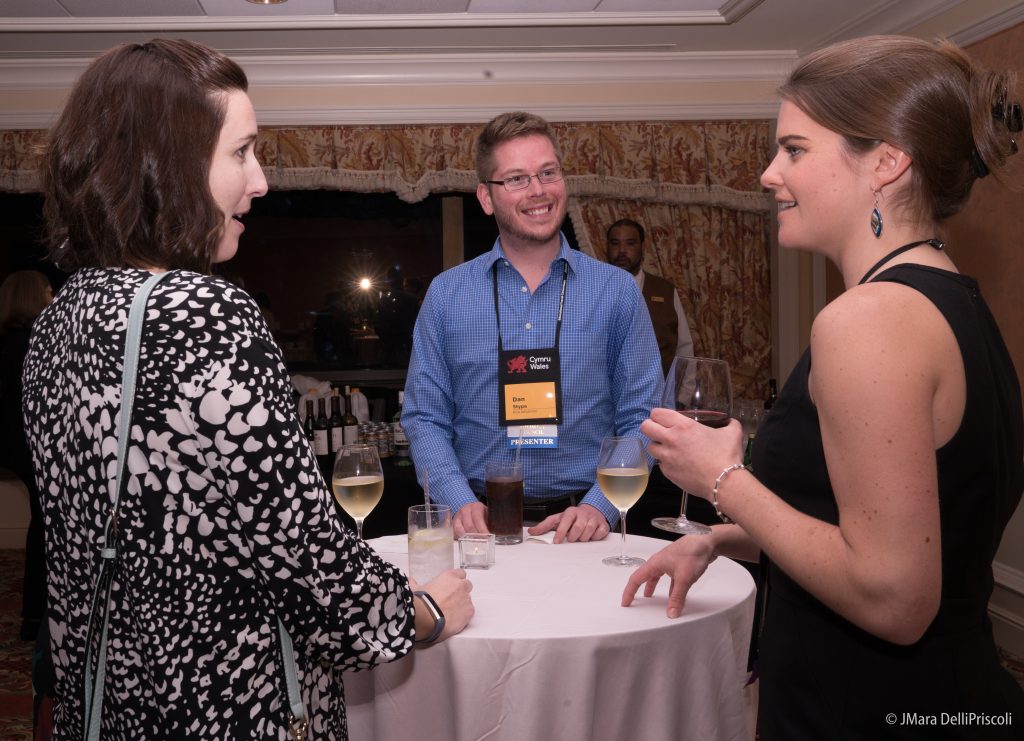
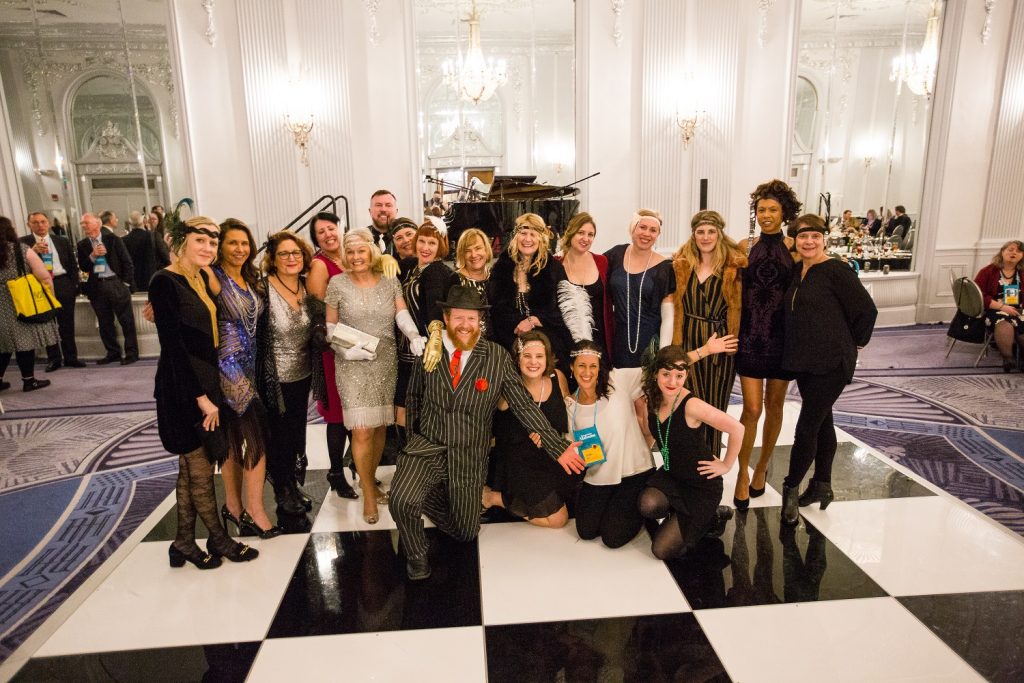


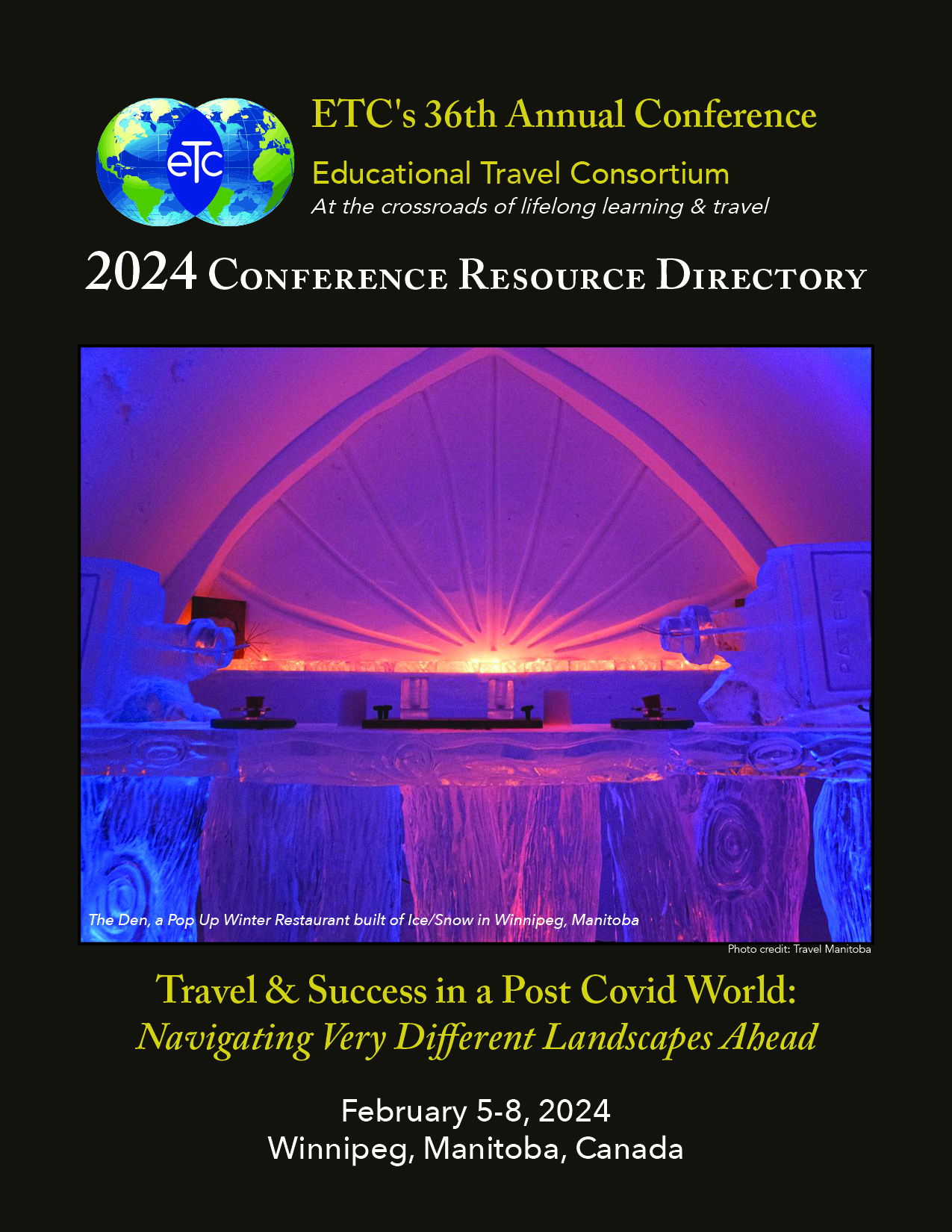

 Visual Storytelling & Photography: Creating Stories-in-Motion
 Patrick Gallagher,
  Cultural Heritage Tourism 2.0: New Research & Updated Market Profiles
 Marketing Models to Increase Traveler Engagement: Practical and to the Point


 Like any intrepid explorer, Mara DelliPriscoli has gone the distance to learn the contours of uncharted territory. From a year abroad traversing the ruins of Ancient Greece to a three-year hiatus blue-water sailing from the Caribbean to South America to finding a home on the range in western Montana—to visiting some 50-plus countries in between—she has traveled a long and winding path filled with adventure, risk, adversity, and reward to bring to life and evolve the Educational Travel Conference and mark its place on the modern map.
 At that point in time the Conference was a “test” run—without a long-term business plan running on sheer determination and passion for a vision unfolding. In 1987, after the first NPTC conference, Mara set sail for the Caribbean— and what she thought would be a temporary hop from Bermuda to the British Virgin Islands. Her “hop” lasted three years. Between thousands of miles sailing and diving, brushes with Venezuelan pirates and uprisings, she focused on enhancing and expanding the Nonprofits in Travel Conference from the s/v Mandorla.

 She adds: “It is the countless core of volunteer colleagues— participants in the Regional Roundtables…colleagues ‘giving back’ by teaching Jumpstart for the past 22 years…veteran ETC members leading the Executive Forum… delegates developing and leading sessions annually at the ETC… valued sponsors helping to deliver a quality educational platform, fun networking venues, and a growing online communications platform… the strategic counseling of the Executive Advisory and Emeritus Council members, and so many others—who have all tirelessly and heartfully contributed to the face of ETC today.” These are the leaders who Mara believes will set the pace for the next 25 years.